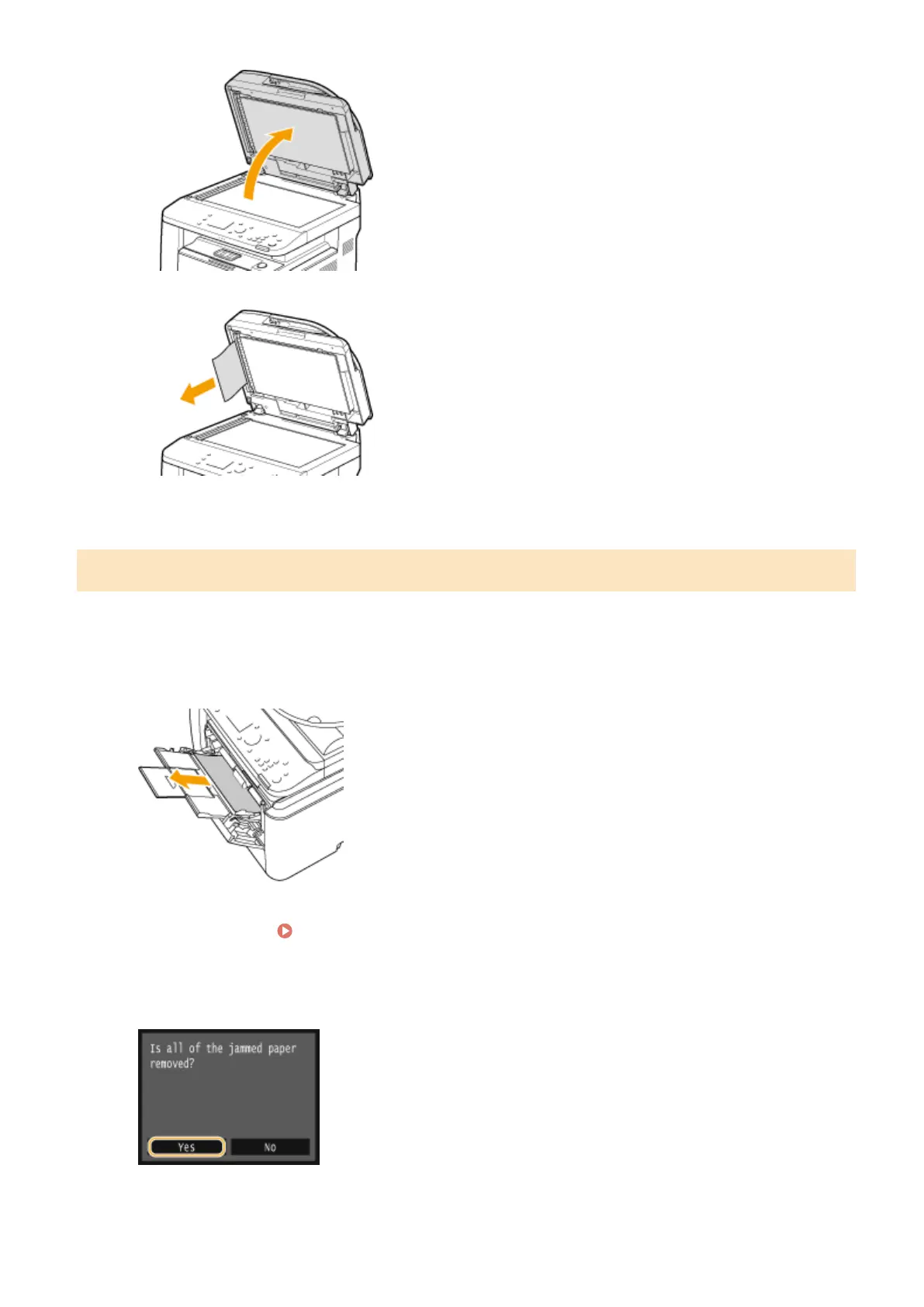
2
Gently pull out the document.
3
Gently close the feeder.
Paper Jams in the Multi-Purpose Tray
If there is paper loaded in the tray, remove it rst. If the jammed paper cannot be removed easily, do not forcibly pull it
out, but follow the procedure for a different paper jam location indicated by the message.
1
Gently pull out the paper.
2
Load the paper. Loading Paper in the Multi-Purpose Tray(P. 58)
3
When the following message is displayed, tap <Yes>.
Troubleshooting
726











 To Next Page