Special Printing Mode V(P. 703)
● Printing speed becomes slower when you select stronger improvement.
Are you using appropriate paper?
● Check usable paper, and replace with appropriate paper. Also, specify the paper size and type settings
properly.
Paper(P. 858)
Loading Paper(P. 51)
Specifying Paper Size and Type(P. 67)
Are you outputting printed paper to the output tray?
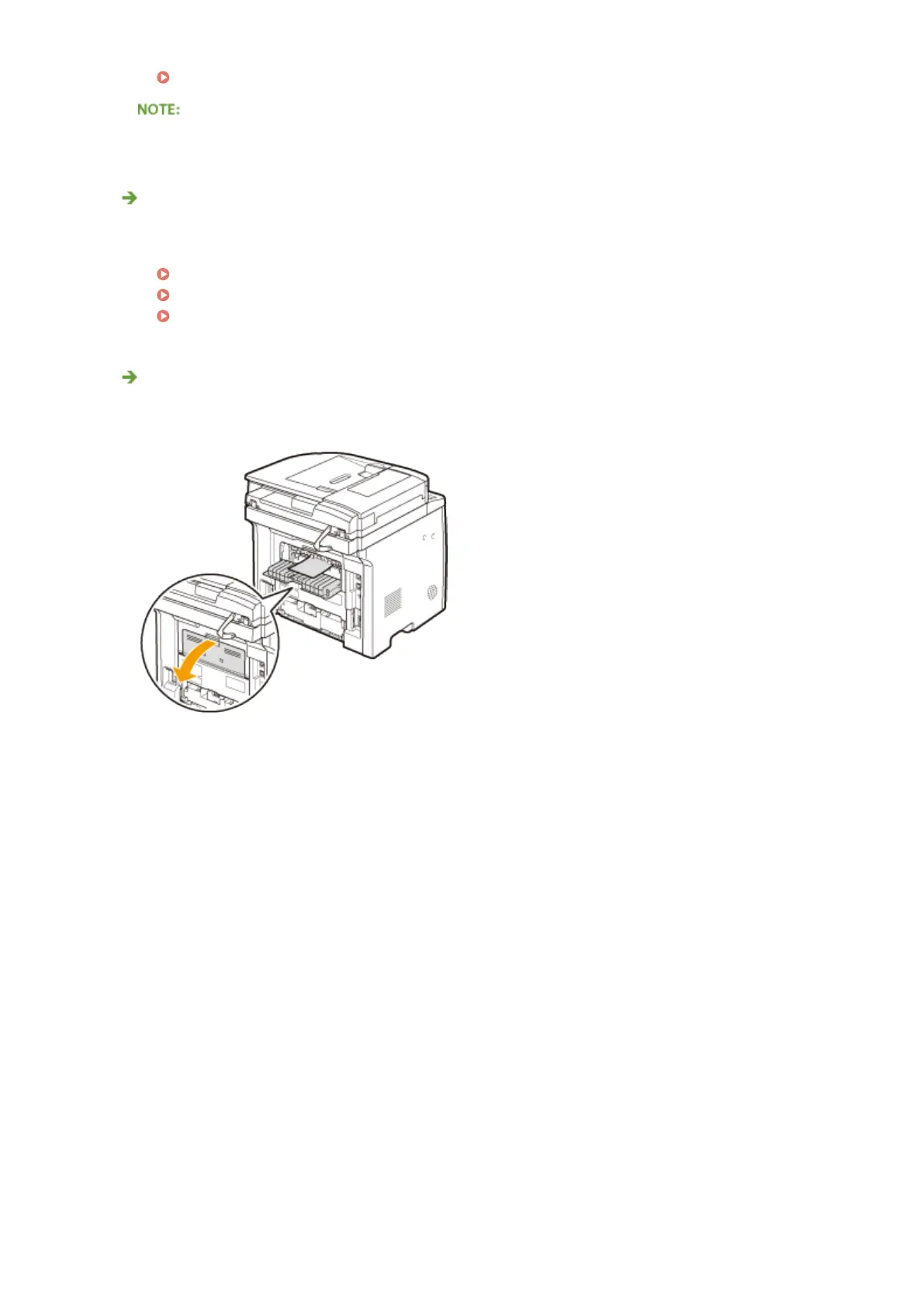
● If envelopes or other type paper are curled, output printed paper to the sub-output tray on the back side
of the machine.
Troubleshooting
778











 To Next Page