115
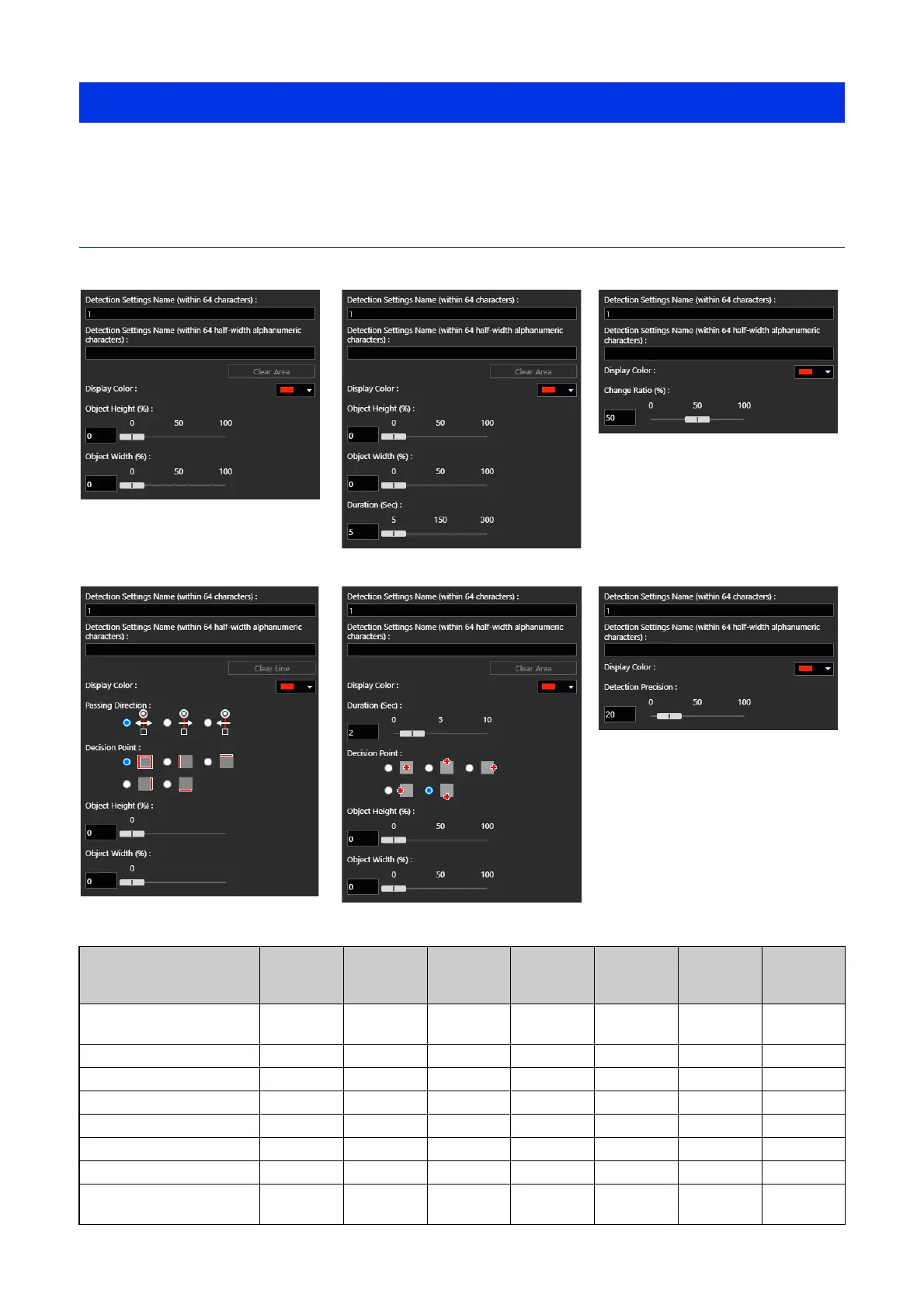
In [Detection Settings], detection conditions of each detection and action at detection are set.
[Detection Conditions]
The items that can be set vary depending on detection type.
[Detection] > [Intelligent Function] - Detection Settings -
Moving
Object
Detection
Abandoned
Object
Detection
Removed
Object
Detection
Camera
Tampering
Detection
Passing
Detection
Intrusion
Detection
Face
Detection
Detection Settings Name
(within 64 characters)
Detection Area
Detection Line
Display Color
Passing Direction
Duration (Sec)
Decision Point
Object Height (%)
Object Width (%)
Moving Object Detection Abandoned Object Detection/Removed
Object Detection
Camera Tampering Detection
Passing Detection Intrusion Detection Face Detection



 To Next Page