73
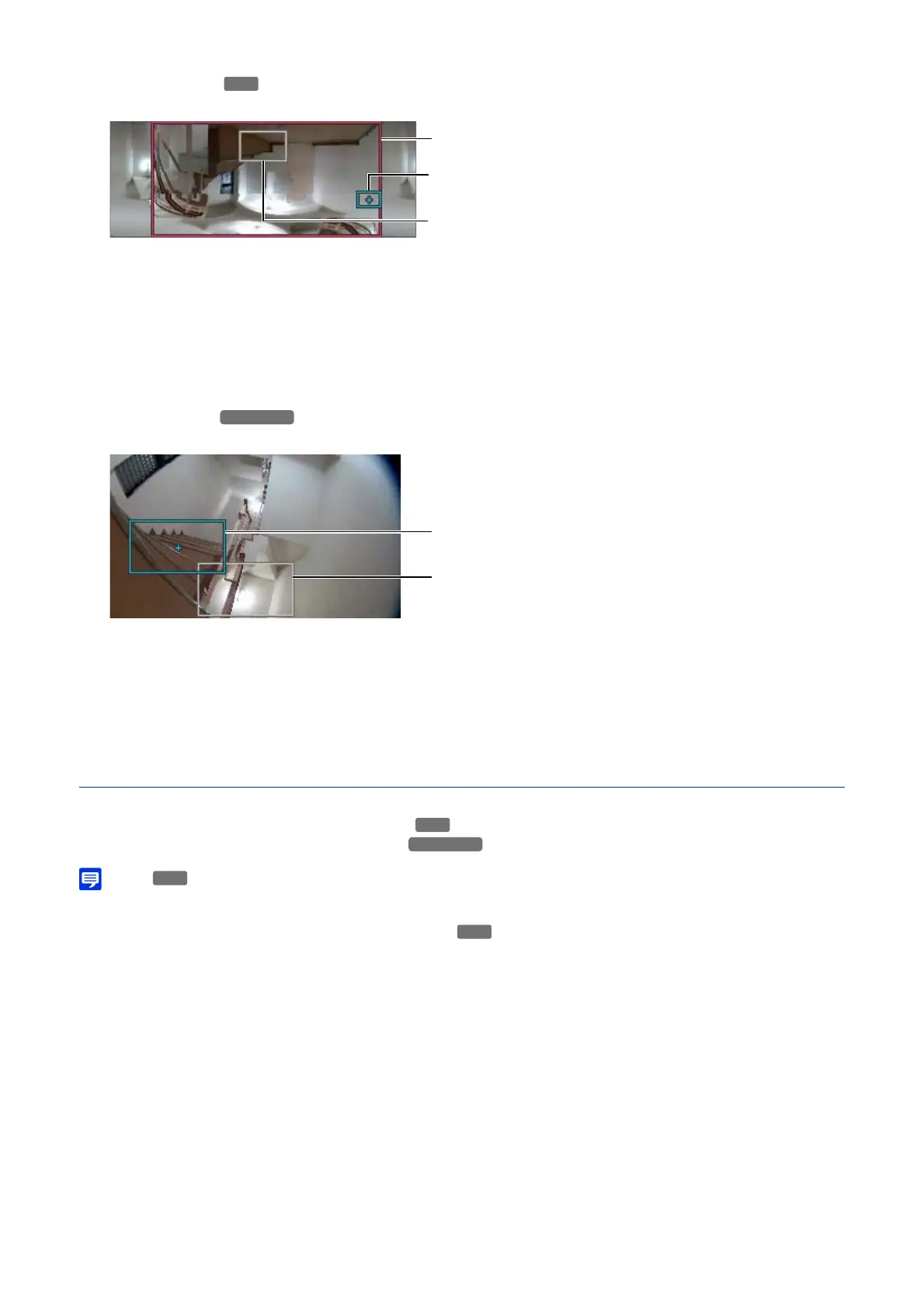
(5) Panorama Screen
Displays the panorama images registered in the camera.
(a) Pan/Tilt Preview Frame (Red Frame)
Displays the vertical and horizontal range the camera can move. Displayed when the view restriction is set
(P. 85).
(b) Preview Frame (Blue Frame)
Indicates the current camera angle in the video display area.
(c) Preset Preview Frame (White Frame)
Indicates the preset/home position that is currently selected.
(6) Digital PTZ Panel
Displays the full video obtained by the camera when starting [Preset Tour].
(b) Preview Frame (Blue Frame)
Indicates the currently cropped area in the video display area.
(c) Preset Preview Frame (White Frame)
Indicates the preset/home position that is currently selected.
Tour Route Settings
The number of tour routes that can be registered and the number of presets that can be toured per route are as follows.
• Maximum 5 routes, maximum 64 presets per route
• Maximum 1 route, maximum 20 presets per route
• If there are conflicts of conditions or active time of the registered tour routes, the routes listed higher in the [Route List] take precedence.
[Conditions to Enable Settings]
Select the conditions to perform a preset tour.
[Disable]
Preset tour is not performed.
[Viewers Connected]
Preset tour is performed when a Viewer is connected to the camera.
[Always]
Preset tour is always performed.
HM4x
S820D/S920F
1
Select the tour route to configure from [Route List].
2
Configure settings for tour route name and operations.



 To Next Page