27
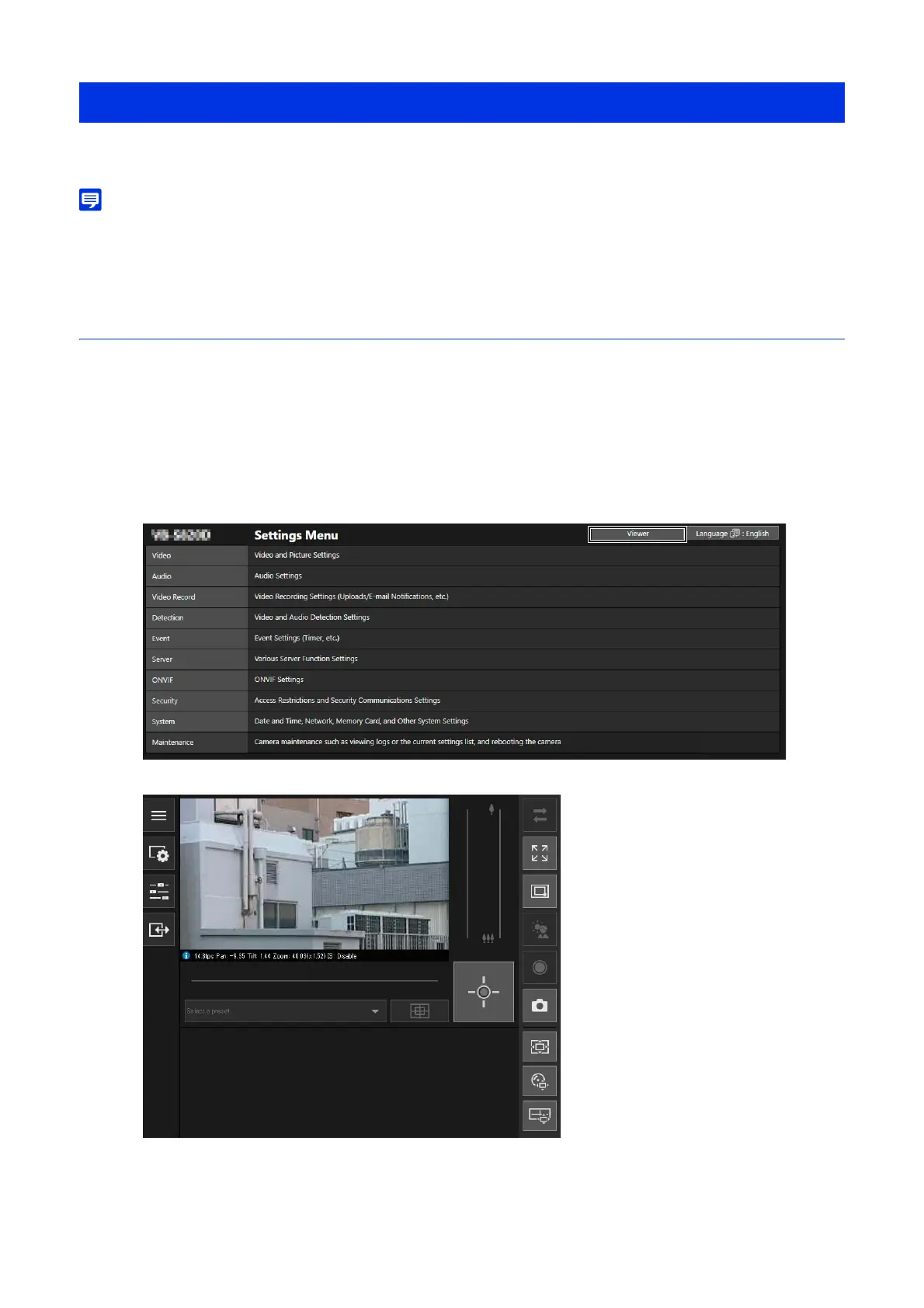
Start the Camera Viewer to switch users and/or check/configure the camera status and the video display.
• If opening another window or tab to access the camera while an authenticated web page is displayed, the authentication information of
the displayed web page may be discarded.
In this case, enter the authentication information again.
Launching the Camera Viewer
Starting the Camera Viewer from the Settings Page
An administrator can start the Camera Viewer from the Settings page.
The Camera Viewer is displayed.
Viewing Video with the Camera Viewer
1
Open the Settings page (P. 53).
2
Click [Viewer].



 To Next Page