129
[Volume]
Enter the volume for the sound clip.
Linked Event Operation Examples
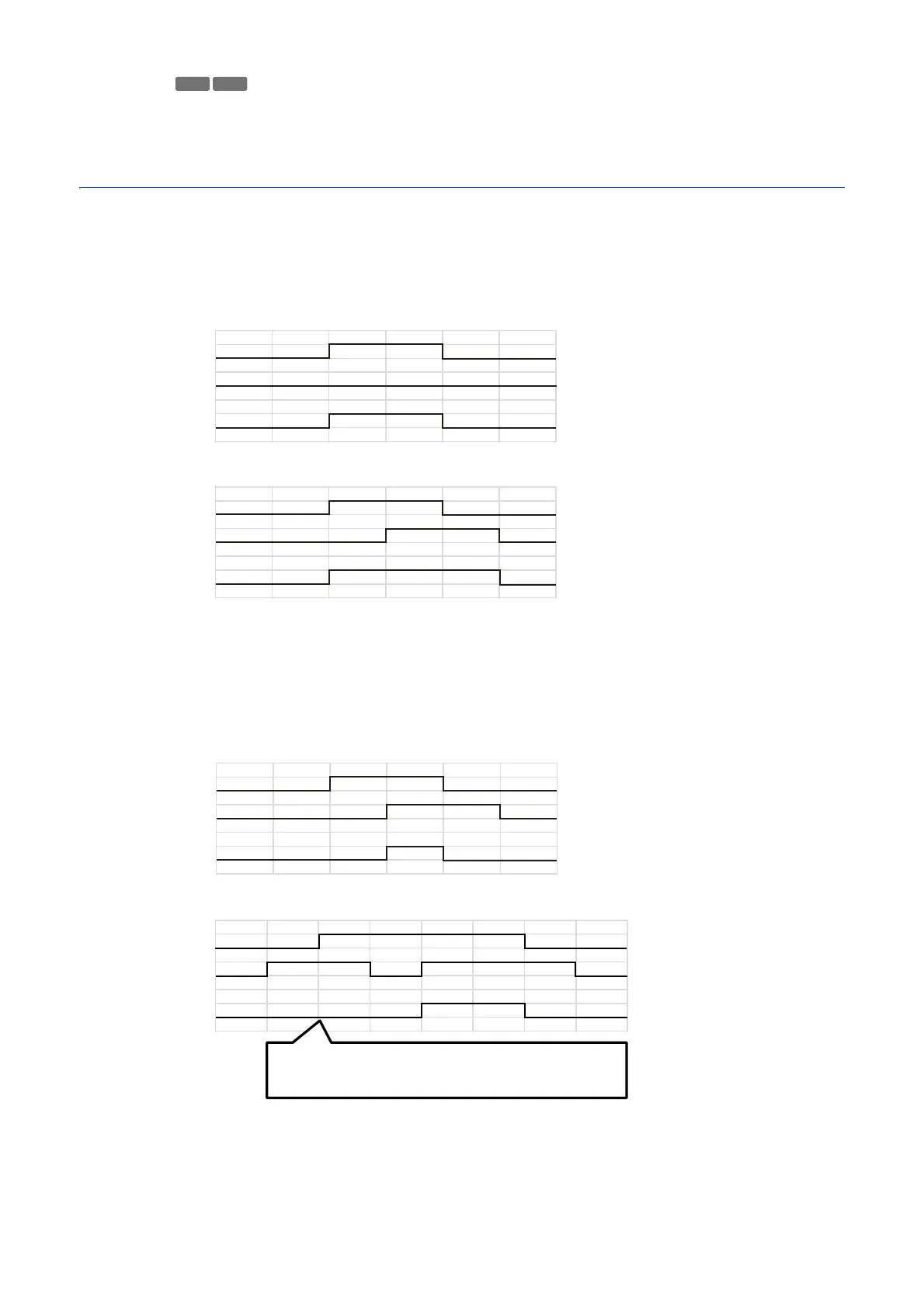
This shows linked event status examples according to the ON/OFF combinations for Event 1 and Event 2.
In the examples below, [Event Gap] is four seconds and each cell in the figures below represents one second.
[Event Linking Method] Set to [OR]
Only One Event ON
Both Events ON
[Event Linking Method] is Set to [AND], [Event Order] is Specified
This shows examples when [Event Order] is set to [Event 1 -> 2].
When [Event Order] is set to [None] and [Event Linking Method] is set to [AND], linked events will be as in the
examples, even if Event 1 and Event 2 are switched.
When Events Occur in Order 1 -> 2
When Events Occur in Order 2 -> 1 -> 2
S32VE
ON
Event 1
Event 2
Linked Event
OFF
ON
OFF
ON
OFF
ON
Event 1
Event 2
Linked Event
OFF
ON
OFF
ON
OFF
ON
Event 1
Event 2
Linked Event
OFF
ON
OFF
ON
OFF
ON
Event 1
Event 2
OFF
ON
OFF
ON
OFF
Both events are ON, but not in the right order. Therefore, a
linked event does not occur here.
Linked Event



 To Next Page