20
Install the necessary software.
Necessary Software
The following software is needed:
• Camera Management Tool
• Recorded Video Utility
Installation
Installation Methods
The software can be installed by [Easy Installation] that enables batch installation, or by [Custom Installation] that
allows users to select the software.
Installing Software
The installation screen is displayed.
• If the [User Account Control] screen is displayed, click [Yes] or [Continue].
Select [Easy Installation] to install all the included software (Camera Management Tool and Recorded Video
Utility).
Select [Custom Installation] to install software individually by selecting which software to be installed and how it is
installed.
The Camera Management Tool icon and Recorded Video Utility icon will be displayed on the desktop.
Installing Software
1
Confirm that all other applications have been closed.
2
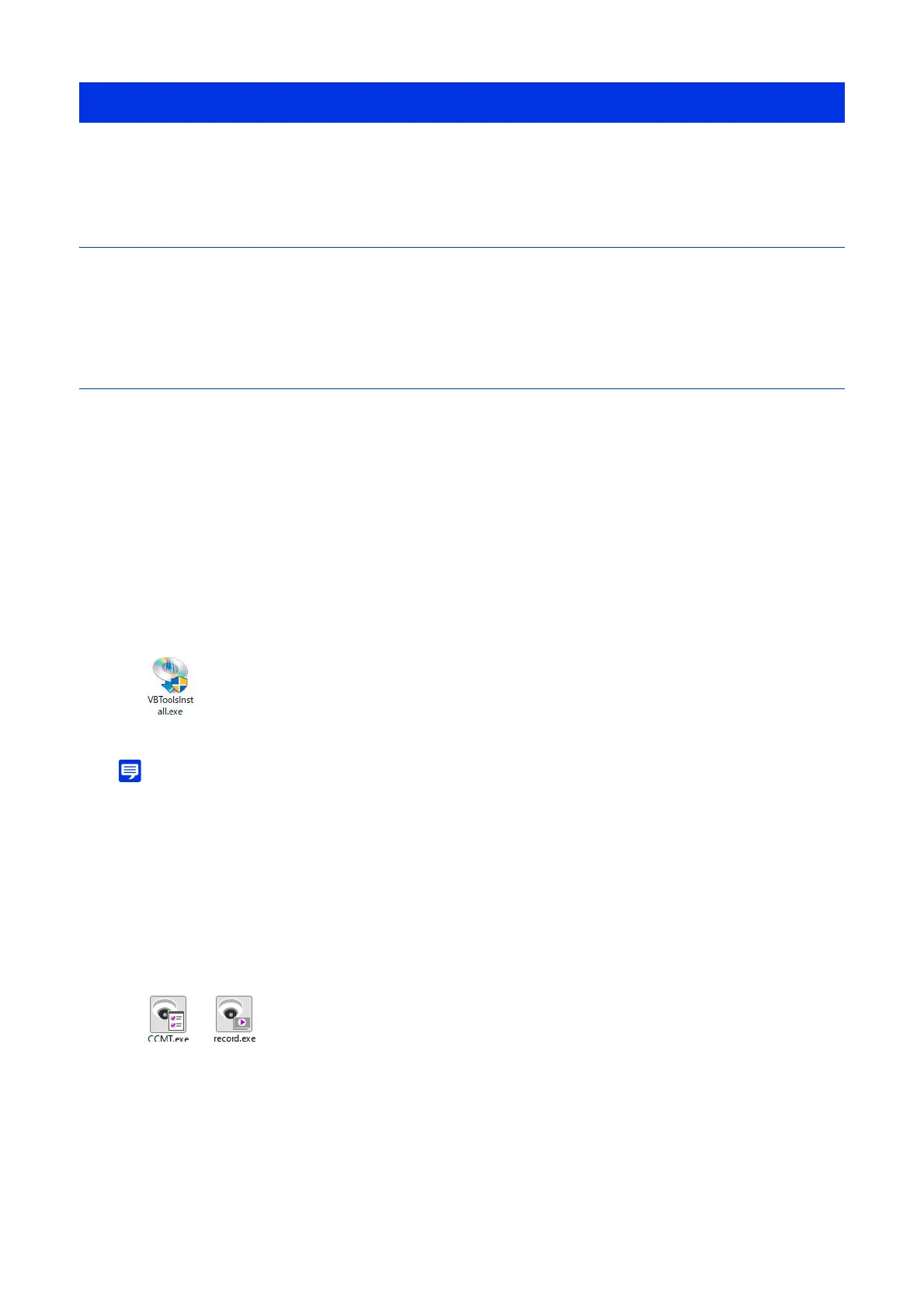
Double-click [VBToolsInstall.exe].
3
Select the installation method.
4
Follow the on-screen instructions, then click [Exit] or [Reboot] on the Installation Complete screen.



 To Next Page