117
• It is not possible to set dented polygons (polygons with vertices with interior angles greater than 180 degrees) or overlapping
edges as regions.
Line Setting
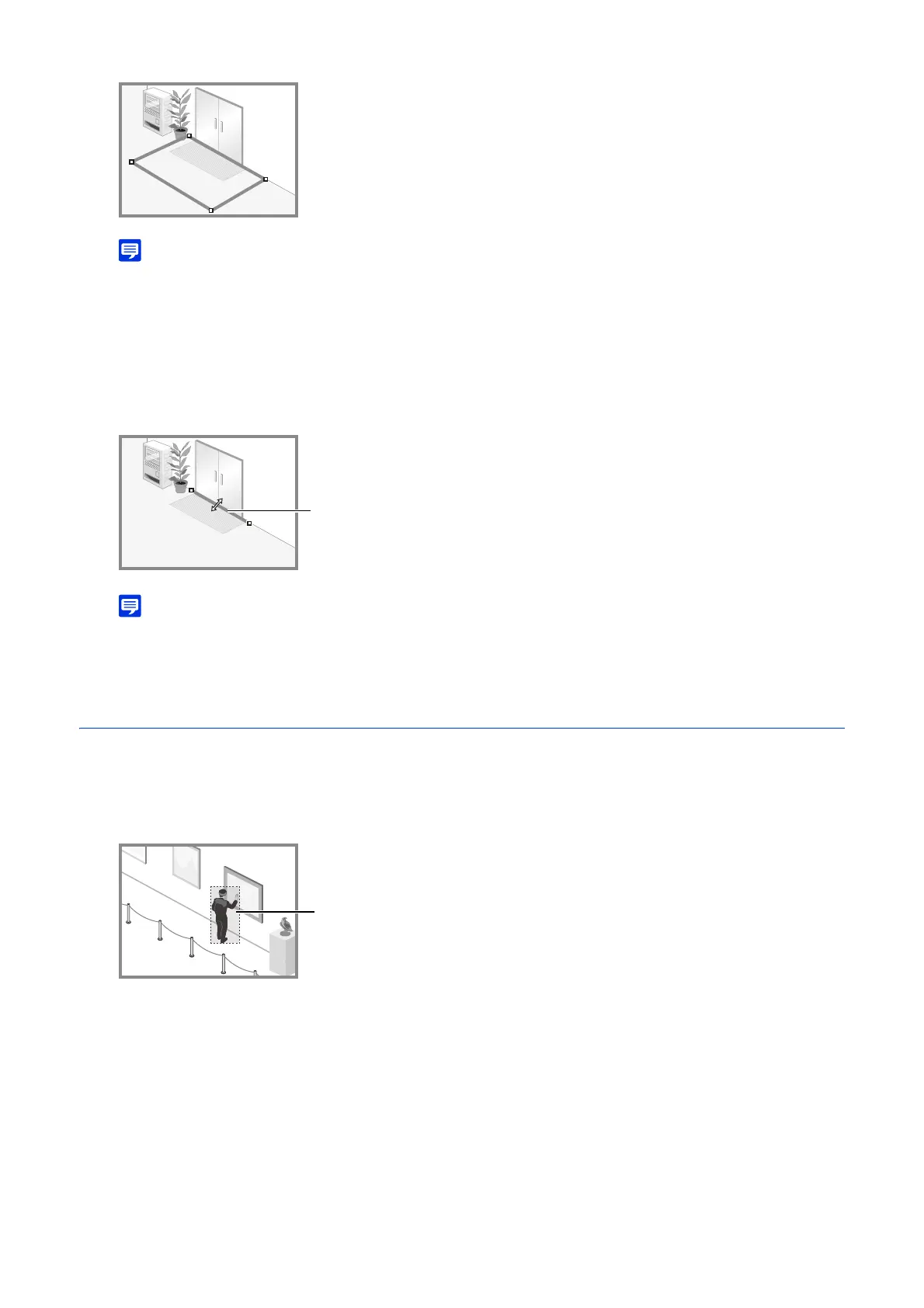
The line that detects passing is set between the points by clicking the starting point in the video display area and
then clicking another point.
Click [Clear Line] to delete a detection line that was set.
• Even after configuring a detection line, it is possible to drag each vertex to change the length or direction of the detection line or
the line between vertices to move the entire detection line.
Displaying Detection Status
Able to check the detection status on the screen. This section describes how to display the detection status screen for each
detection type.
Moving Object Detection
All moving objects detected are displayed with detection frames. If they do not meet the [Object Height (%)] and
[Object Width (%)] conditions, detection frames are displayed as dotted white line, and if they do, detection frames
are displayed with the same color as the detected area, indicating a “detected” state.



 To Next Page