61
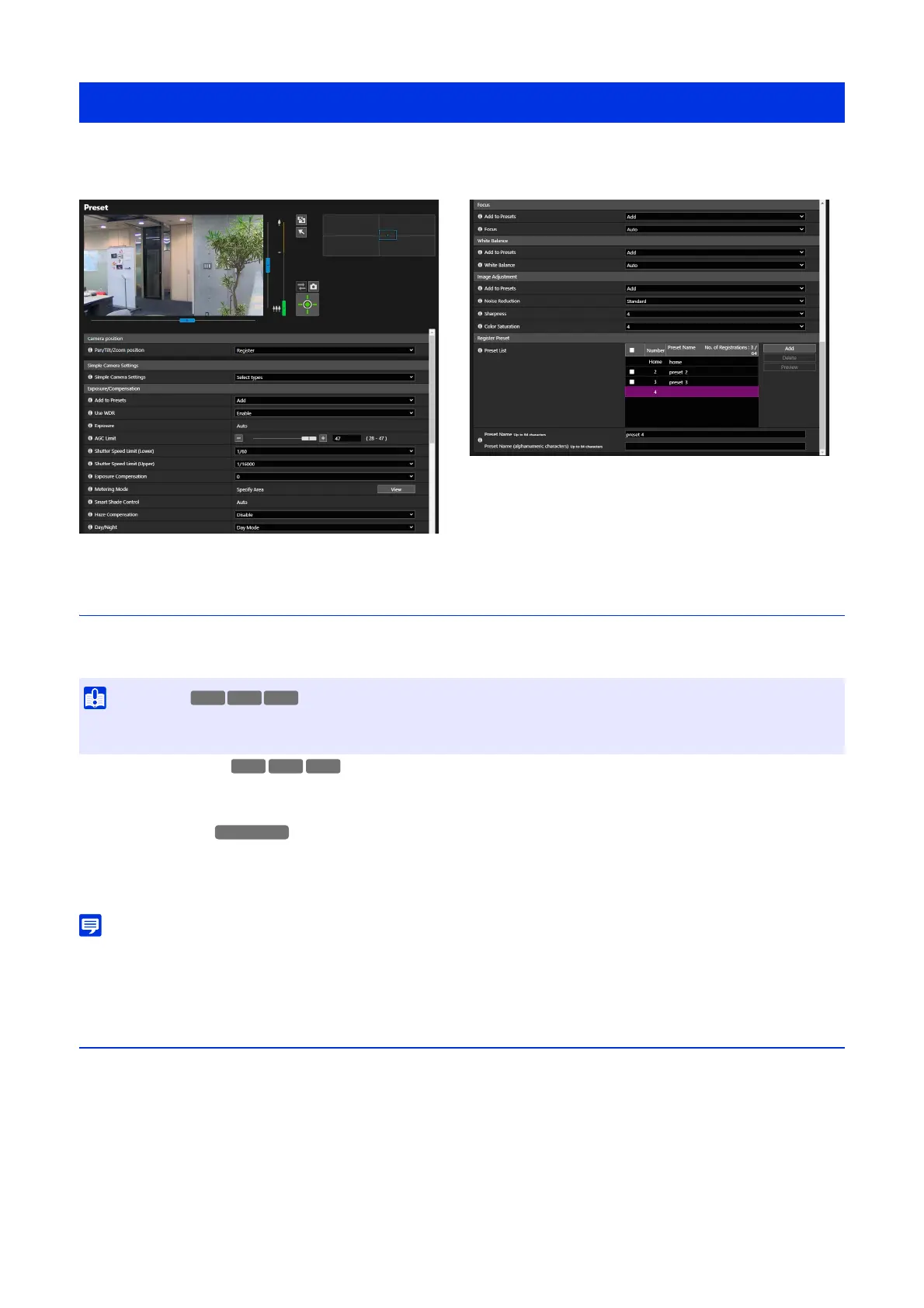
By registering the camera angle or exposure as home position or preset, it will be possible to easily call out the settings
from the Viewer, etc.
Camera Position
Setting the camera position to be registered as the preset.
[Pan/Tilt/Zoom position]
Register the current pan, tilt, and zoom positions as the preset. It is possible to perform pan, tilt, and zoom operations by
operating the frame on the video display area or the panorama screen.
[Digital PTZ Position]
Register the current digital PTZ position as the preset.
By selecting [Register], a yellow frame is displayed in the video display area. Operate the frame to specify the Digital PTZ
cropping position for the preset.
• The digital PTZ frame (yellow) for cropping at the preset is set in incremental sizes. The sizes that can be set are the same as the [Digital
PTZ] of the Viewer (P. 44).
Simple Camera Settings
Sets the camera settings to be registered as the preset.
[Simple Camera Settings]
Recommended values for each item of [Exposure/Compensation] and [Image Adjustment] are displayed at the same time
according to the selected type (The table below shows the items and values for which the recommended values change).
When necessary, it is possible to change the recommended value for each item and click [Apply] to reflect it.
[Video] > [Preset]
• If zooming position is changed after configuring the intelligent function, privacy mask, preset, and ADSR, these settings must be
configured again.
HM4x
HM4x
S32VE S32D



 To Next Page