35
This section describes the operations and settings required for using the camera, such as obtaining camera control
privileges, setting the angle and focus.
Obtaining Camera Control Privileges
To operate the camera, it is necessary to obtain control privileges from the Viewer.
In the status the user has not yet obtained camera control privileges, click the [Obtain/Release Camera Control
Privileges] button.
Control privileges are obtained and will enable the use of each button on the Viewer.
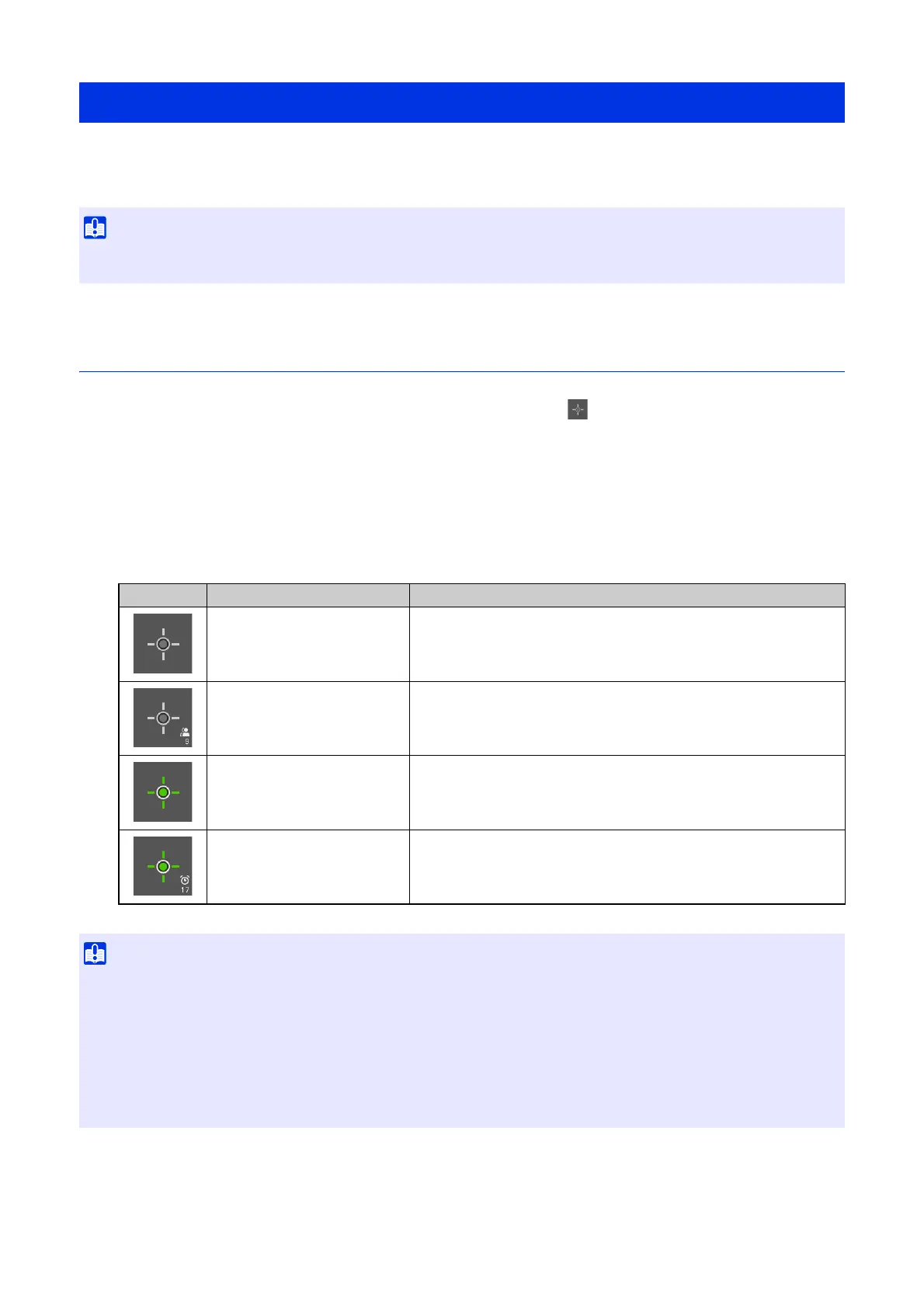
Camera Control Privilege Status Indicator
Depending on the camera control privilege status, the [Obtain/Release Camera Control Privileges] button
appearance changes as follows.
Operating the Camera
• For the operation or settings of the camera described in this section, camera control or higher privileges are required. Also, it is
necessary to obtain the camera control privileges, which is explained first.
Appearance Control Privilege Status Explanation
Control privileges not obtained Camera control privileges have not been obtained.
Waiting for control privileges
When a guest user is waiting to obtain camera control privileges, the
remaining time is counted down.
Control privileges obtained Camera control privileges have been obtained.
Control privileges obtained
(remaining control time)
After a guest user has obtained camera control privileges, the time
that the user can retain control privileges in priority over other guest
users is counted down.
• Multiple users cannot obtain control privileges simultaneously.
• The [Obtain/Release Camera Control Privileges] button is displayed for authorized users and guest users if [Camera Control] is selected
in [System] > [User Management] > [User Authority] on the Settings page.
• Administrators can take away camera control privileges from authorized users or guest users. Authorized users can also take away
camera control privileges from guest users.
A user with higher privileges can possess the camera control privileges, during which time a user with lower privileges cannot obtain
camera control privileges. Once finished viewing, the user should always exit the Viewer or click the [Obtain/Release Camera Control
Privileges] button to release the control privileges.



 To Next Page