137
Information about creating and managing certificates.
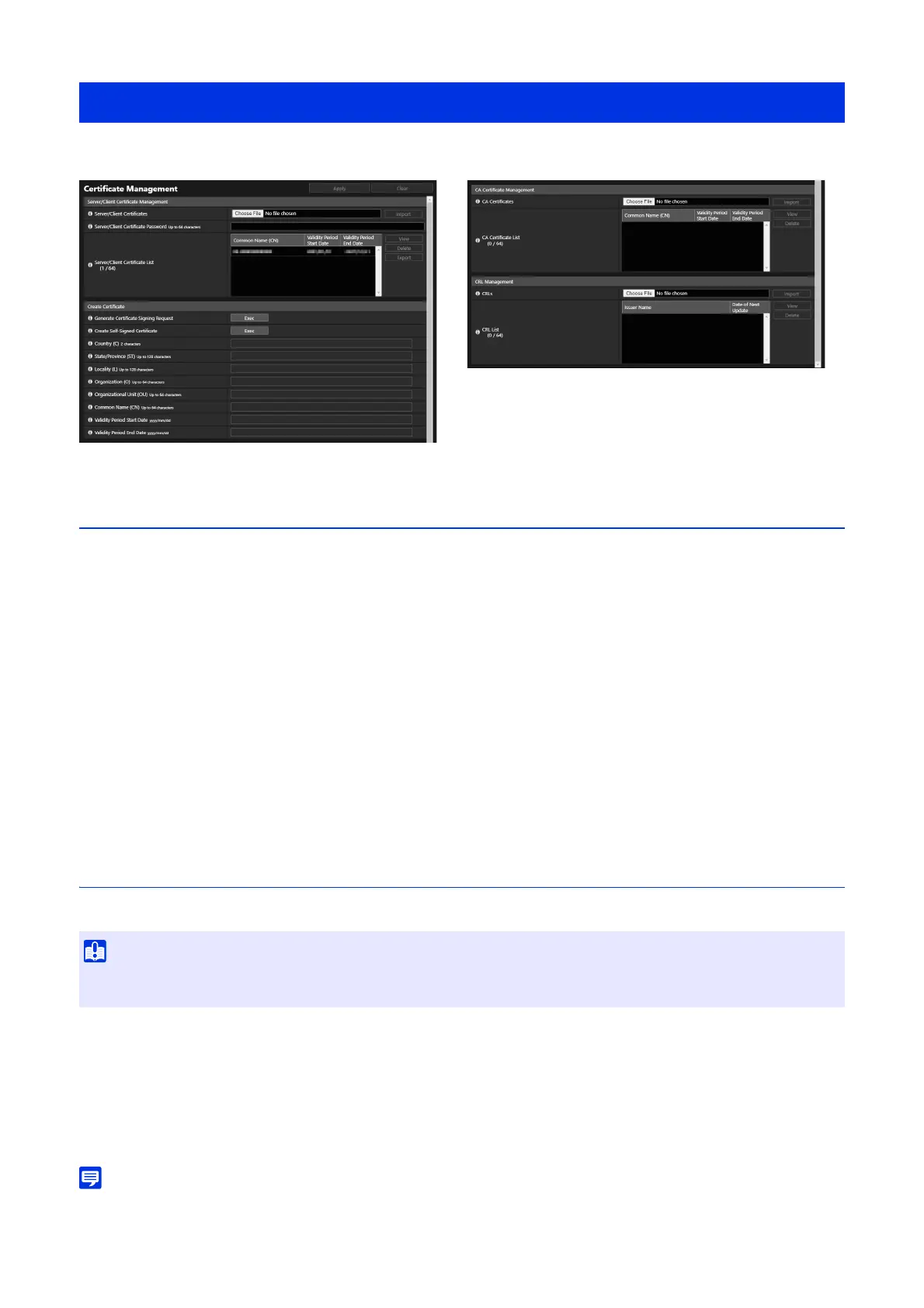
Server/Client Certificate Management
Manages the server/client certificates.
[Server/Client Certificates]
Imports the certificates.
Click [Choose File] and specify the certificate file to be imported, and then click [Import].
[Server/Client Certificate Password]
Set the password to use when importing and exporting the certificate.
[Server/Client Certificate List]
Here is the server/client certificate list for the installed cameras. Certificate’s validity is displayed in GMT (Greenwich Mean
Time).
After selecting a certificate, click either [View], [Delete], or [Export] to perform the following operation.
– [View]: View certificate information
– [Delete]: Delete certificate from the list
– [Export]: Export certificate information
Create Certificate
Create server certificates.
[Generate Certificate Signing Request]
Click [Exec] to create a server private key and generate a certificate signing request.
Once processed, the certificate signing request will be displayed in a separate window.
[Create Self-Signed Certificate]
Enter the following items, click [Apply], and click [Exec] to create a self-signed certificate.
The certificate created will take effect after rebooting.
• Since it takes time to generate certificate signing requests or certificates, it is recommended to stop the video distribution processes, or
uploading etc.
[Security] > [Certificate Management]
• It is advised to use self-signed certificate for such as operation tests that do not require full security. It is recommended to acquire and
install a server certificate issued from CA for a full-scale system operation.



 To Next Page