153
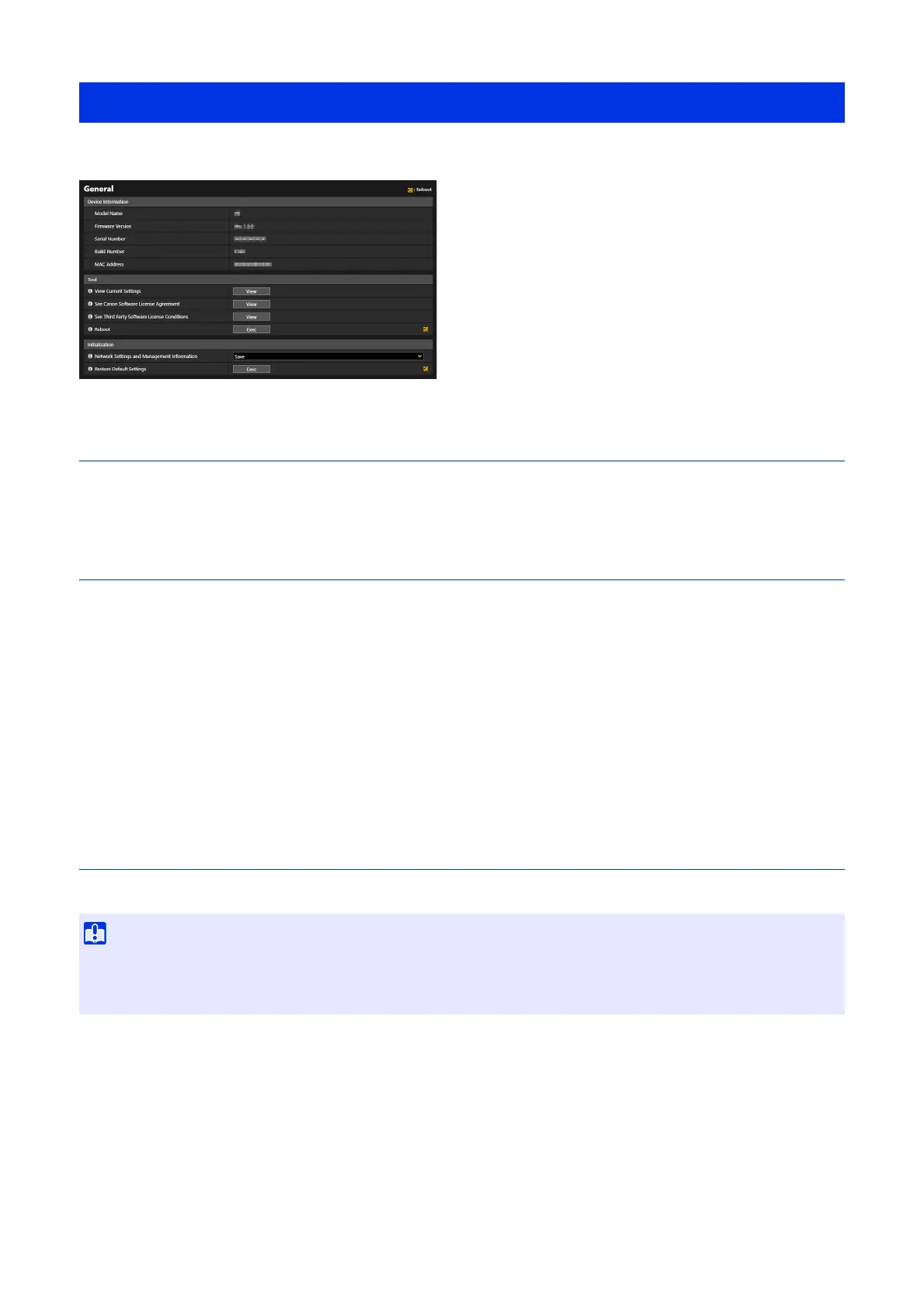
Check camera information, such as the firmware version, and perform maintenance on the camera system.
Device Information
[Model Name], [Firmware Version], [Serial Number], [Build Number] and [MAC Address]
Displays information about the camera.
Tool
Displays the camera settings and licenses and reboots the camera.
[View Current Settings]
Display list of current settings on the Settings page.
[See Canon Software License Agreement]
Display list of the license agreements for software products.
[See Third Party Software License Conditions]
Display information on the third-party software licenses.
[Reboot]
Reboot the camera.
Initialization
Initialize the camera.
[Network Settings and Management Information]
If this is set to [Save], the following settings are retained when initializing.
•HTTP Server
• Certificates
•SSL/TLS
• Administrator Name
• Administrator Password
• Host Access Restrictions
• NTP Server
[Maintenance] > [General]
• Do not turn off the camera while [Restore Default Settings] is in operation. Turning off the camera at this stage may result in disabling
its ability to start correctly.
• Once [OK] is clicked, it is not possible to stop the process of restoring the default settings.



 To Next Page