46
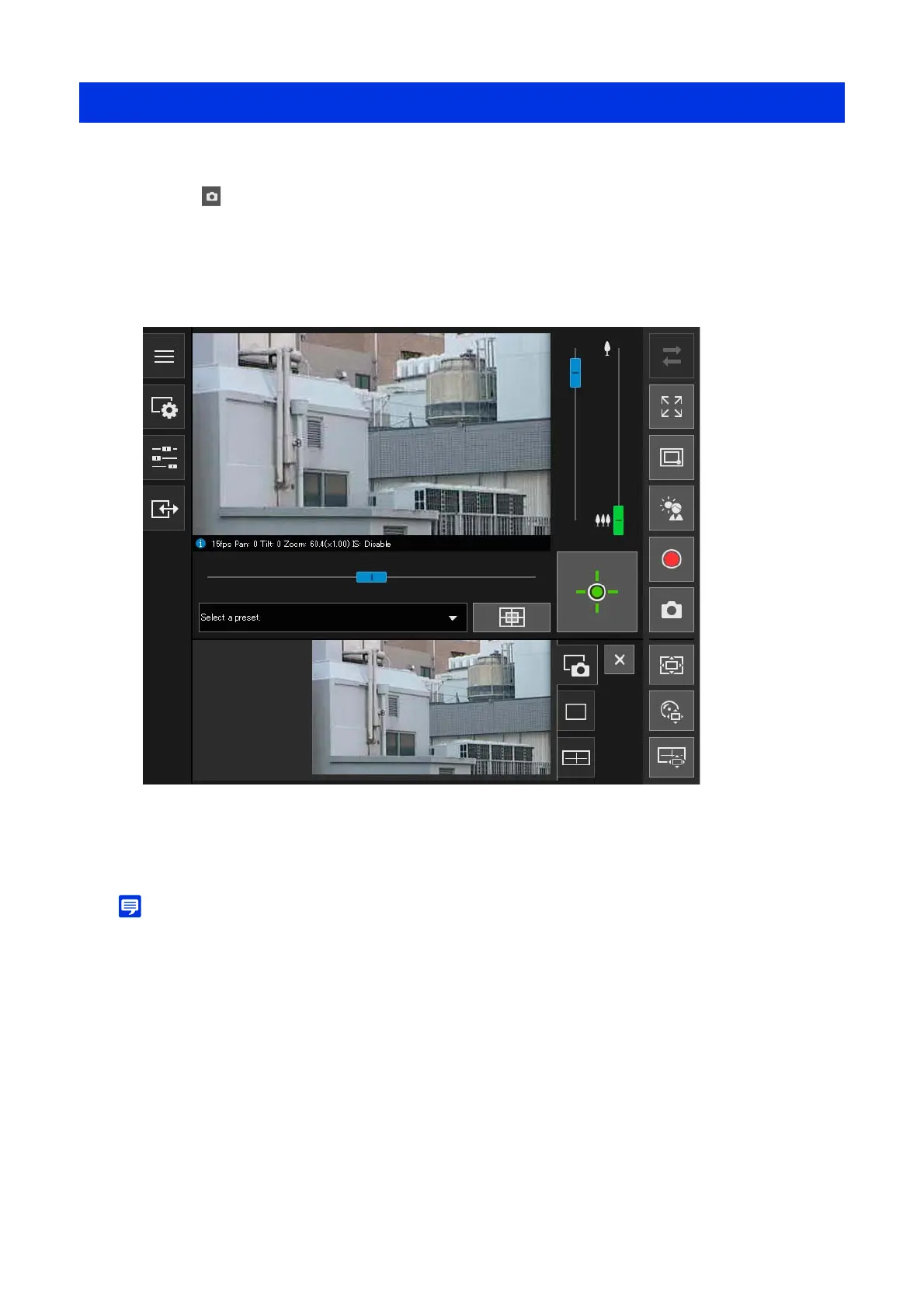
Takes snapshots while checking the video in the video display area.
The snapshot panel is opened in the control display area and the still image from the instant that the button was
clicked is displayed.
If the [Snapshot] button is clicked again, the image displayed in the Snapshot panel will be updated.
• Saving format for the snapshots will depend on the web browser used.
• The size of the saved snapshots are the same as the reception video size.
Saving Snapshots
1
Click the [Snapshot] button at the moment wanting to capture a still image.
2
To save the snapshot, right-click on the Snapshot panel.
3
Click [Save picture as] in the menu that is displayed.
4
Enter the desired file name and save the snapshot.



 To Next Page