24
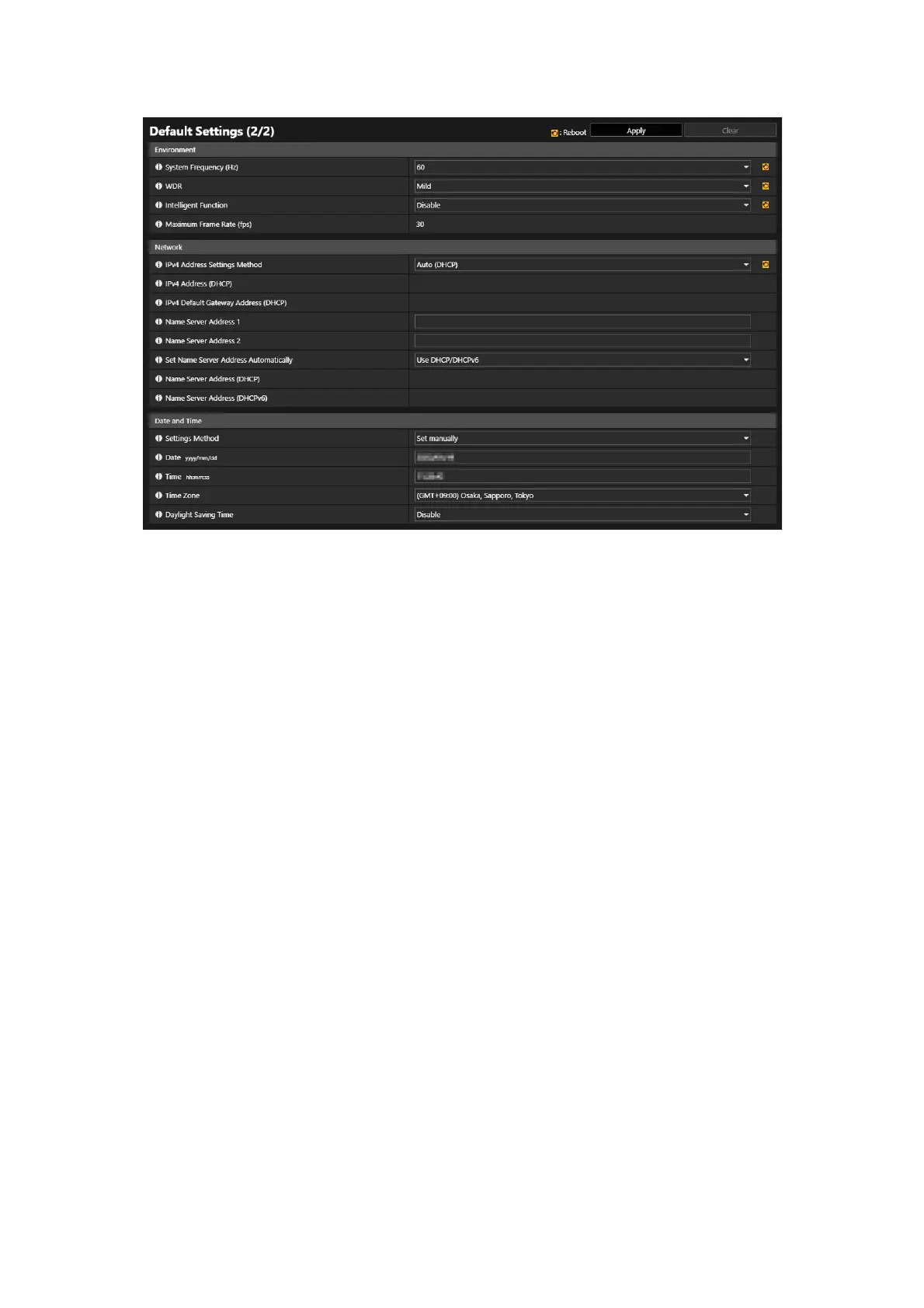
For the details about settings content, refer to the following items of the Settings page:
• [Maintenance] > [Environment] (P. 157)
• [System] > [Network] (P. 150)
• [System] > [Date and Time] (P. 147)
After the camera reboots, the Settings page is displayed and the settings can be configured.
5
Set each item of [Environment], [Network], and [Date and Time], then click [Apply] or [Apply and reboot].



 To Next Page