3-CONTROLSANDINSTRUMENTS
DisplaySwitches
Switchesprovidedforoperator/serviceinput:
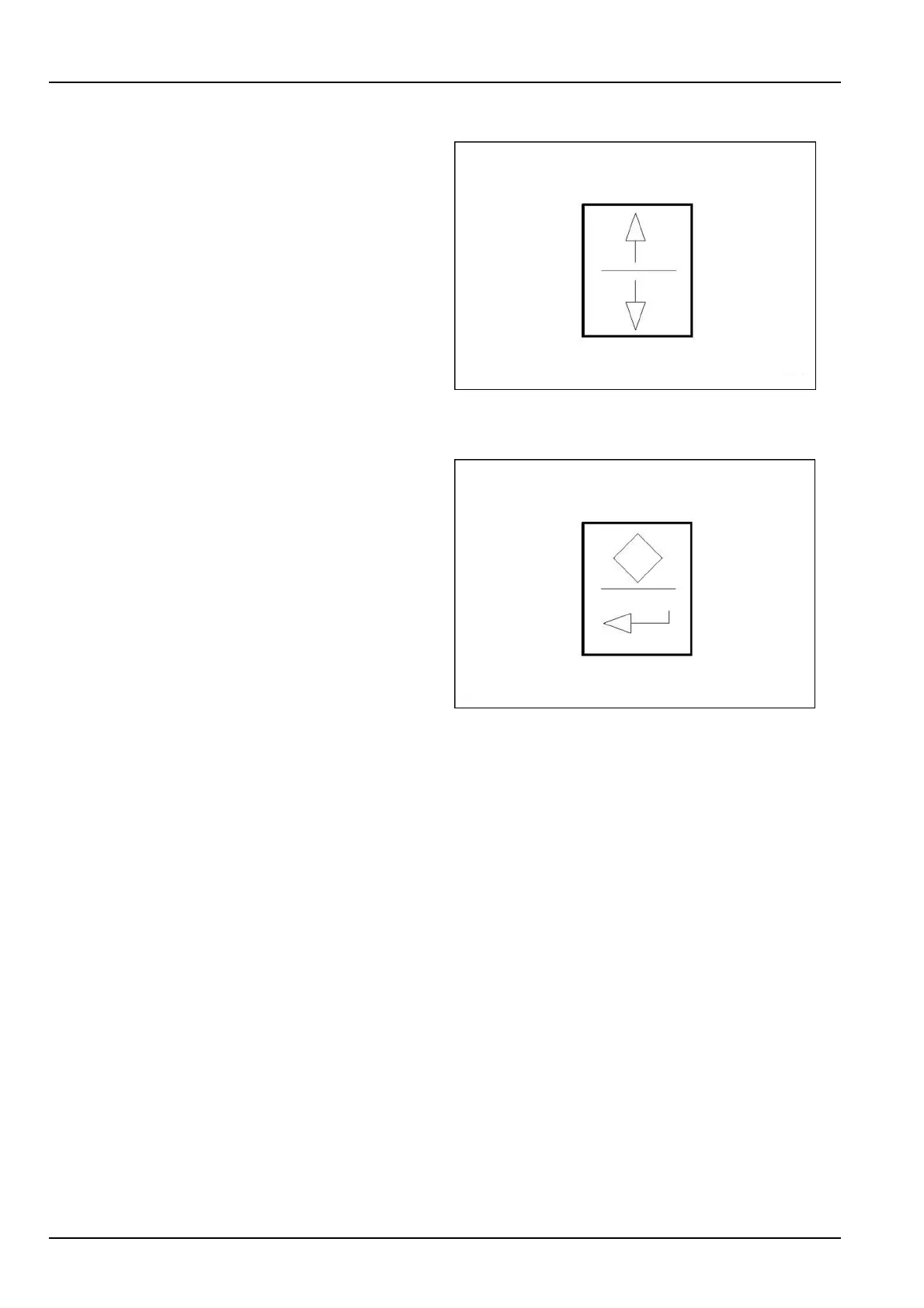
Up/Downswitch
UsethisUp/Downswitchtoscrollthroughthemenus.
NOTE:PushtheUParrowatstart-uptodisplaytheengine
rpmonthedigitaldisplay.
LEEN11T0035AA1
Displayenterswitch
Usethisswitchtoselectbetweendisplayandservice
menusorenterselections.
Thetopportionoftheswitchisusedtoselectthedisplays.
The90°arrowiconorthebottomportionoftheswitchis
usedtoconrmtheselectedchoices.
LEEN11T0036AA2
Usingthedisplayswitches,youwillbeabletoscroll
throughthefollowing:
•
batteryvoltage
•
backhoeloaderhours
•
setup
Featuresadjustableduringsetup:
•
backlightingdimmingandcontrastcontrol
•
maintenance/serviceintervalcustomization
•
storageoferrorcodes
•
“glowplugs”presence:itispossibletoselectordese-
lectthe“glowplugs”function
•
lowtemperatureidlespeedsetting:whentheengine
coolanttemperatureisbelow10°C(50°F),theunitwill
changefromanormallowidletoalowtemperatureidle
whichcanbeadjustedbetween975-1500RPM.The
defaultsettingis1000RPM
•
highidlespeedsetting(2500RPMmaximum)
3-38



 To Next Page