INSTRUMENTS/CONTROLS
57
RIGHT PAGE
Bur 6-34090EUR
INFORMATION CENTER
BD02B020
Example: Location 072 will display the hours on the machine when the fault code
in location 071 was written. Location 074 will display the hours on the machine
when the fault code in location 073 was written.
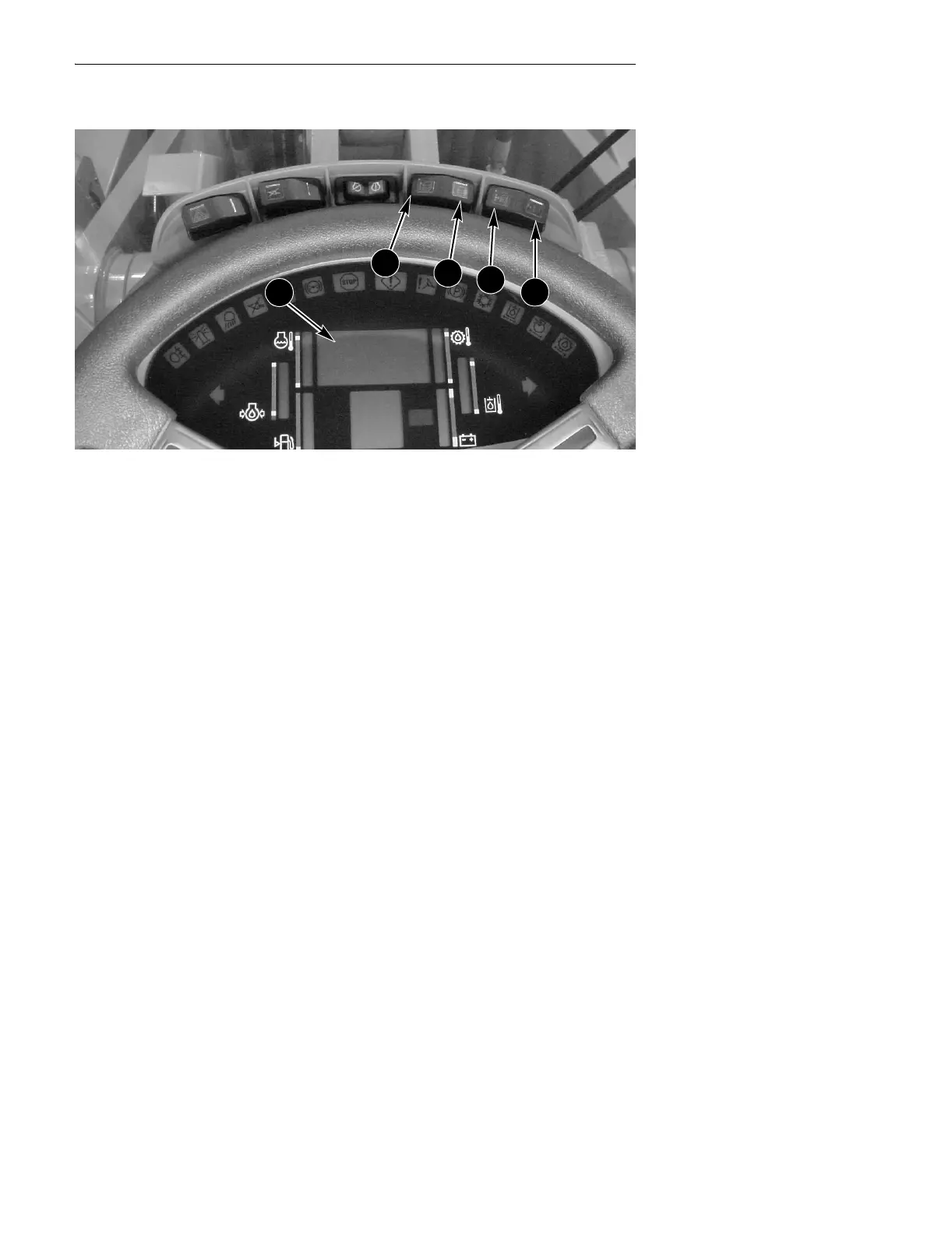
You can monitor a particular location without going into the programming
mode by performing the following procedure:
● Press the program (C) switch.
● Press the up count (A) switch until the location to be monitored is displayed.
● Return the program/reset (C, D) switch to the OFF (center) position.
● Press the program/reset switch again and wait for 5 seconds. The numbers on
the display will change.
● Return the program switch program to the OFF (center) position.
A
B
C
D
1



 To Next Page