INSTRUMENTS/CONTROLS
62
LEFT PAGE
Bur 6-34090EUR
GAUGE DISPLAY
BD02B020
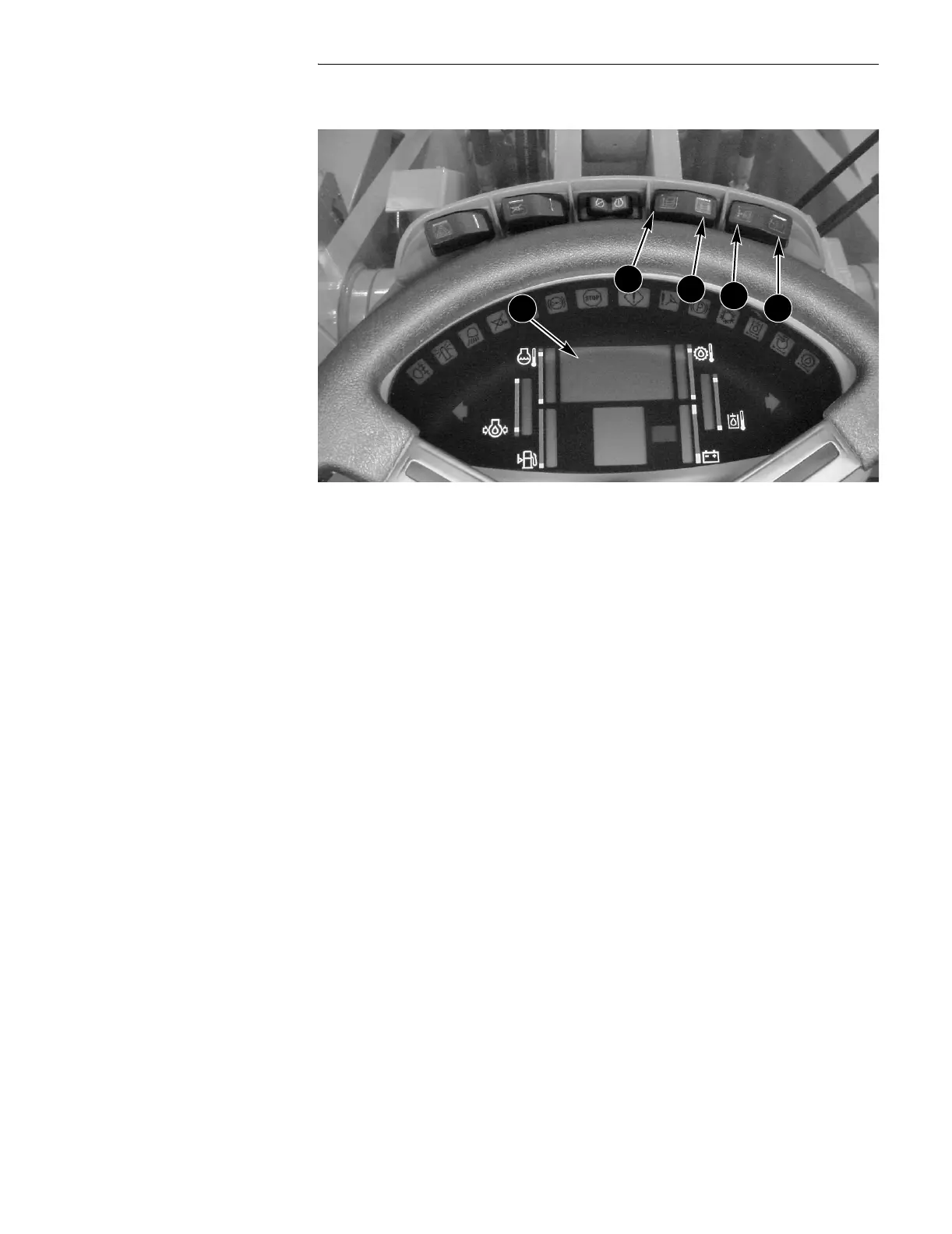
To View a Selected Function On Your Display Center do the following:
● Press the program (C) switch (left side of the program/reset (C, D) switch).
● Press the up count (A) switch until the display reads the function of your choice
(000 - 099).
● Return the program/reset (C, D) switch to OFF (center) position.
You will now see the function you’ve chosen.
Example: Lets say you were interested in seeing the engine oil pressure. You
would do the following:
● Press the program (C) switch (left side of the program/reset switch).
● Press the up count (A) switch until the display reads 005.
● Return the program/reset (C, D) switch to the OFF (center) position.
You will now see the engine oil pressure on your Display Center.
The engine oil pressure bar graph will flash indicating this is the function being
displayed.
A. UP COUNT C. PROGRAM
B. DOWN COUNT D. RESET
A
B
C
D
2



 To Next Page