INSTRUMENTS/CONTROLS
64
LEFT PAGE
Bur 6-34090EUR
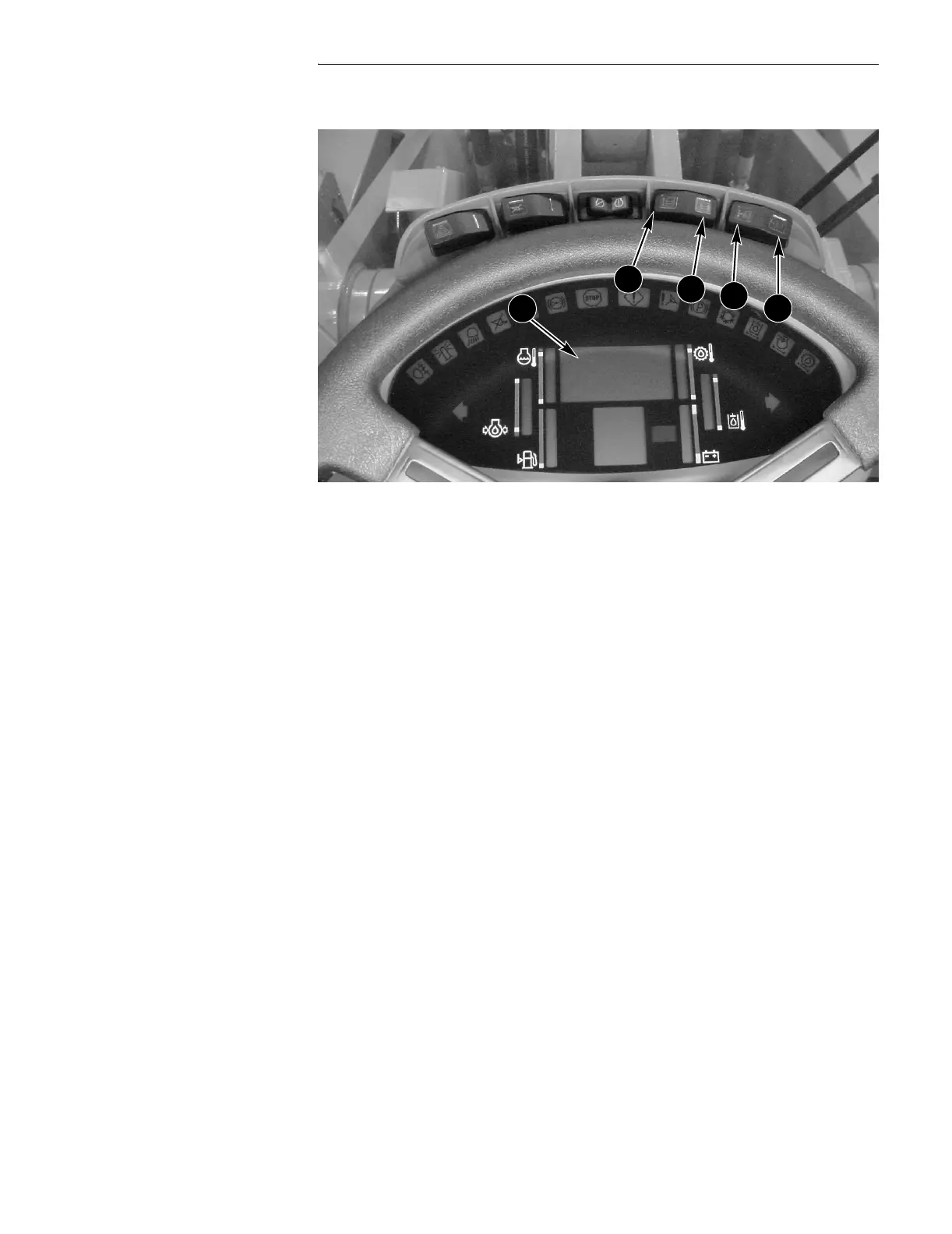
GAUGE DISPLAY
BD02B020
Setting Master Reset
This procedure will reset the Information Center to the values set at the factory for
the Gauge Display, Information Center lighting for work lights off and work lights
on, minimum gear selection in automatic mode, and maximum gear selection.
● Press the program (C) switch.
● Press the up count (A) switch until the display reads 042.
● Return the program/reset (C, D) switch to the OFF (center) position.
● Press the up count (A) switch to change the reading from 00 to 01.
● Press the reset (D) switch momentarily (0.25 second) and you are done.
A. UP COUNT C. PROGRAM
B. DOWN COUNT D. RESET
A
B
C
D
2



 To Next Page