336
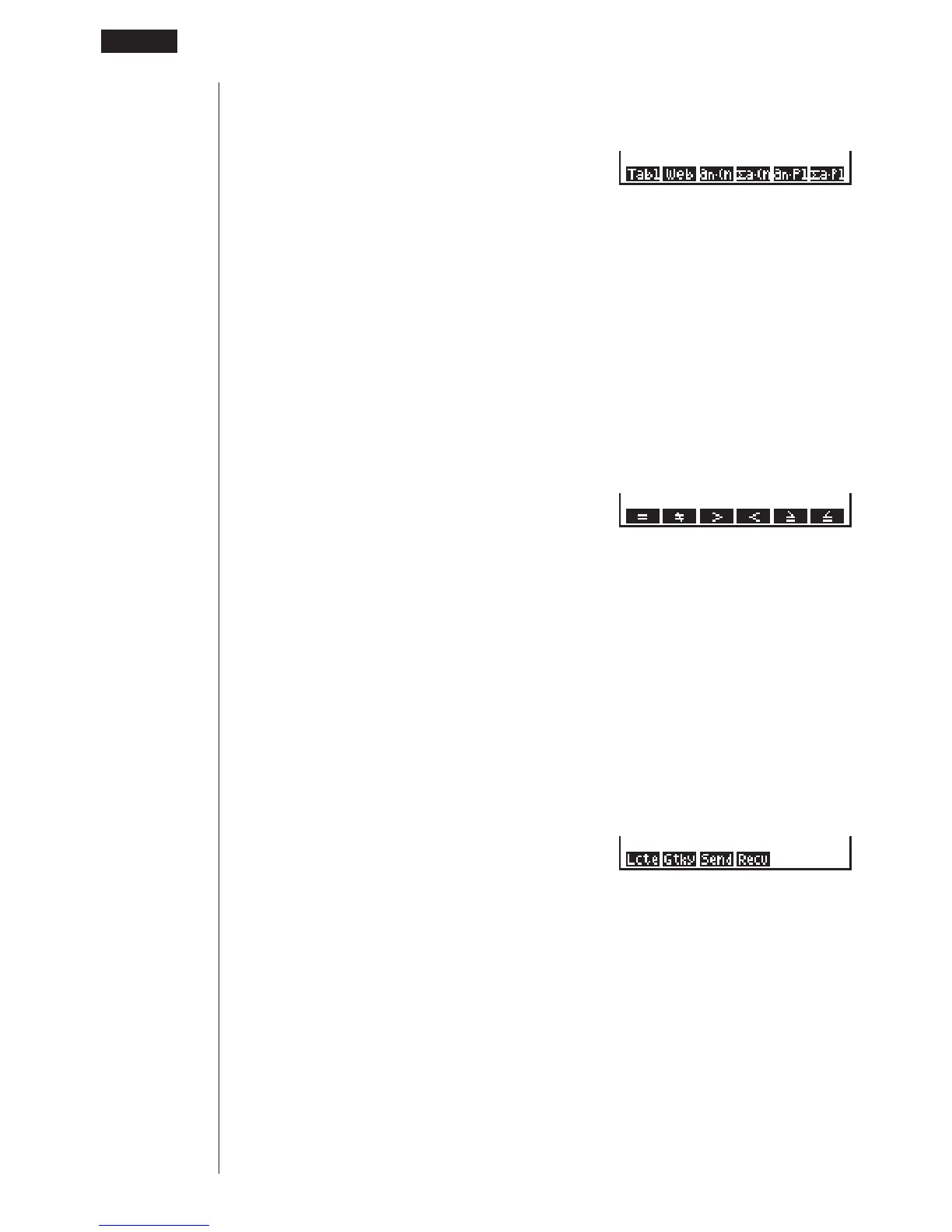
Pressing 5 (R•Tbl) while the display command menu is on the display causes the
recursion calculation and recursion formula graph command menu to appear.
5(R•Tbl)
1 (Tabl) ........ DispR-Tbl command
2 (Web) ....... DrawWeb command
3 (an•Cn)..... DrawR-Con command
4 (%a•Cn) .... DrawR%-Con command
5 (an•Pl) ...... DrawR-Plt command
6 (%a•Pl) ...... DrawR%-Plt command
Conditional Jump Relational Operator Menu (REL)
While the program menu is on the display, press 6 (g) 3 (REL) to display the
conditional jump relational operator menu.
6(g)3(REL)
1 (=) ............ Relational operator =
2 (
GG
GG
G
) ............ Relational operator
GG
GG
G
3 (>) ............ Relational operator >
4 (<) ............ Relational operator <
5 (&) ............ Relational operator &
6 (') ............ Relational operator '
Input/Output Commands Menu (I/O)
While the program menu is on the display, press 6 (g) 4 (I/O) to display the
input/output command menu.
6(g)4(I/O)
1 (Lcte) ........ Locate command
2 (Gtky) ....... Getkey command
3 (Send) ...... Send ( command
4 (Recv) ...... Receive ( command
• The appearance of the function menu differs slightly for a program that contains
binary, octal, decimal, or hexadecimal calculation, but the functions in the menu
are the same.
123456
123456
123456
19
-
10 Useful Program Commands



 To Next Page