Page | 100
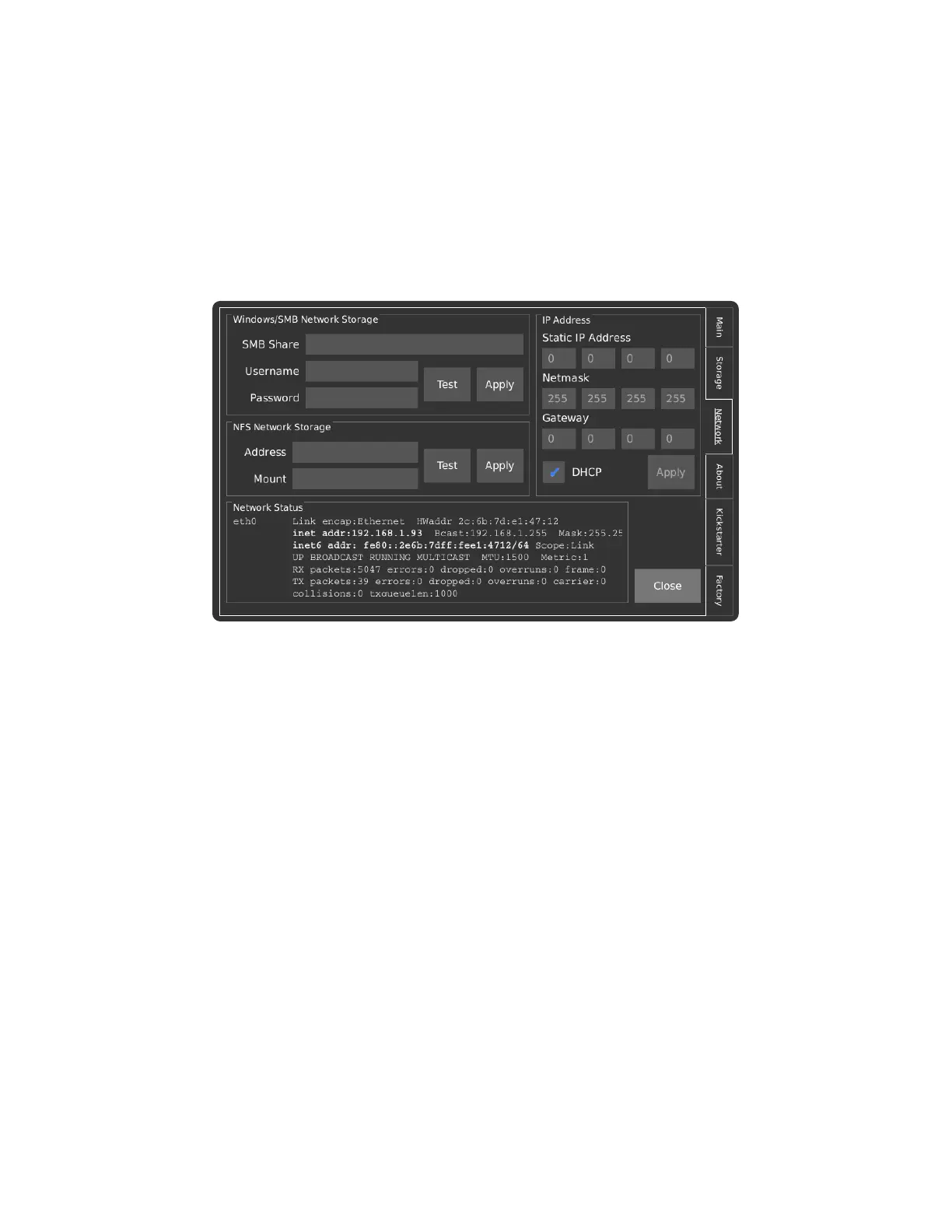
NETWORK TAB
The network interface on the Chronos camera can serve as a powerful and flexible way to use the
camera. Over the network, the camera can be controlled via its webpage, footage can be saved via
Server Message Block (SMB) and Network File System (NFS) mounts, and a Real Time Streaming
Protocol (RTSP) feed of the live output can be viewed.
Please refer to the Networking and Web Control sections of the main manual for detailed guidelines on
how to operate these features.
In advanced use cases where the user wishes to adapt the camera to a specific process, it is possible to
log into the command line interface on the camera via SSH. SSH Port 22 is only exposed on the USB
network interface by default and can be accessed by connecting to the IP Address 192.168.12.1 with
username: root and password: chronos.



 To Next Page