Page | 11
Setup
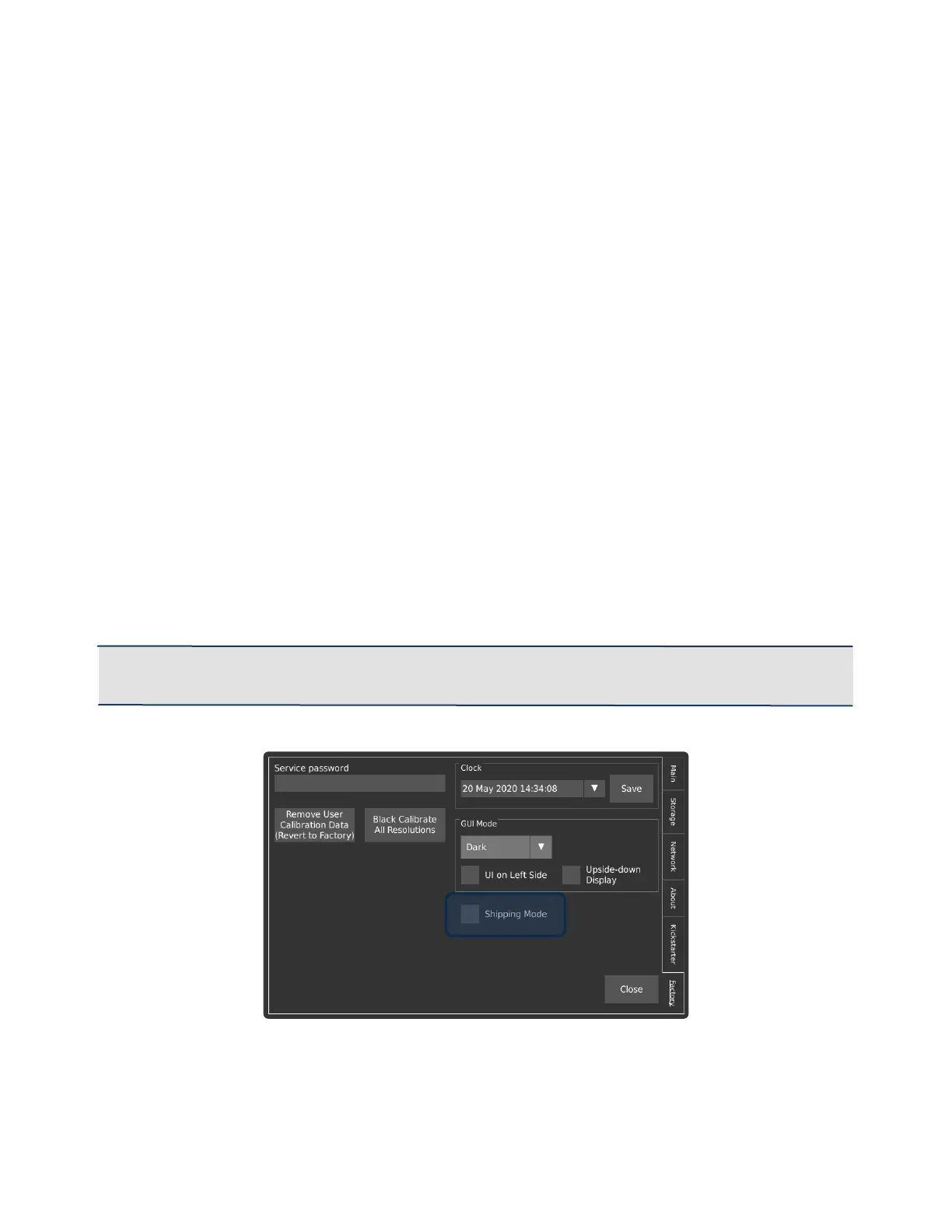
DISABLING THE SHIPPING MODE
After the camera is unpacked and ready to be fired up, the first thing to be done will be
to disable the shipping mode. The shipping mode disables the usage of the power on
button, so the camera doesn’t accidentally get activated during transit which would lead
to the battery being drained.
In order to disable that safety feature, connect your AC Power Adapter to a power outlet
and connect the barrel connector to the camera.
For the camera to disable the shipping mode, it needs to recognize that the camera is
connected to the main power source that recharges the battery. If the AC power adapter
is correctly installed and you press the power button to power up the camera, the
camera will boot up normally.
Once the camera has booted normally, shipping mode will automatically be disabled, so
that subsequent power-ups of the camera do not require an external power source.
It is recommended that the AC power supply remains connected until the battery is fully
charged.
IMPORTANT: If Shipping Mode was enabled and needs to be disabled prior to a power cycle, the
checkbox in the Util -> Factory menu can be de-selected.



 To Next Page