Page | 91
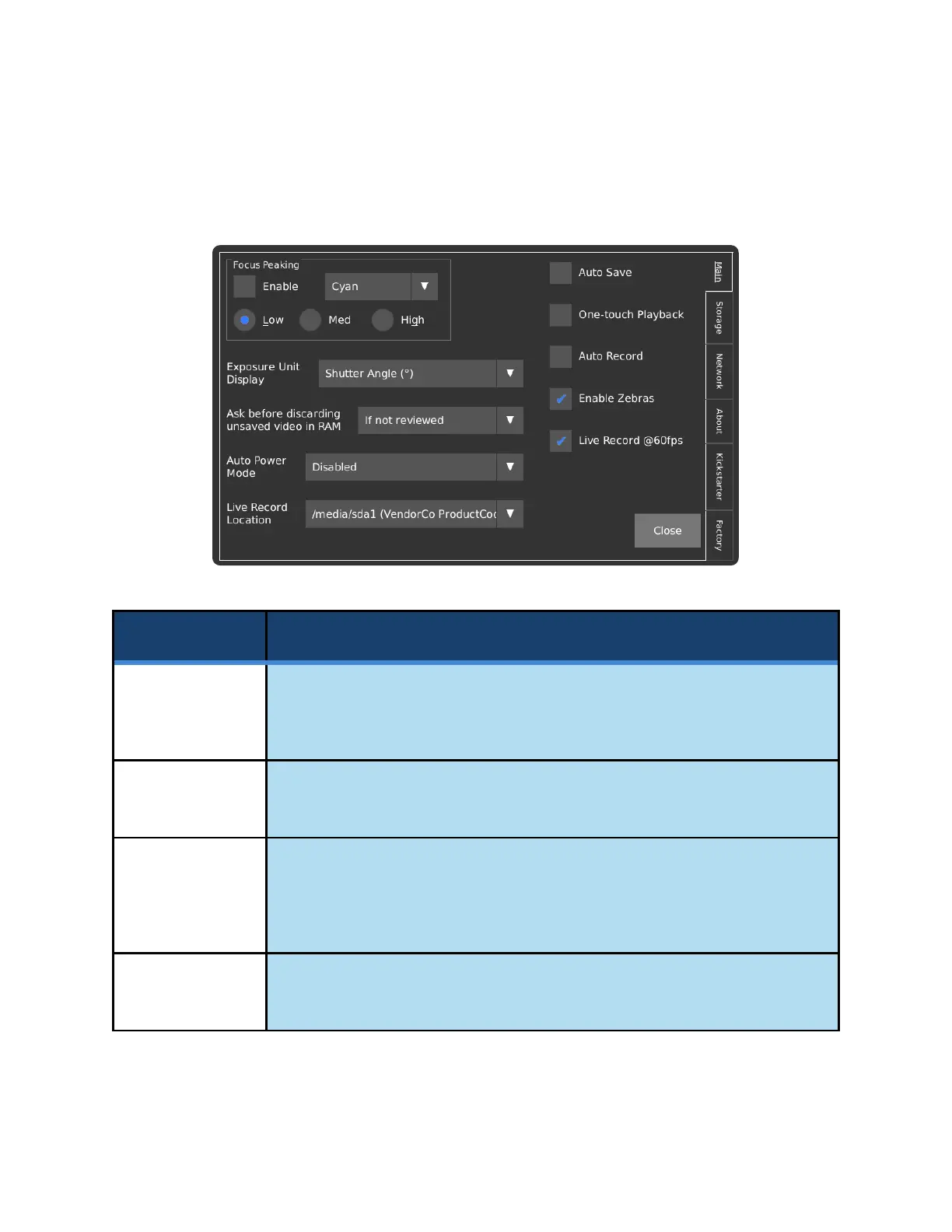
UTILITIES SCREEN - MAIN
The Utilities page, referred to in short as Util, contains general settings and information about the camera.
Enables Focus Peaking, which highlights objects that are in-focus with the color
shown in the dropdown box to the right. This feature can also be enabled or
disabled via the Focus Aid checkbox on the main screen.
Selects the color used to highlight edges that are in focus when Focus Peaking
is enabled.
Focus Peaking
Sensitivity
Select either Low, Med, or High to configure the sensitivity of the Focus Peaking
feature. Increased sensitivity will lead to more noise in the detection result but is
ideal for dark edges. Reduced sensitivity will allow for more accurate focusing on
bright edges.
Sets the units in which Exposure is displayed on the main screen. This can either
be Fractional Time (μs), Shutter Angle (°), or Percentage (%).



 To Next Page