Page | 94
STORAGE TAB
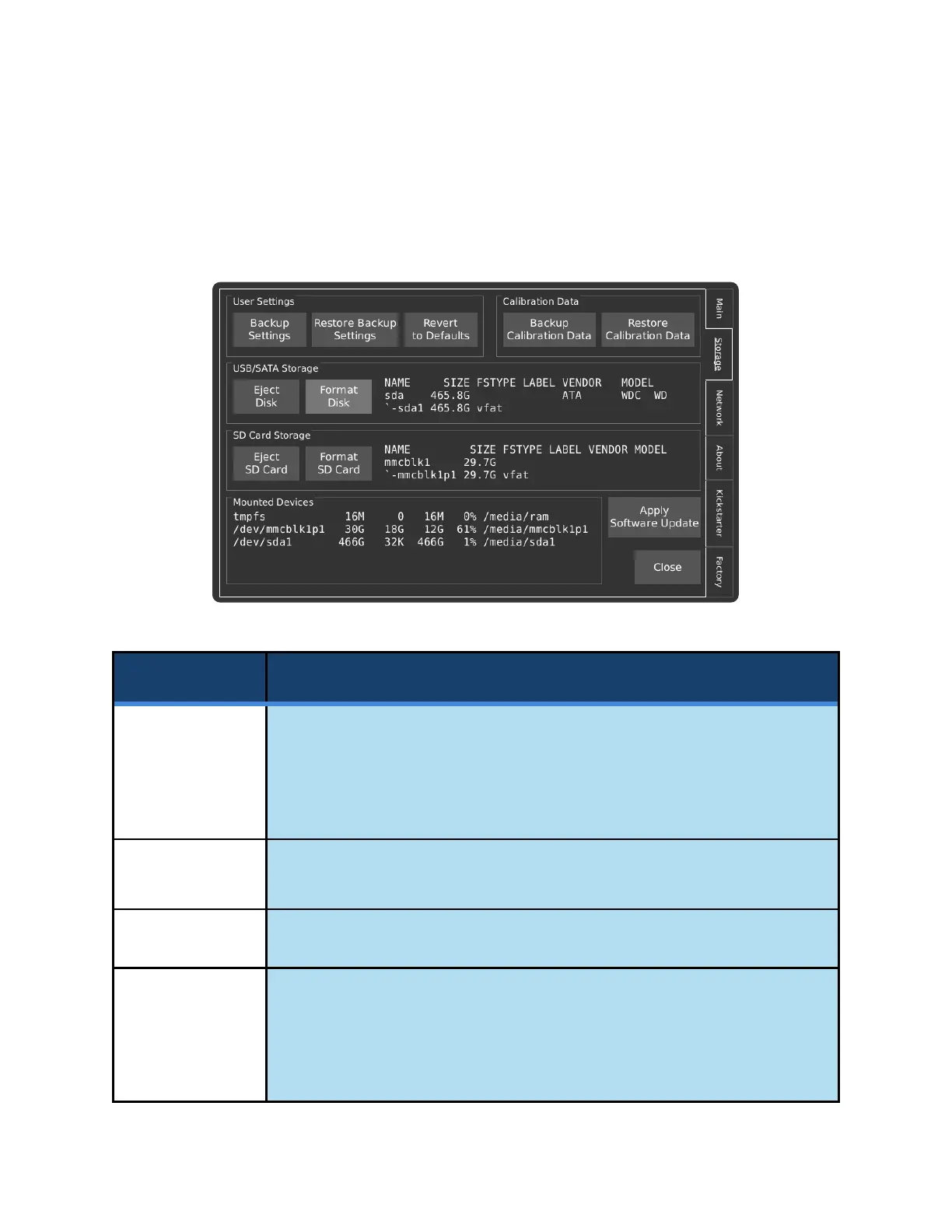
The Storage page allows for interactions with storage devices that are attached to the camera. This page
is also used to backup and restore camera settings and calibration files, as well as to search for software
updates over the internet.
Backs up the user’s configuration preferences, such as resolution, focus
peaking, and triggering settings to a USB flash drive.
It is recommended that a backup of your camera’s configuration be taken prior
to each software update, or prior to replacing the system’s microSD card.
Restore saved settings from a USB flash drive.
Set the camera’s settings back to the factory default.
Saves the camera’s factory calibration data to a USB flash drive. It is
recommended that the user keep a copy if the system’s microSD card must be
replaced. This excludes black calibration data that was generated by the user,
which can be restored by performing a black calibration prior to recording at the
desired resolution and analog gain. The file is named cal_<serial number>.tar.



 To Next Page