Page | 86
PLAY
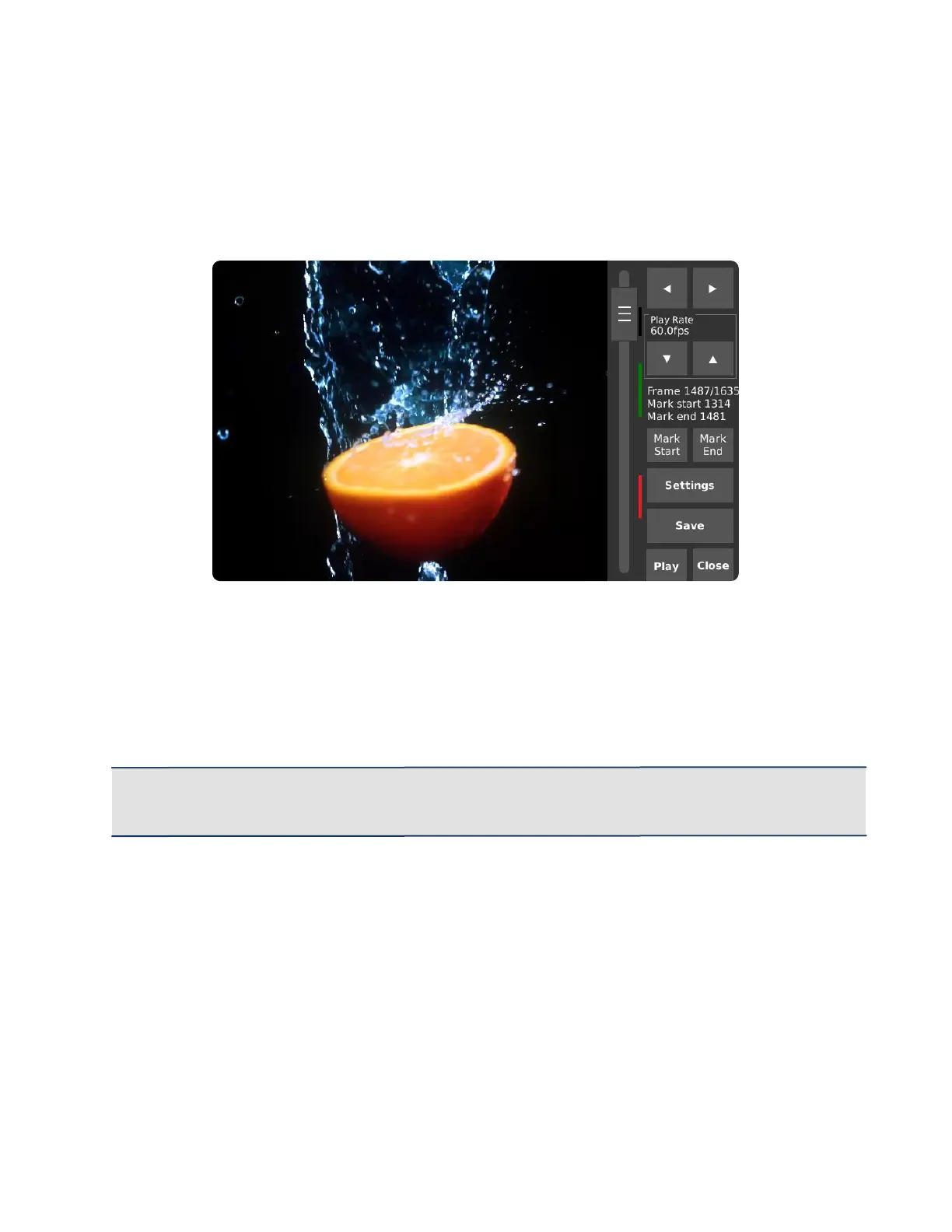
The Playback mode allows review, trimming, and saving of recorded frames. The image on the left
displays the frames that have been recorded.
The colored bar to the right of the slider indicates the region to be saved. When saving more than one
region, the colored bars will change colors to denote the regions that have previously been saved.
IMPORTANT: After saving the desired footage, always unmount the storage device properly by
going into Settings, then tapping Safely Remove. Similar to a PC, this tells the camera’s operating
system to flush any remaining data from internal memory to external storage.



 To Next Page