Page | 38
Annex A – Hardware
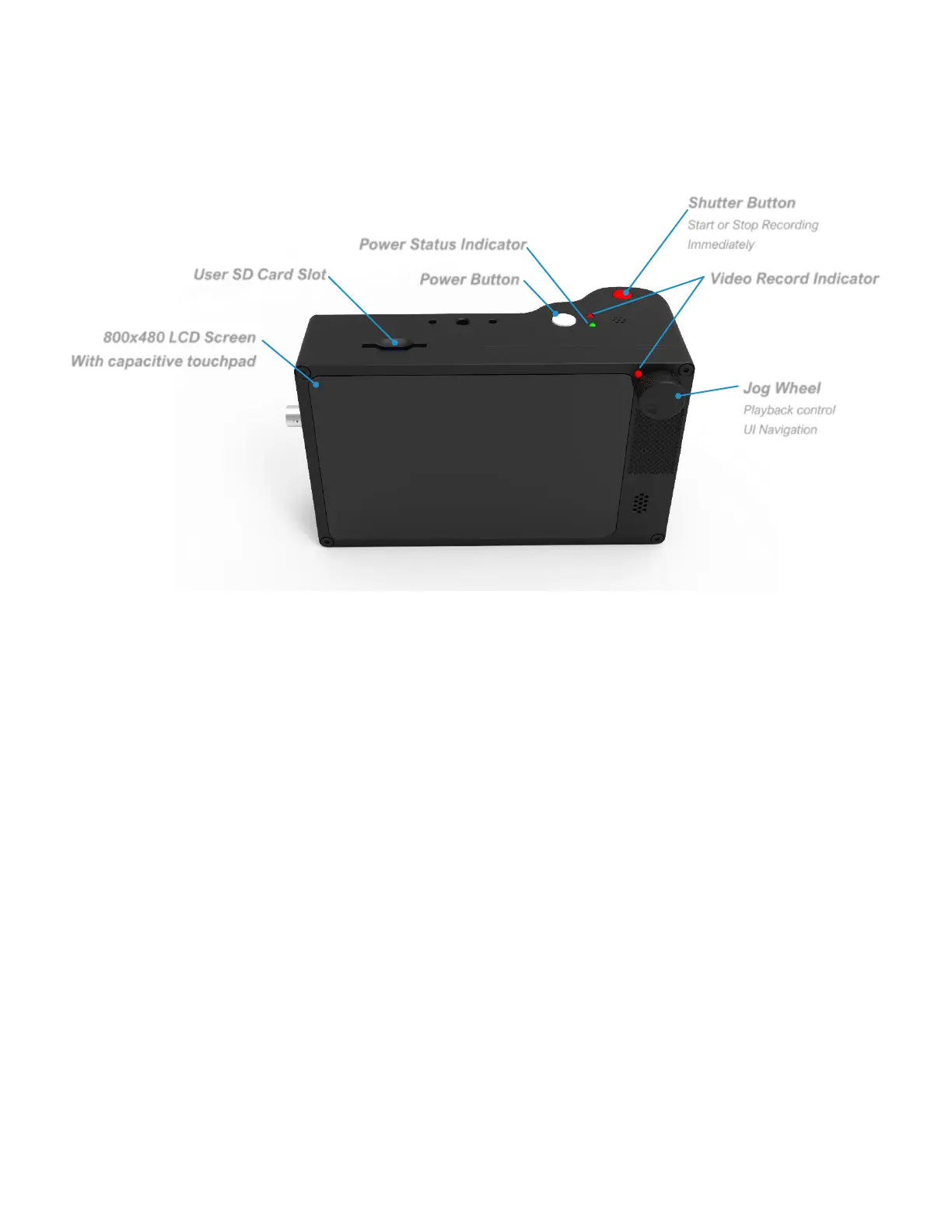
CAMERA’S BACK
POWER BUTTON
• Press to turn on the camera
• To shut down the camera, press the Power button for 1 second, the release.
A pressing lasting for less than 0.5 seconds will be ignored.
• Holding for 4 seconds forces a hard power down. Do this only if the software
has crashed and the camera is not responding. Like a PC, the camera needs
to shut down properly or file system damage may occur, requiring a re-flash
of the OS SD card.
SHUTTER BUTTON
• Starts or stops recording. The shutter button is not affected by trigger
settings, including trigger delay.
RECORD INDICATORS (2)
• Illuminate to indicate that the camera is recording.



 To Next Page