Page | 80
TRIGGER DELAY
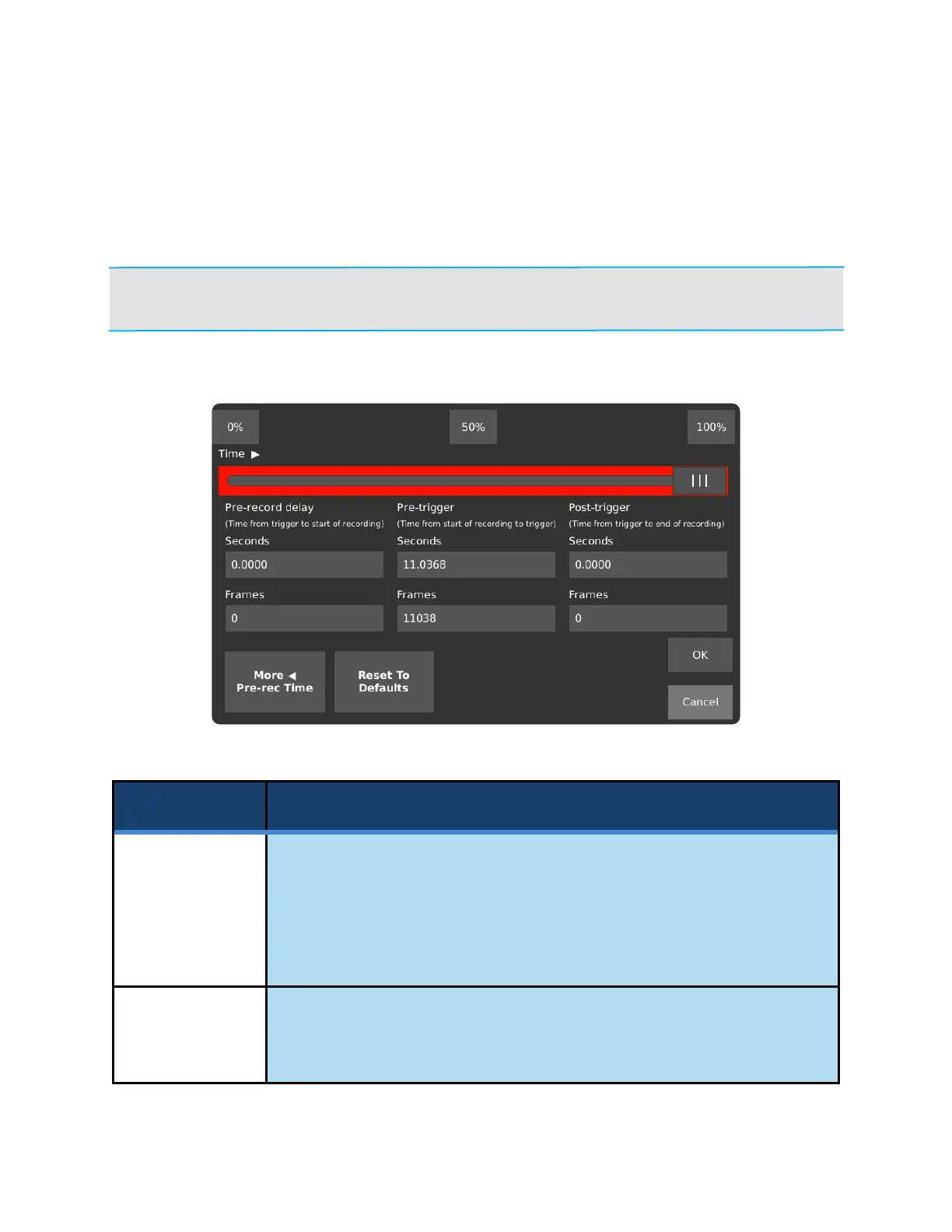
The Trigger Delay page lets the user configure when video is captured relative to an external trigger. The
delays configured in this screen do not apply to recordings started by the shutter button on the top or the
camera and the record button on the display.
NOTE: If delays are used in conjunction with Segmented Recording Mode, the trigger delay
affects the time between the trigger and the beginning/end of each segment.
Move the slider to the start, middle, or end of the red Recording This region. This
sets the pre-record delay, pre-trigger, and post trigger values.
A value of 0% means that all video saved will be saved after the trigger (post-
trigger mode). A value of 100% means that all video saved will be saved before
the trigger (pre-trigger mode).
Drag to set when the saved video starts and stops relative to a trigger. The time
and frames in each text box below will automatically change as the slider is
adjusted.



 To Next Page