Page | 83
WHITE BALANCE
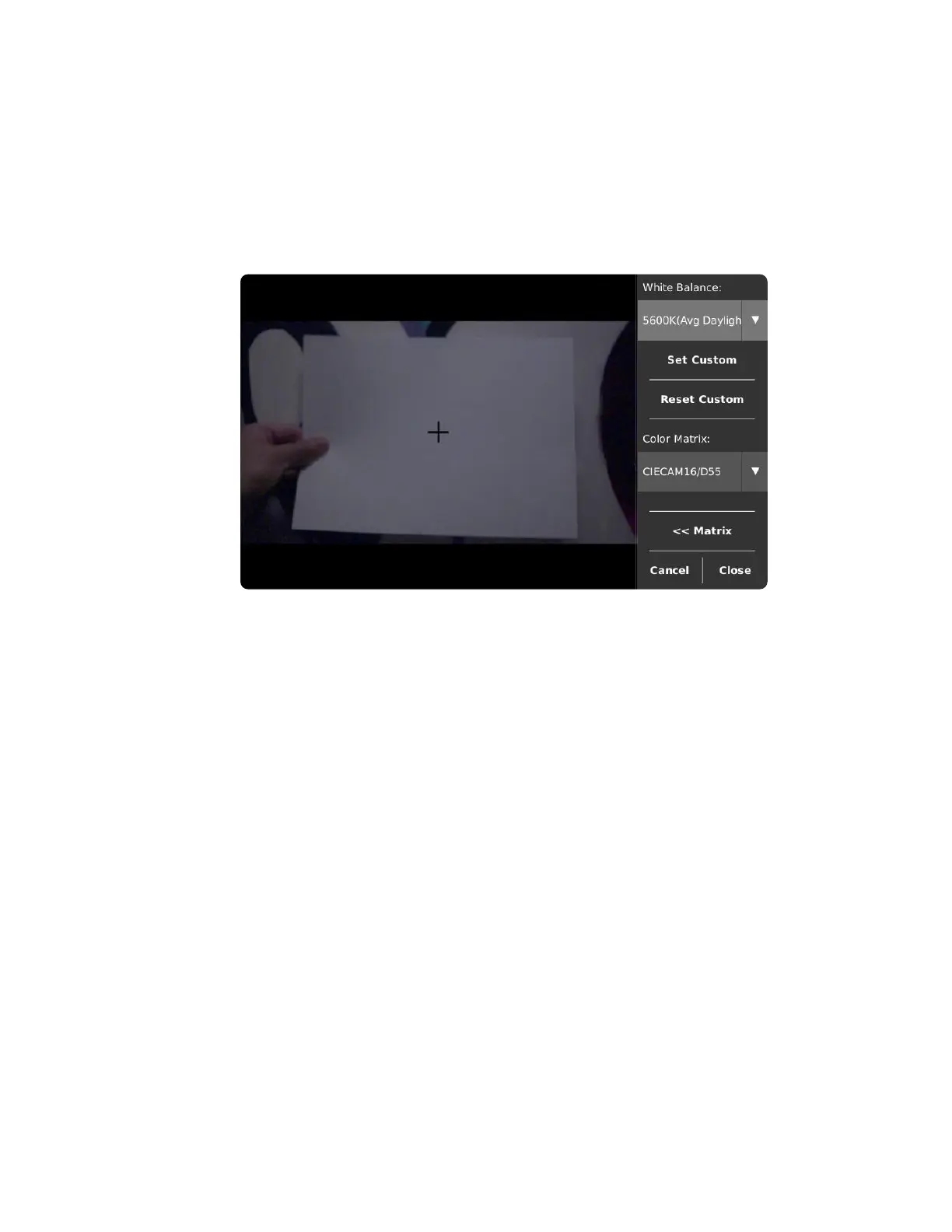
Set White Balance to correct for lighting temperature or tint. White Balance is only applied when saving in
the H.264 and TIFF formats.
To use a pre-set White Balance, open the drop-down list in the top right of the screen and select the pre-
set closest to your current lighting conditions. The numerical component (5600K pictured above) is the
color temperature in which a white object will appear white. A description of when light of this color is
usually encountered follows the number (“Avg Daylight” as pictured above).
To auto-set a custom White Balance based on a reference white (ideally an 80% gray card), close the
Custom Color Matrix window, aim the camera so the crosshair is over the reference, and tap the Set
Custom button. To manually set a custom White Balance, use the Custom Color Matrix window.



 To Next Page