Page | 36
The BNC Trigger Button >> Toggle Recording preset will configure the camera’s I/O
system to start a recording on the first push of the external trigger button, follow by a
stop on the subsequent push of the button.
NAVIGATING THE CAMERA’S WEBPAGE: I/O CONFIG - ADVANCED
Selecting a Preset Configuration will automatically change certain parameters under
the Advanced Configuration section of the webpage, which provides a good set of
examples for users who wish to use the advanced sections to configure the camera.
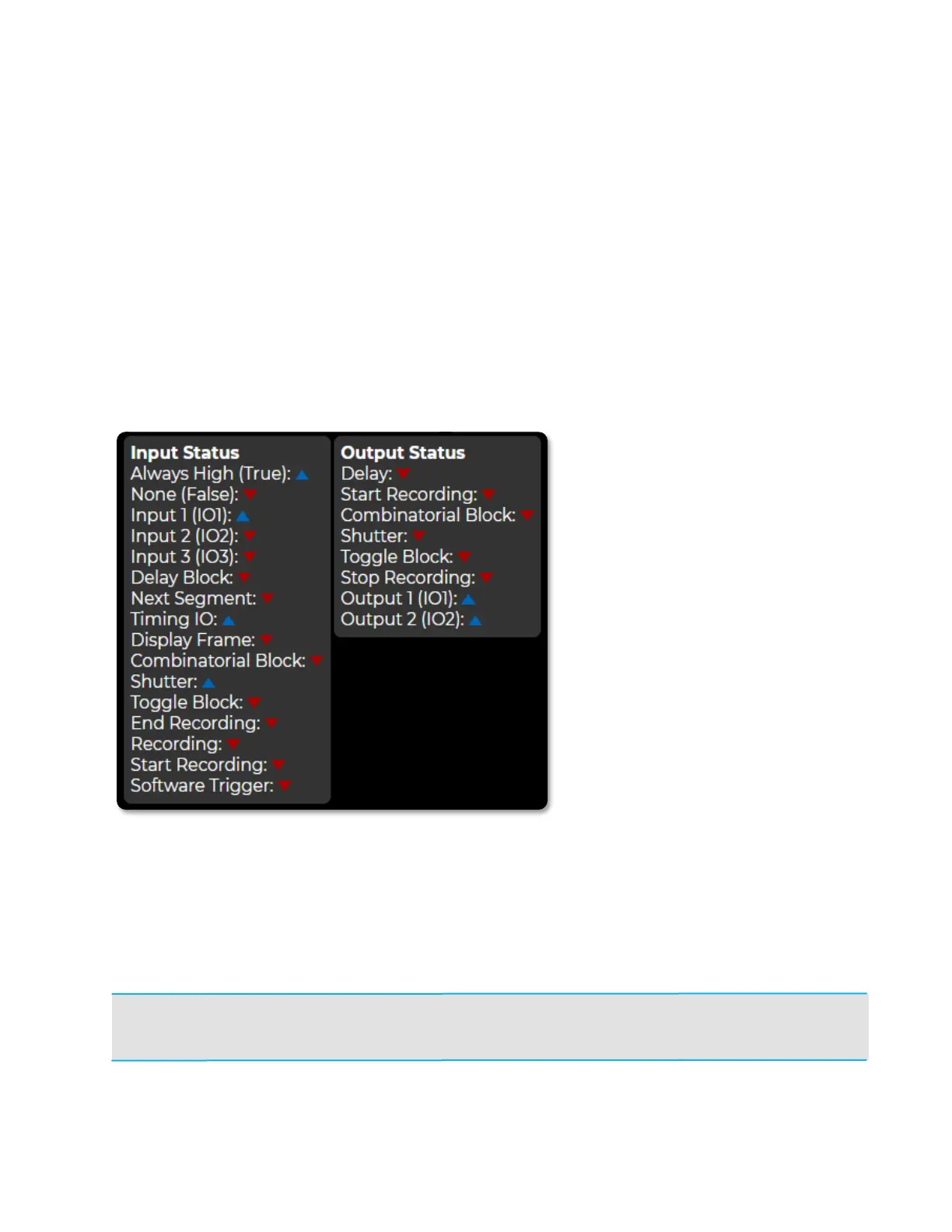
The Input Status and Output
Status boxes show the status of
each connection in real time.
The arrows will change to
signify a HIGH or LOW signal
based on how the Camera is
configured with parameters on
the rest of the I/O Config page.
NOTE: If advanced configurations of the I/O settings for the camera result in unintended operation,
the settings can be reverted to defaults by selecting Reset All to Defaults from the Preset
Configurations dropdown list.



 To Next Page