Page | 41
BNC
• The BNC connector can be used to synchronize multiple cameras, or to
connect the camera to a variety of equipment, including trigger cables.
MINI USB OTG
• Can be used to connect a camera directly to a computer, and to control it
from the computer, using a USB-A to Mini-USB cable.
• A tutorial on setting up a camera for network control can be found here:
https://www.krontech.ca/tutorials/
NOTE: USB mass storage devices, such as flash drives and hard drives, will not work on this
port.
ETHERNET
• Can be used to remotely control the camera using the Krontech’s API or by
using the webserver interface. See the Network Interface (Pg. 29) section of
the manual for more details.
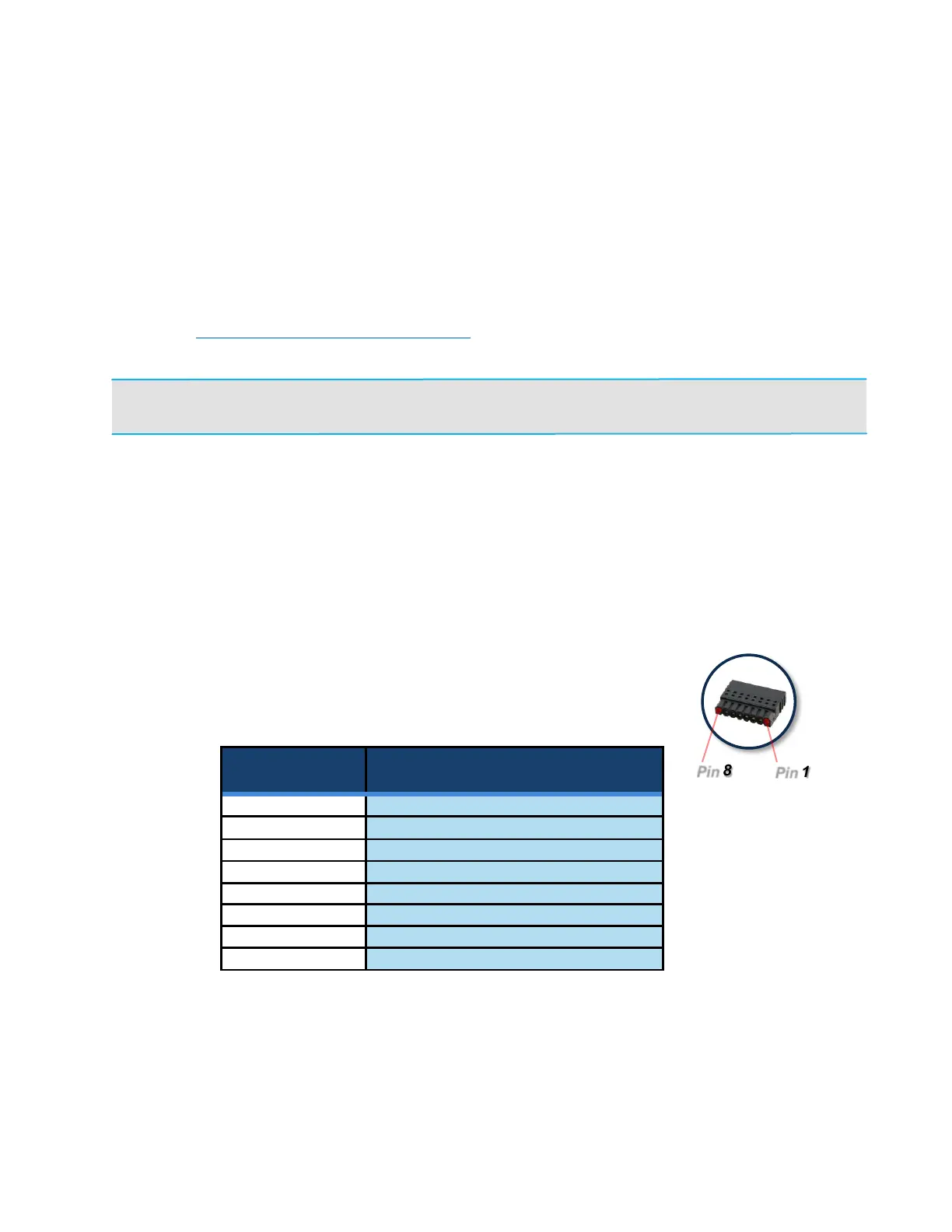
AUX IO
• Trigger and Analog inputs.
• Only trigger inputs are supported in the current software.
• The matting plug is Phoenix Contact part number 1778890



 To Next Page