Page | 71
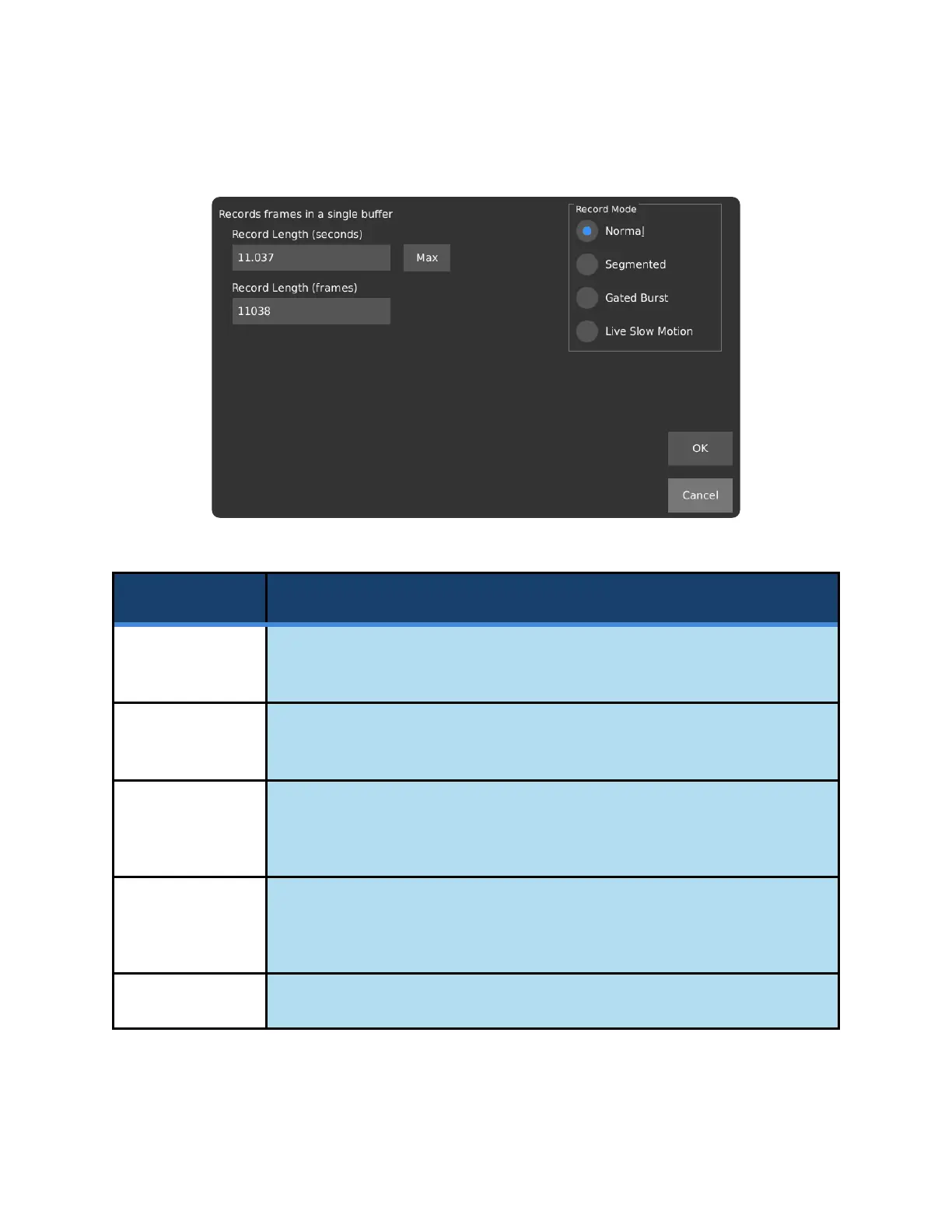
RECORD MODE – NORMAL
Set the duration of the triggered recording, in seconds. The timing of this
recording can be changed in the Trigger Delay window.
Set the duration of the triggered recording, in recorded frames. The timing of
this recording can be changed in the Trigger Delay window.
Sets record length to the maximum available. This is dependent on your
camera’s memory capacity, as well as the resolution settings, which can be
changed in Record Settings.
Applies changes and closes window. OK must also be selected in the Record
Settings window after the Record Mode window has closed, otherwise the
changes will be discarded.
Discards changes to the Record Mode.



 To Next Page