Page | 96
SOFTWARE UPDATES
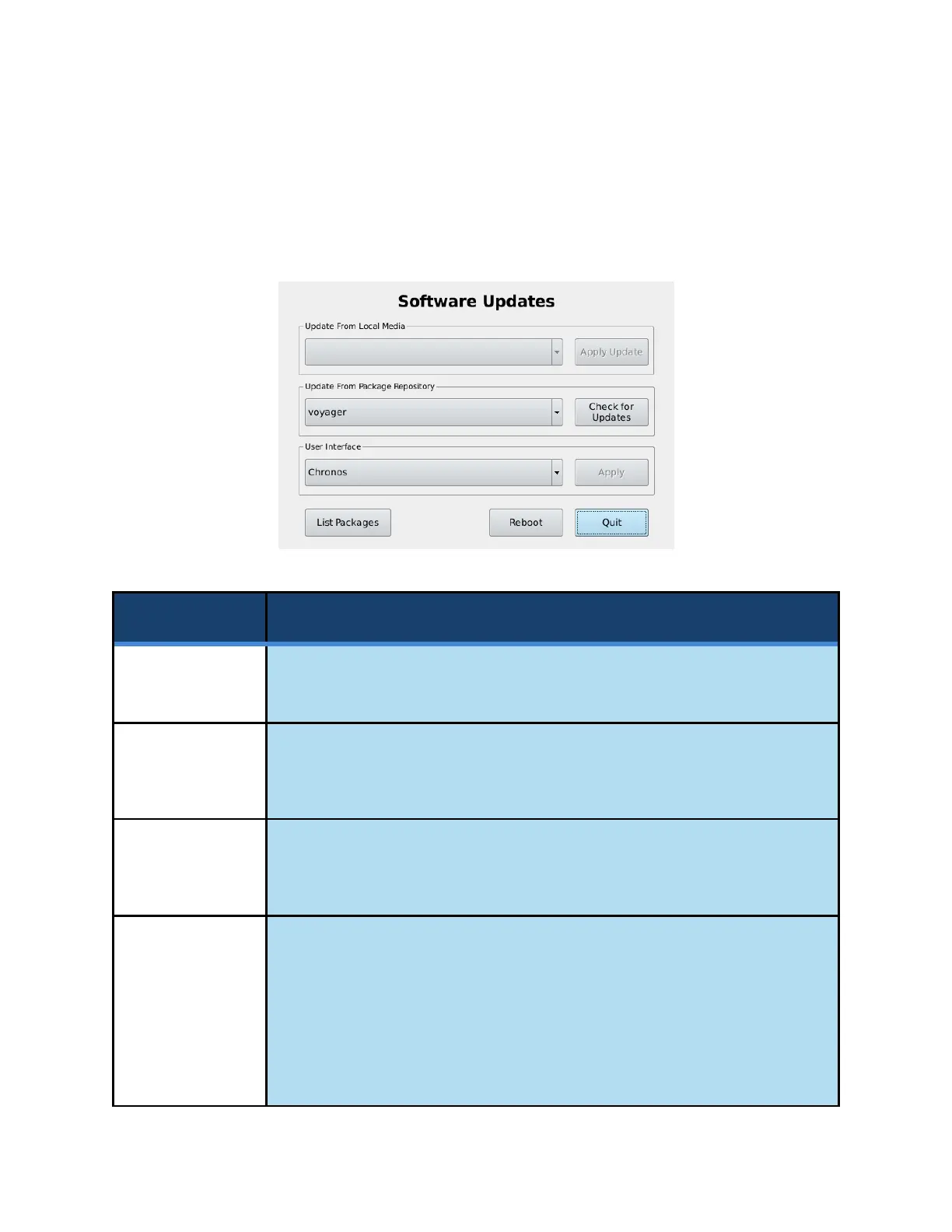
Selecting the Apply Software Update button from the Storage tab in the Util screen will start an update
utility that provides a way to search for and install software updates. This screen also allows the User
Interface of the camera to be switched between normal use and headless mode.
If update files exist on an external storage device, this option allows for the
installation of the updates.
Update From
Package
Repository
This dropdown list contains a list of the package repositories that the camera
can search for updates. Voyager is a codename by Kron Technologies that
specifies software packages that are tested and stable.
Attempts to connect to the package repository via an internet connection to
search for new updates. The update procedure is discussed in the subsequent
pages of this section.
This dropdown list allows for the selection of the Graphical User Interface (GUI)
that will be displayed on the back of the camera.
Selecting headless mode will disable the Graphical User Interface on the
subsequent boot, and a blank screen will be shown, but the camera will remain
fully functional. This is to accommodate cases where the camera is to be
installed in an area where remote control is configured, and user interaction is
not desired.



 To Next Page