Page | 23
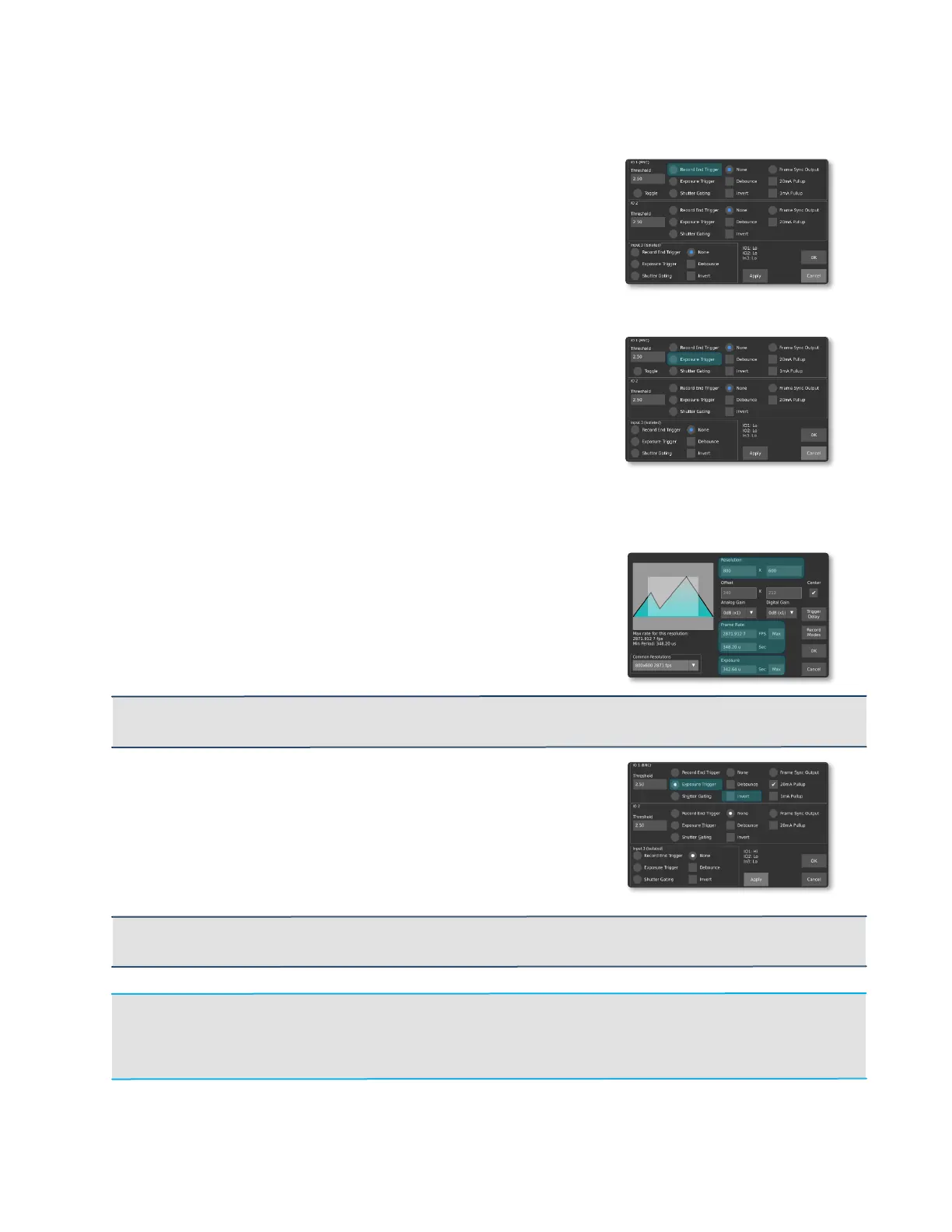
RECORD END TRIGGER
When selected, the trigger is setup to terminate the
recording. Depending on the state of the Invert flag,
either pushing or releasing the button will stop the
recording.
EXPOSURE TRIGGER
In this mode, an external trigger connected to TRIG1,
TRIG2 or TRIG3 controls the start of exposure. The
exposure duration, however, is controlled by the
camera.
Steps to follow to configure the camera properly to use the Exposure trigger:
1. In Record Settings, select the desired resolution
and maximum frame. The exposure Time is
limited to 1/[Frame Rate]; if longer exposures are
desired, you must reduce the frame rate.
IMPORTANT: If you select a frame rate lower than the maximum, the sensor may be set to a low
frame rate mode. This will limit the maximum achievable frame rate.
2. In Triggers/IO Settings, select Exposure
Trigger for the desired input. With Invert
unchecked, exposure will start on the rising edge
of the input.
IMPORTANT: The frequency of the external triggering signal MUST NOT be higher than the frame
rate specified in Record Settings. Frames will be dropped if this requirement is not met.
Note: In this mode, Black Calibration can only be performed when a stable and repetitive
trigger is received by the camera. If a stable trigger source isn't available, set the mode to None in
Trigger/IO Settings, perform a Black Calibration, and then set the mode back to Triggered
Exposure.



 To Next Page