Page | 28
NOTE: Saving the entire buffer can take a long time, especially at high frame
rates.
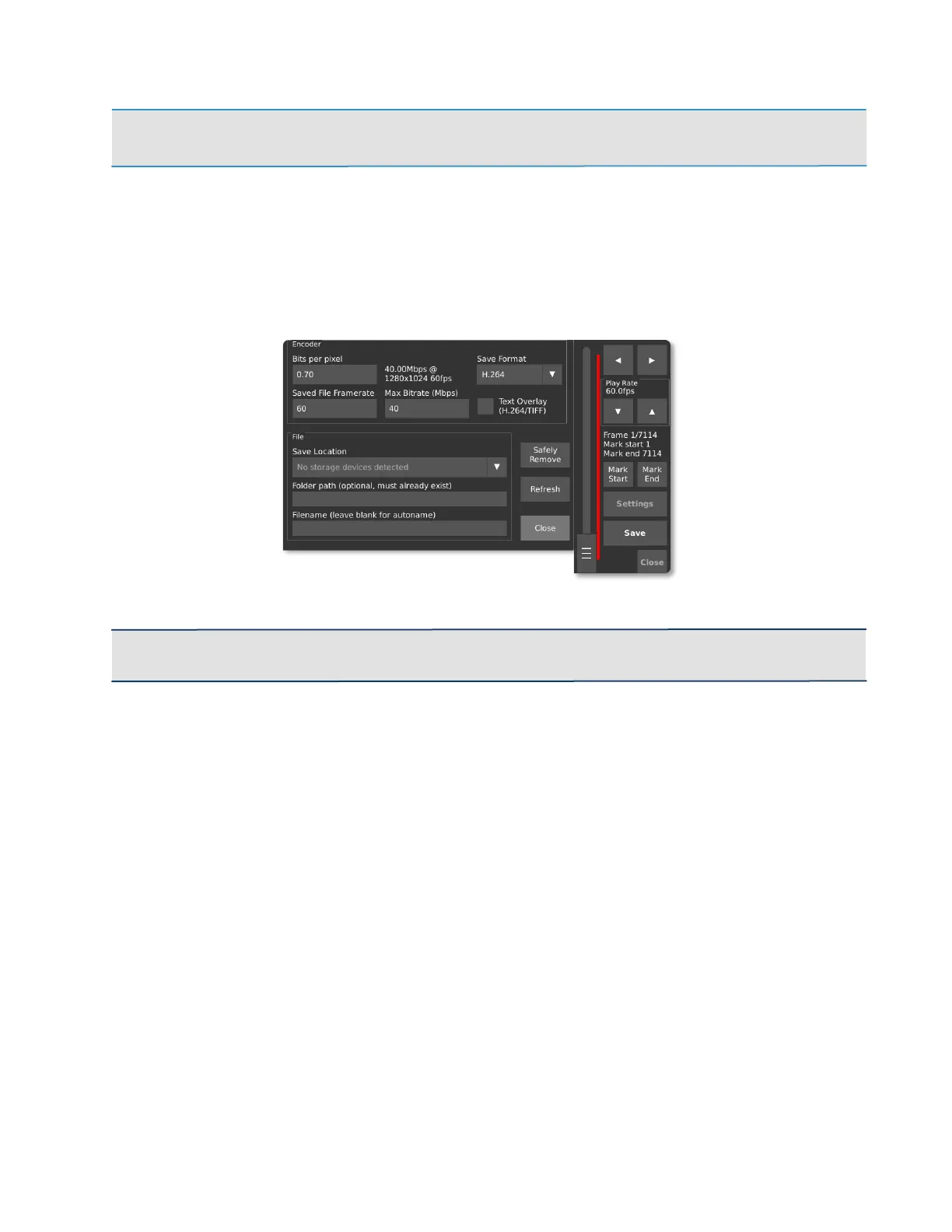
If the video is one that you won’t be able to re-create, remove the storage device and
plug it into your computer to check that the video has saved properly without dropped
frames. This is especially important when using a new brand of SD card for the first
time. (To remove the SD card, press down until a click occurs. It will pop out.)
IMPORTANT: Always attempt to Safely Remove the storage device prior to disconnecting it from
the camera.



 To Next Page