8 LIN
WARE CONNECTIONS
8 - 4
OPERATOR’S MANUAL PRO SERIES
•
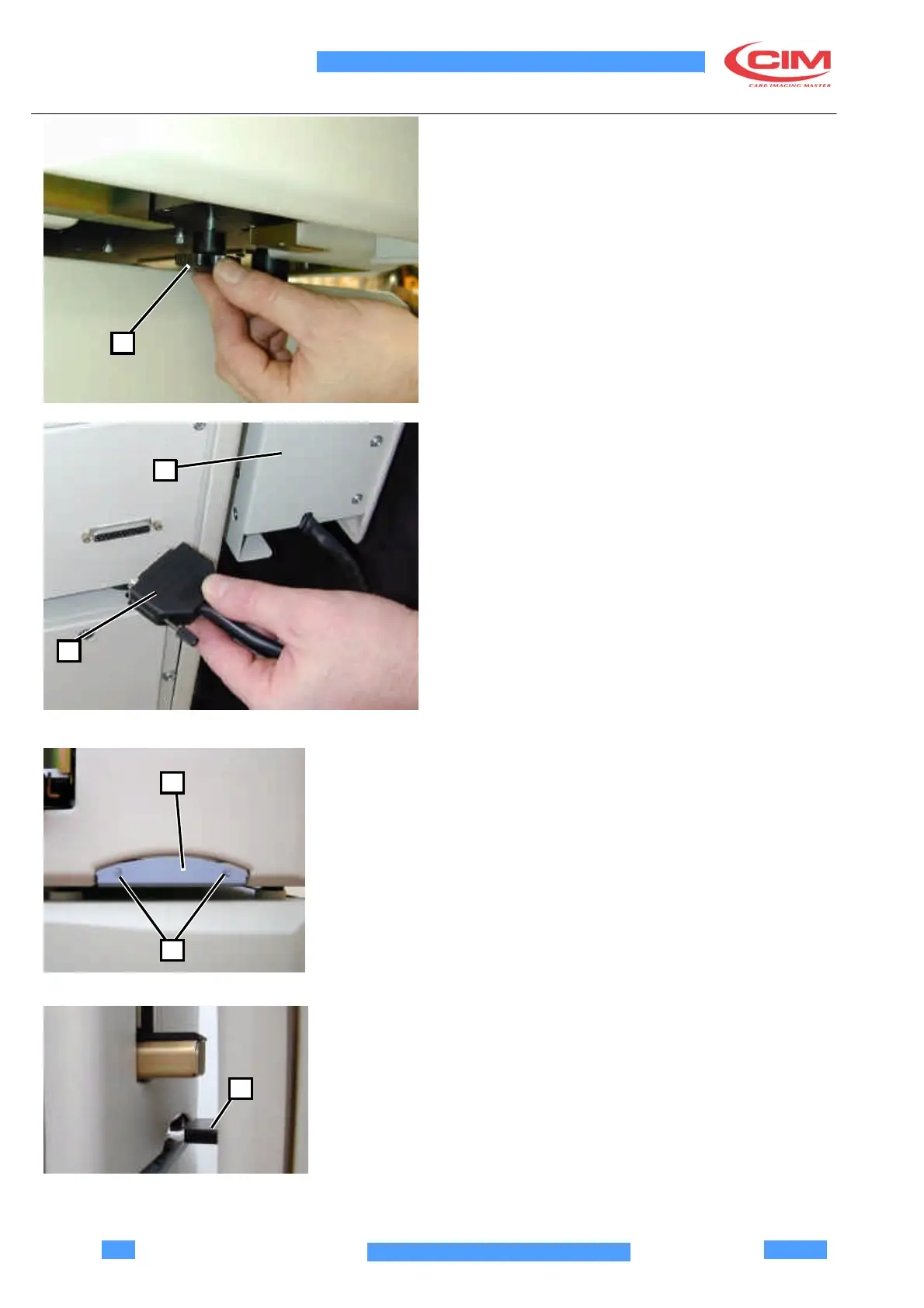
Switch off the machine, unlock the knob located
under the unloader box (1) disconnect the back
connector (2) and remove the unloader itself (3).
1
3
2
•
Remove the knob (4) placed on the RH side cover
4
of the machine by unscrewing the two fixing
screws (5). Move the machines closer to be able to
insert the black plate (6) in the seat present in the
other machine.
5
6



 To Next Page