92
CP30 Mobile Computer
Reference Manual
6.2.2 BUTTONS
Buttons on the phone keypads are described as below:
Button
Description
[Backspace] button allows you to delete the last input.
[Speed Dial] button allows you to view, edit the speed dial list and pick the
number you want to call.
[Call History] button allows you to browse, edit call history and pick the
number you want to call.
[Talk] button allows you to make or receive a call.
Alternatively, you may press [SEND] from the keypad.
[End] button allows you to hang up a call.
Alternatively, you may press [END] from the keypad.
6.2.3 VOLUME
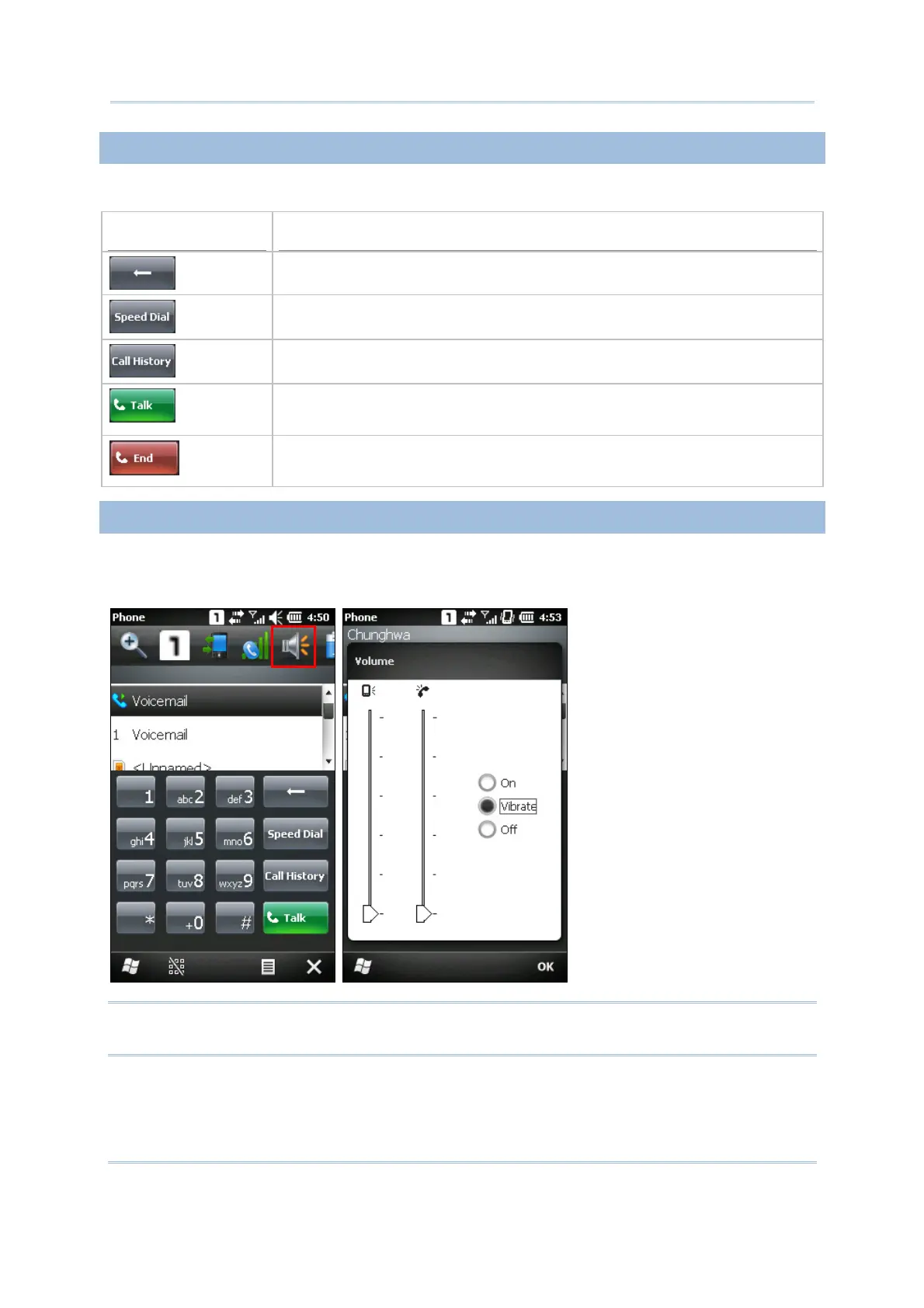
Tap the title bar and then the speaker icon on the title bar drop-down list to change the
system volume or phone ring. You may mute it or have it vibrate instead.
Note: Alternatively, you may press volume buttons at the left side of the CP30 touch
screen.



 To Next Page