121
Chapter 8 Usin
Camera
8.4.3 ADVANCED EDITING SETTINGS
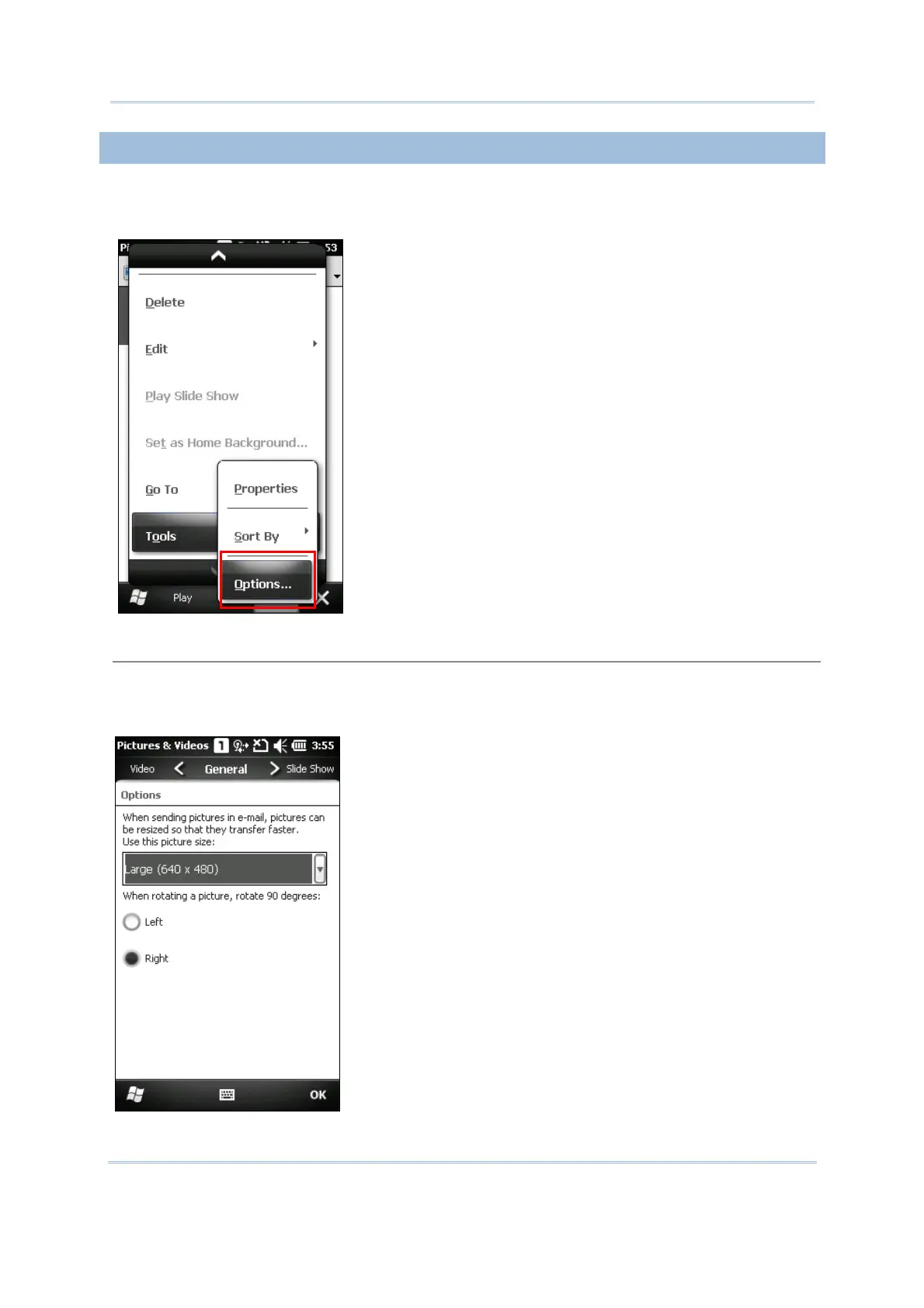
In My Video Configuration screen, tap Menu | Tools | Options; you may have more
editing options.
General tab
When sending a picture by e-mail, it can be resized in favor of the transfer speed. You may tap the
drop-down list to select a desired picture size if necessary.
You may also change the rotation direction of the picture in the General tab configuration screen.



 To Next Page