59
Chapter 3
Configurin
CP30 Mobile Computer
3.4 UPGRADE OS IMAGE
You can upgrade the OS image on your mobile computer via ActiveSync and CP30
Software Update Tool. Please contact your sales representative for the OS upgrade
utility.
Warning: Do not press any key on the mobile computer while upgrading OS image
and make sure the power cord is connected.
3.4.1 RUN ACTIVESYNC
Install and run Microsoft ActiveSync on your computer. For initial ActiveSync operation,
refer to
Using ActiveSync for details.
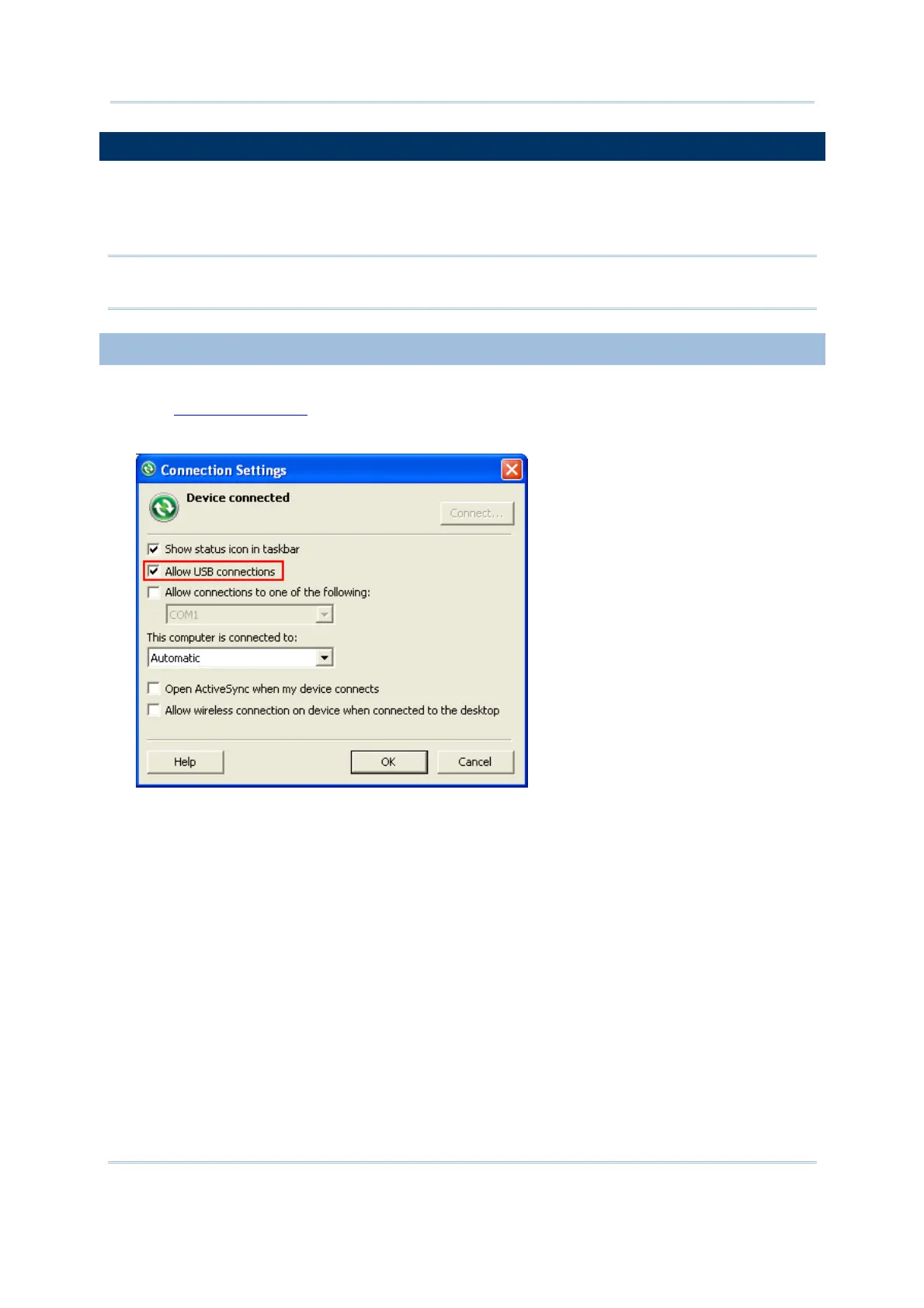
Now, you must enable the ActiveSync operation as shown below.



 To Next Page