110
CP30 Mobile Computer
Reference Manual
7.4 NOTIFICATIONS (FOR GOOD READ)
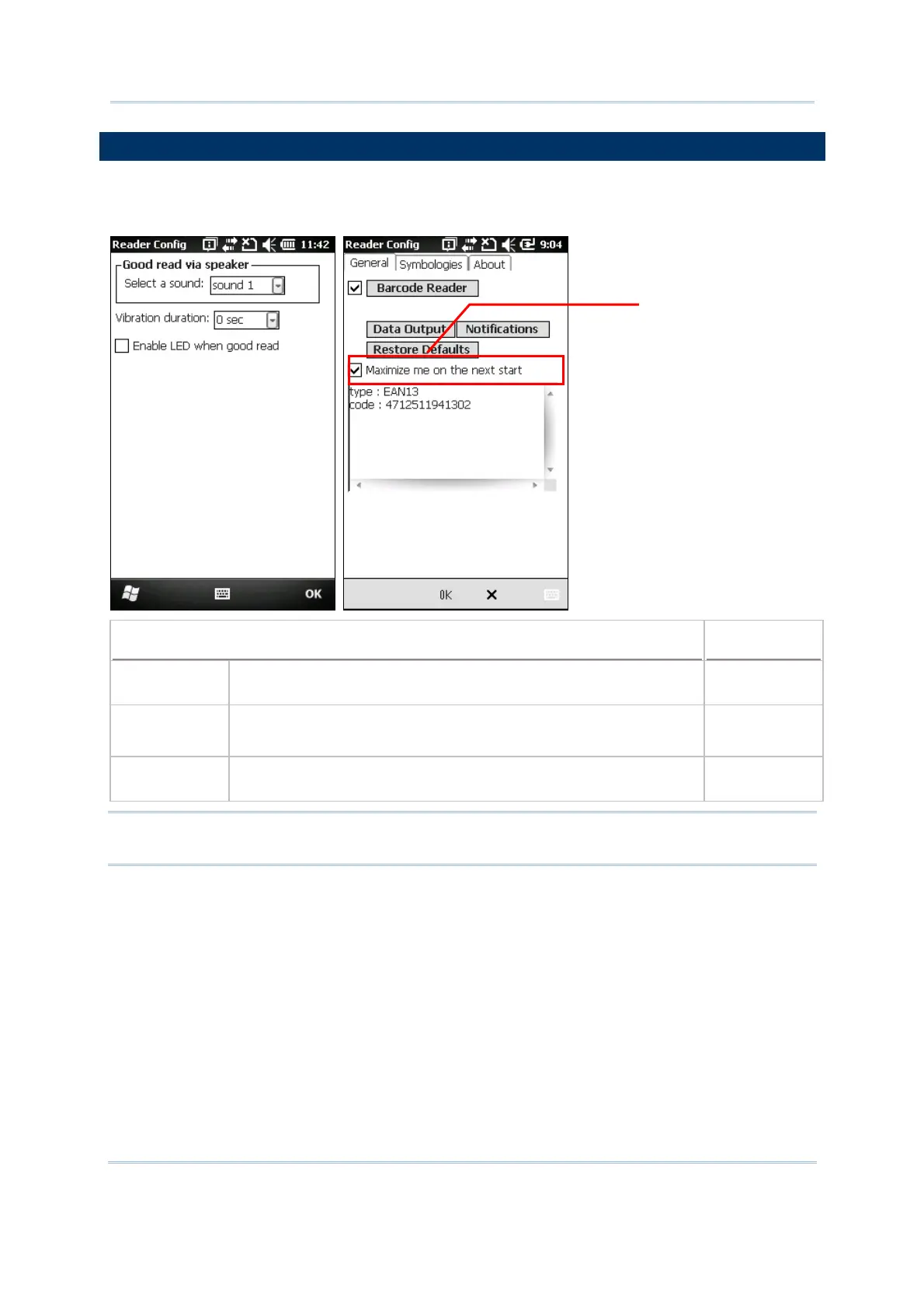
Tap the [Notifications] button in the General tab configuration to configure how you want
to be notified of a successful decoding.
Sound / Vibration
Default
Good Read via
speaker
Mute, or Sound 1~9 Sound 1
Good Read via
vibrator
0~5.0 (sec.)
0 = Disable the vibrator
0 (= Disable)
Good Read LED Select the check box to enable Good Read LED. The top left LED
will become green to indicate a successful decoding.
Disable
Note: If you want to maximize the Reader Configuration window to fill the screen for
next using, please select “Maximize me on the next start” check box.
aximize the screen
to fill the window



 To Next Page