138
CP30 Mobile Computer
Reference Manual
9.3.2 VIEWING A SIGNATURE
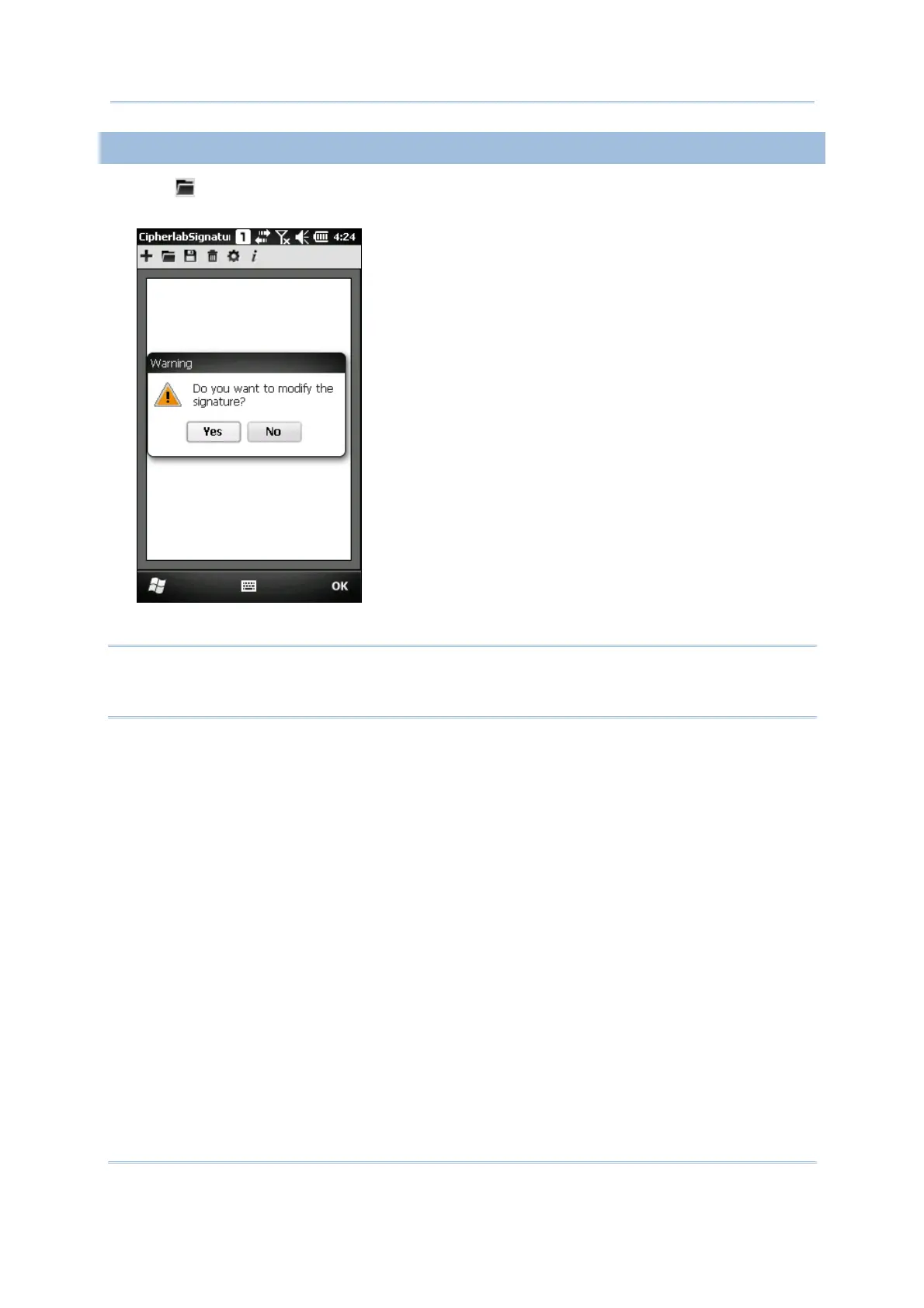
1) Tap to load a signature image and it will be displayed along with a message
asking whether you want to modify the signature.
2) Tap [Yes] to change the signature image if necessary.
Note: The maximum resolution of an image is 640 x 480 pixels. Therefore, if you load an
image at a pixel resolution greater than the limit, it will then be trimmed to fit the
size of current signature area.



 To Next Page