97
Chapter 6 Using the Phone
6.4 MAKING PHONE CALLS
The phone features allow you to make or receive phone calls and assign a Speed Dial
number to a contact.
6.4.1 DIAL A NUMBER
You can dial a number in one of the following ways:
Dialling
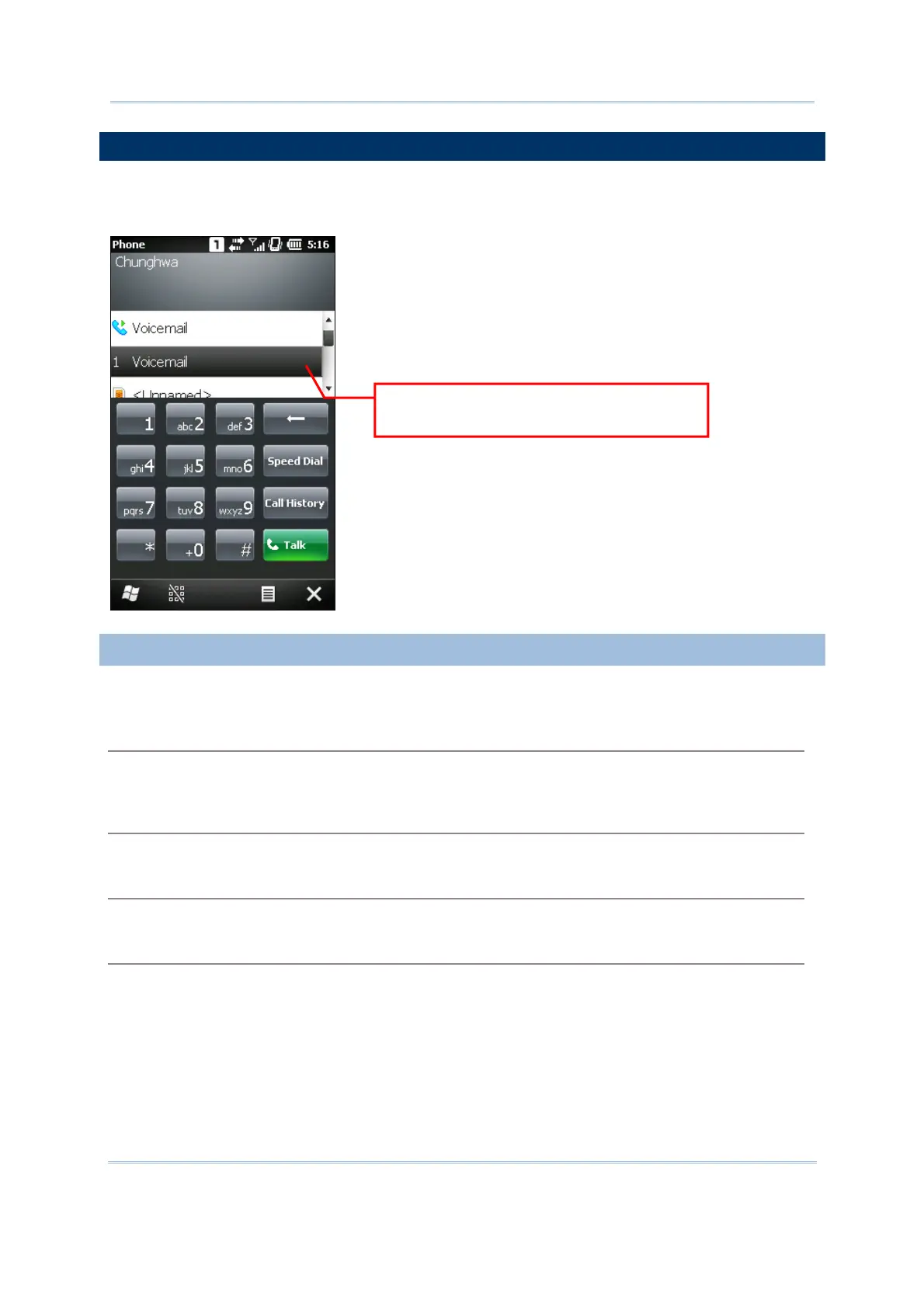
Using the dial pad on the screen or the physical keypad – simply enter the number you want to
call.
From Contacts
Browse the contact list via the display panel to find the contact or number you want to call.
Using Speed Dial
Enter the speed dial number of the desired contact.
From Call History
Browse call history via the display panel to pick the number you want to call.
1 means reserved Speed Dial number
for Voicemail



 To Next Page