68
CP30 Mobile Computer
Reference Manual
4.2 WI-FI CONFIGURATION
4.2.1 WI-FI UTILITY SETTINGS
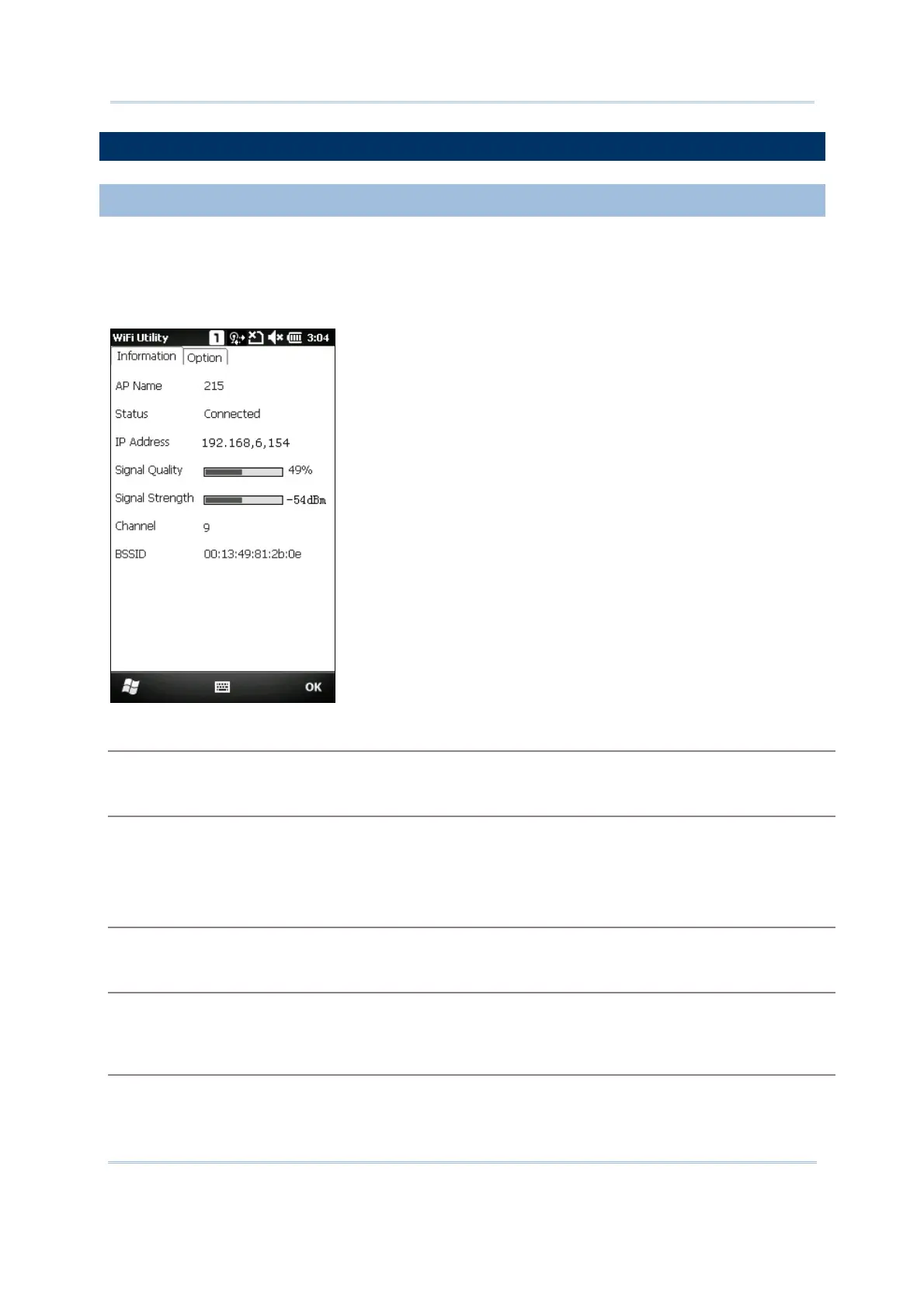
Go to Start | CipherLab Utilities | WiFiConfig to open the WiFi Utility.
On the Information tab, shows the status of the current wireless network connection
about the transmitting data signals via connected AP and established information.
AP Name
Name of the connected Network
Status
Potential values are
Associated
Down
Connected
IP Address
IP address of the mobile computer
Signal Quality, Signal Strength, Channel
Information on the wireless connection between the CP30 and AP, including bar indication of signal
quality and strength
BSSID
MAC address of the access point (AP)



 To Next Page