83
Chapter 5 Using Bluetooth
5.5 OBJECT PUSH VIA BEAM
5.5.1 SEND A FILE
1. Tap Start | File Explorer.
2. Navigate through file folders to find the file you wish to send to the remote device.
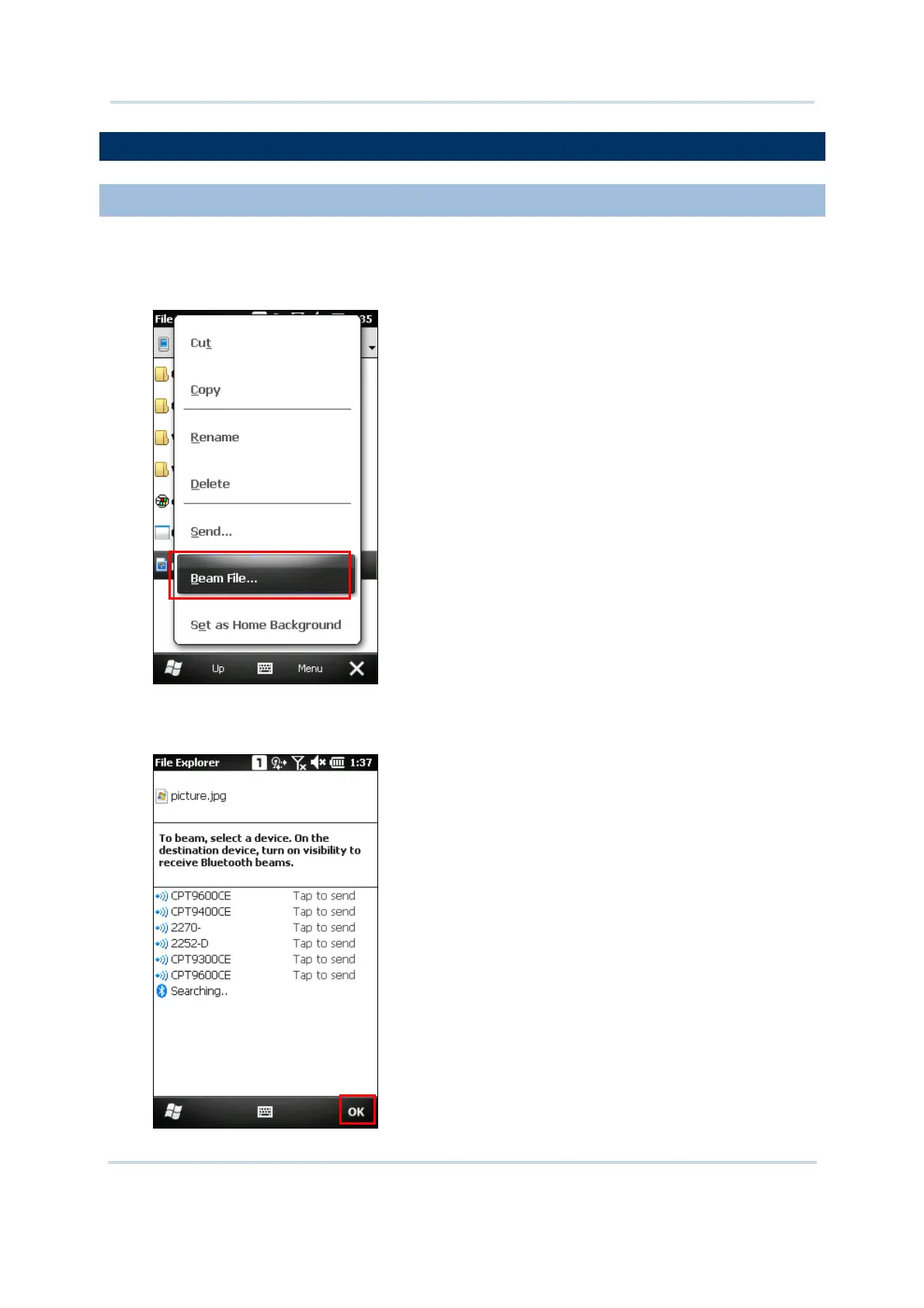
3. Tap and hold the file to select [Beam File] from the pop-up menu.
4. Tap the required remote device to send the file via Bluetooth. The mobile computer will
start uploading the file. Wait a few seconds for the remote device to receive the file. When
it is done, tap OK to return.



 To Next Page