53
Chapter 3
Configurin
CP30 Mobile Computer
Wi-Fi
Refer to Using 802.11 Radio.
Wireless Manager
Tap it to enable/disable the Wi-Fi, Bluetooth or Phone Power, related information refer to
24.1.1 Power On via Wireless Manager and 6.1.1 Wireless Manager (Phone).
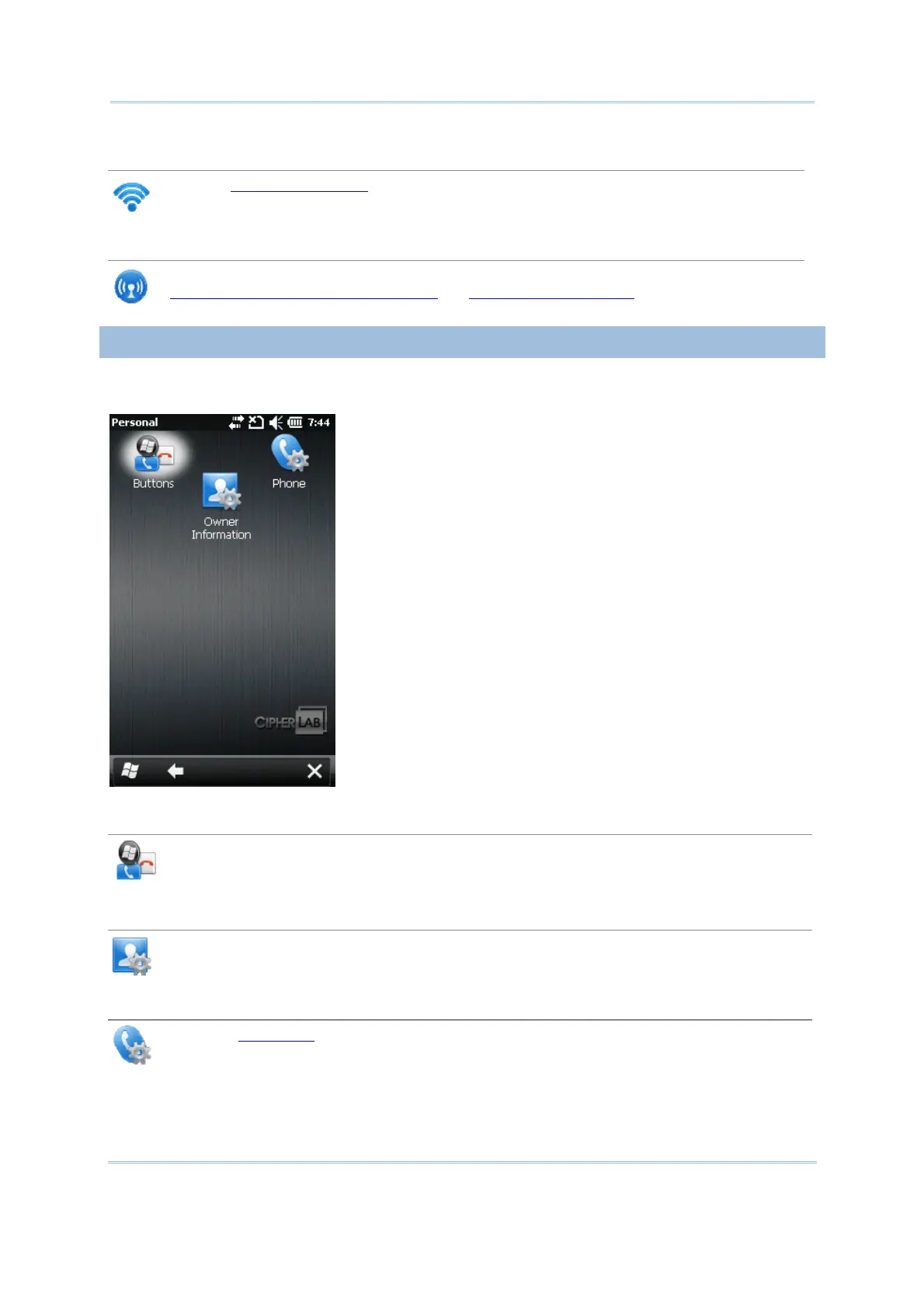
3.2.2 PERSONAL
Go to Start | Settings | Personal.
Buttons
Tap it to adjust the character input repeat delay and rate, move the slider to right or left
for repeat speed.
Owner Information
Identification tab: Enter your contact information.
Notes tab: Enter your notes.
Phone
Refer to 6.2 Phone .



 To Next Page