101
Chapter 6 Using the Phone
6.5 CONFIGURING GPRS NETWORK
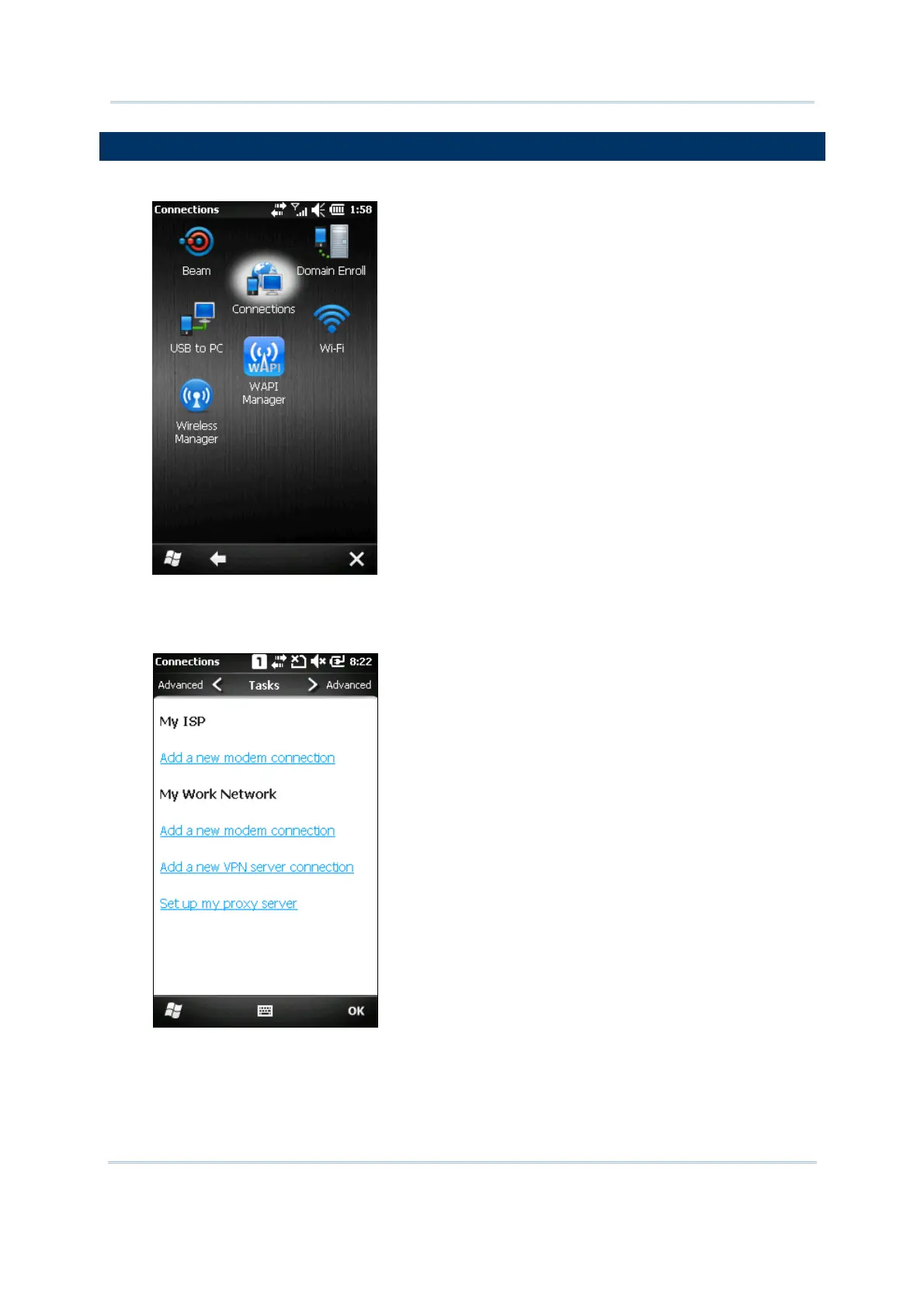
1. Tap Start | Settings | Connections and select Connections.
2. Initially, you have to configure the GPRS settings.
Tap [Add a new modem connection] and follow the on-screen instructions to enter the
connection name and modem types.



 To Next Page