113
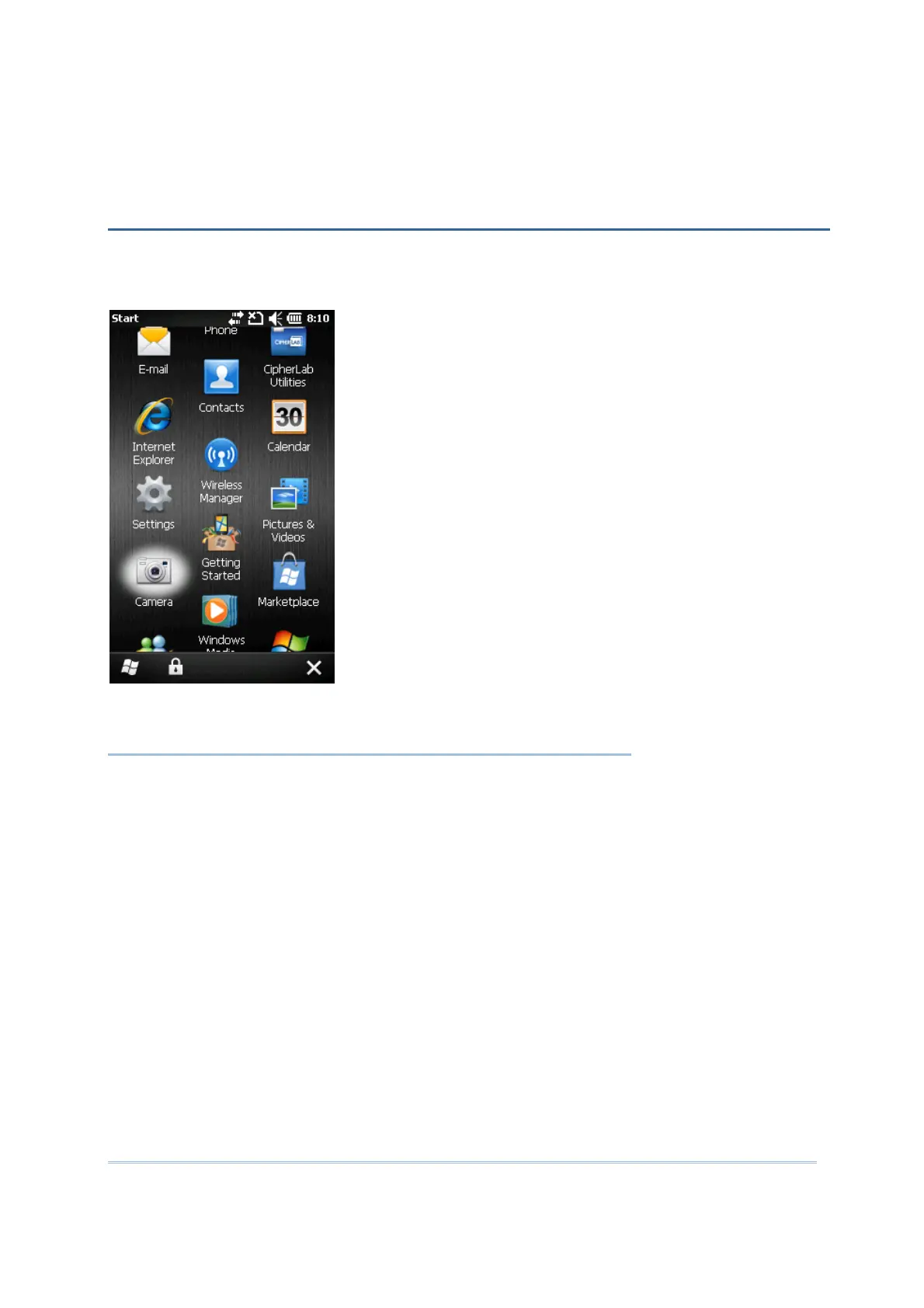
The Camera utility allows acquiring still or continuous images from the built-in camera.
Go to Start and tap Camera to open the image capture program.
IN THIS CHAPTER
8.1 Camera Interface......................................................114
8.2 Taking an Image.......................................................115
8.3 Shooting a Video ......................................................117
8.4 Pictures & Videos ......................................................118
8.5 Camera Settings.......................................................124
Chapter 8
USING CAMERA



 To Next Page