136
CP30 Mobile Computer
Reference Manual
9.3 SIGNATURE UTILITY
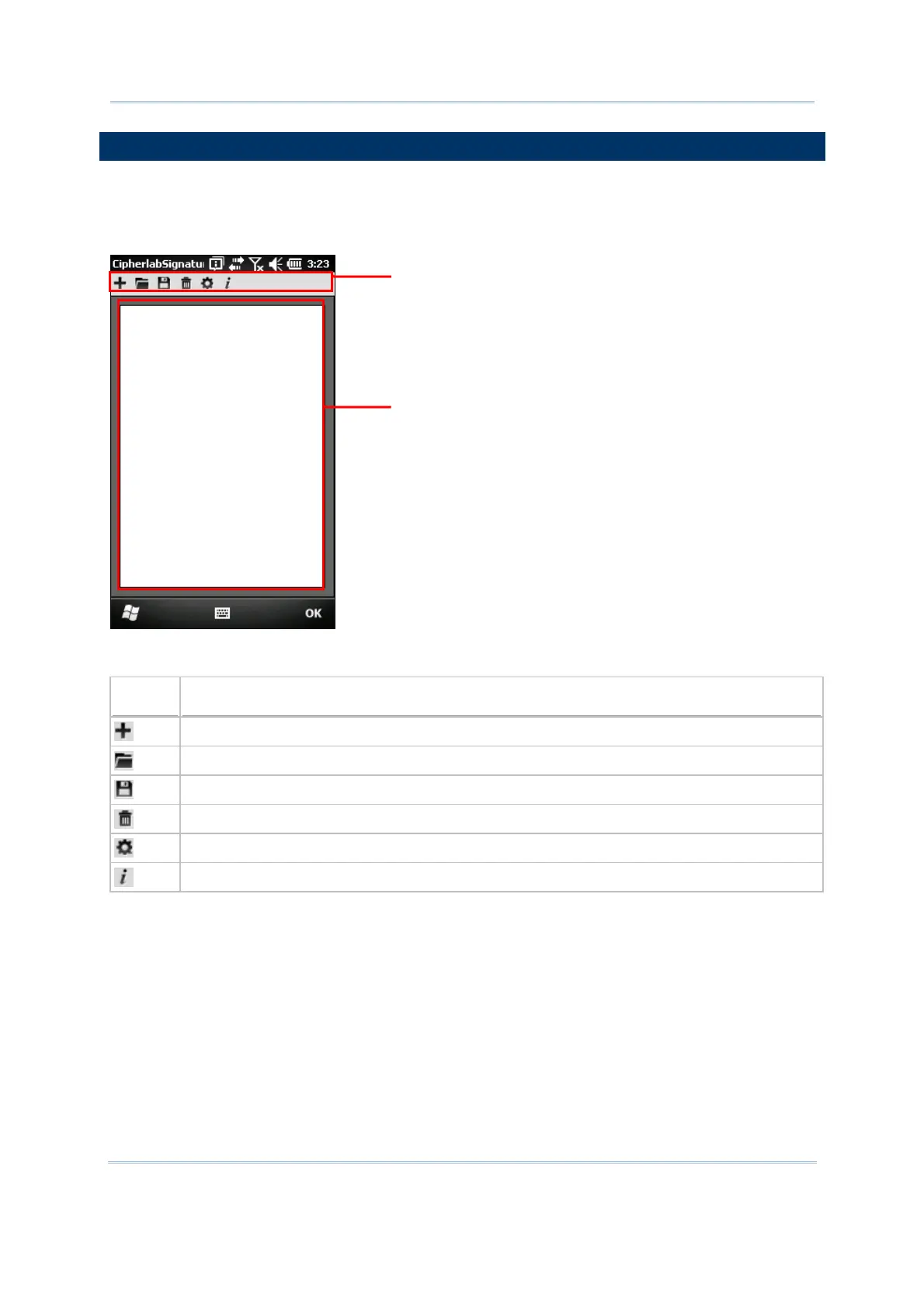
The Signature utility allows acquiring signatures and viewing signatures stored on the
mobile computer. Go to Start | CipherLab Utilities | CipherlabSignature to open the
signature capture program.
The icons on the toolbar, from left to right, are for these functions —
Button
Description
Create a new file.
Load a signature image.
Save the signature image to a file.
Clear the entire signature on the screen.
Configure signature settings if necessary.
Version information about the program.
oolbar
gnature Area



 To Next Page