117
Chapter 8 Usin
Camera
8.3 SHOOTING A VIDEO
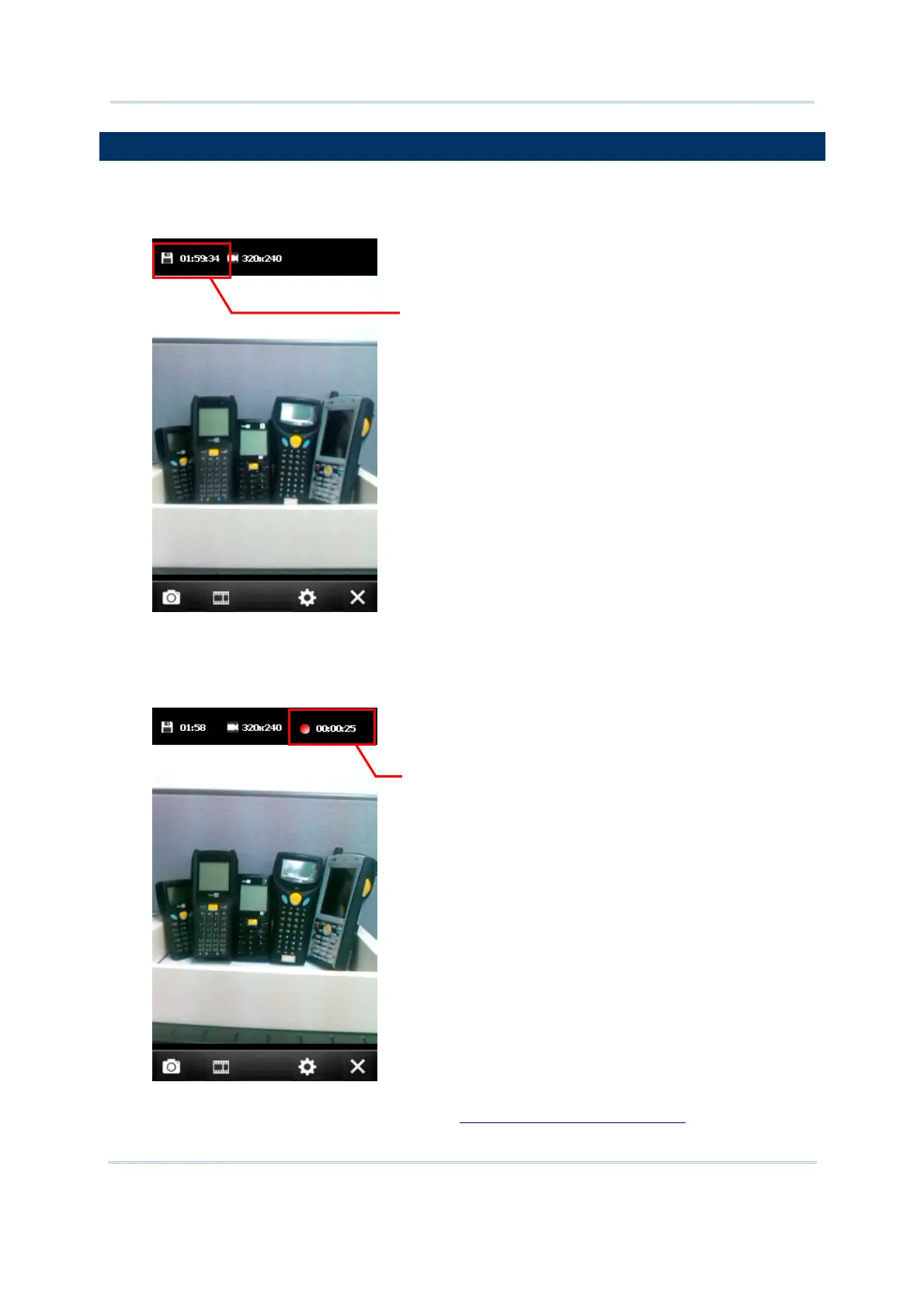
Switching to the Video mode, a preview screen will be displayed.
1. Hold still and take aim at the object you want to take a moving picture.
2. Press [Scan] or [Enter] on the physical keypad to record a video.
Each recording will be automatically saved under the directory “\My Device\My
documents\My Videos\YYMMDD” in the format of VideoXXX.3gp (“XXX” stands for 3-digit
serial number starting from “000”) by default.
3. Press [Scan] or [Enter] on the physical keypad to end recording. Otherwise, it will stop
itself after reaching the time limit. Refer to
8.4.3 Advanced Editing Settings.
vailable recording time
ontinuous recording time



 To Next Page