23
Chapter 1
Usin
he
CP30 Mobile Computer
1.5 NOTIFICATIONS
1.5.1 STATUS LED
The two LED indicators on top are used to provide information on the charging status,
scanner "Good Read" while collecting data, and messages.
LED Indicators
Status Description
Red, solid Charging the mobile computer Charging
Green, solid Charging done
Top left
Scanner Green, on-off Good Read
Top right Messaging Amber, flashing Messages received, e.g. missed call, voicemail,
new SMS/MMS message or e-mail
1.5.2 AUDIO
The speaker is used to play sounds for events in Windows and programs, or play audio
files such as .WAV files. In addition, it can be programmed for status feedback. In noisy
environments, you may consider connecting a headset instead. A headset jack is
provided, which is a 3.5 mm DIA stereo earphone jack. Bluetooth headset is also
supported.
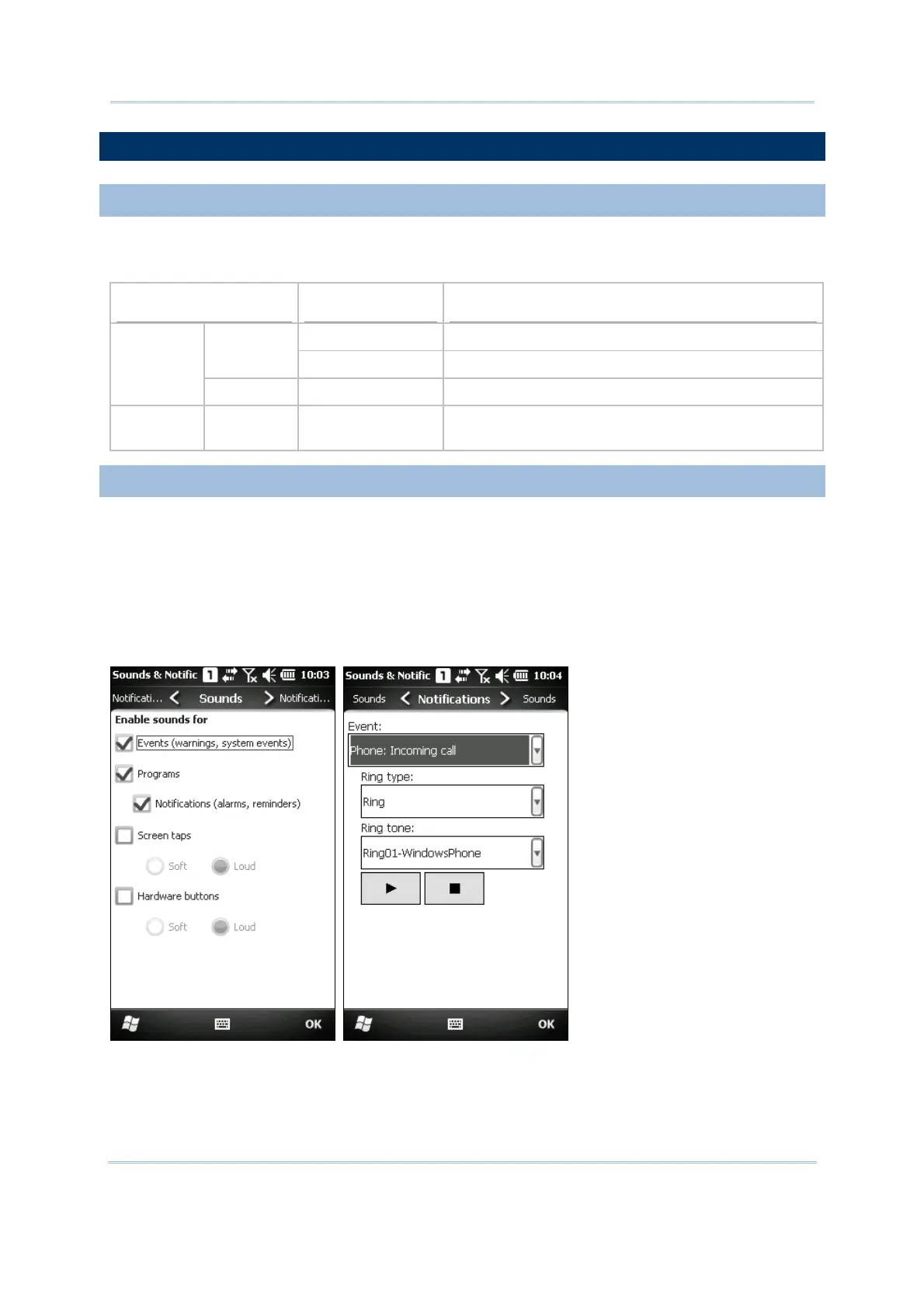
Go to Start | Settings, and tap Sounds & Notifications to configure related settings.



 To Next Page