22
CP30 Mobile Computer
Reference Manual
1.4.2 SCREEN SETTINGS
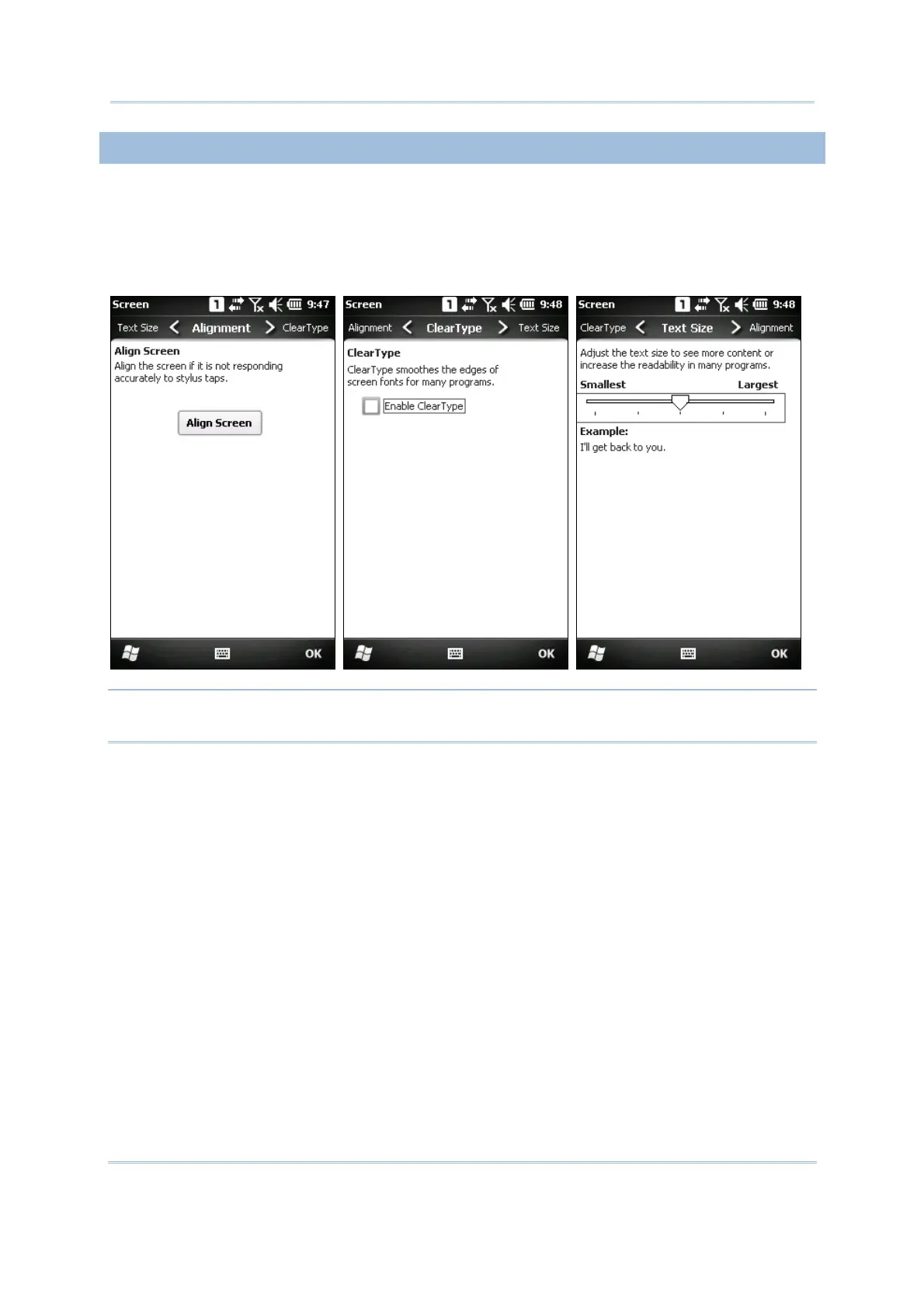
This LCD is also a touch screen that can be calibrated through screen alignment.
Go to Start | Settings | System, and tap Screen to configure related settings. You
may re-calibrate the touch screen, smooth the font edges or adjust the text size
displayed on the screen if necessary.
Warning: DO NOT use any pointed or sharp objects to move against the surface of
the screen.



 To Next Page