124
CP30 Mobile Computer
Reference Manual
8.5 CAMERA SETTINGS
On the soft key bar, tap the button to configure camera settings if necessary.
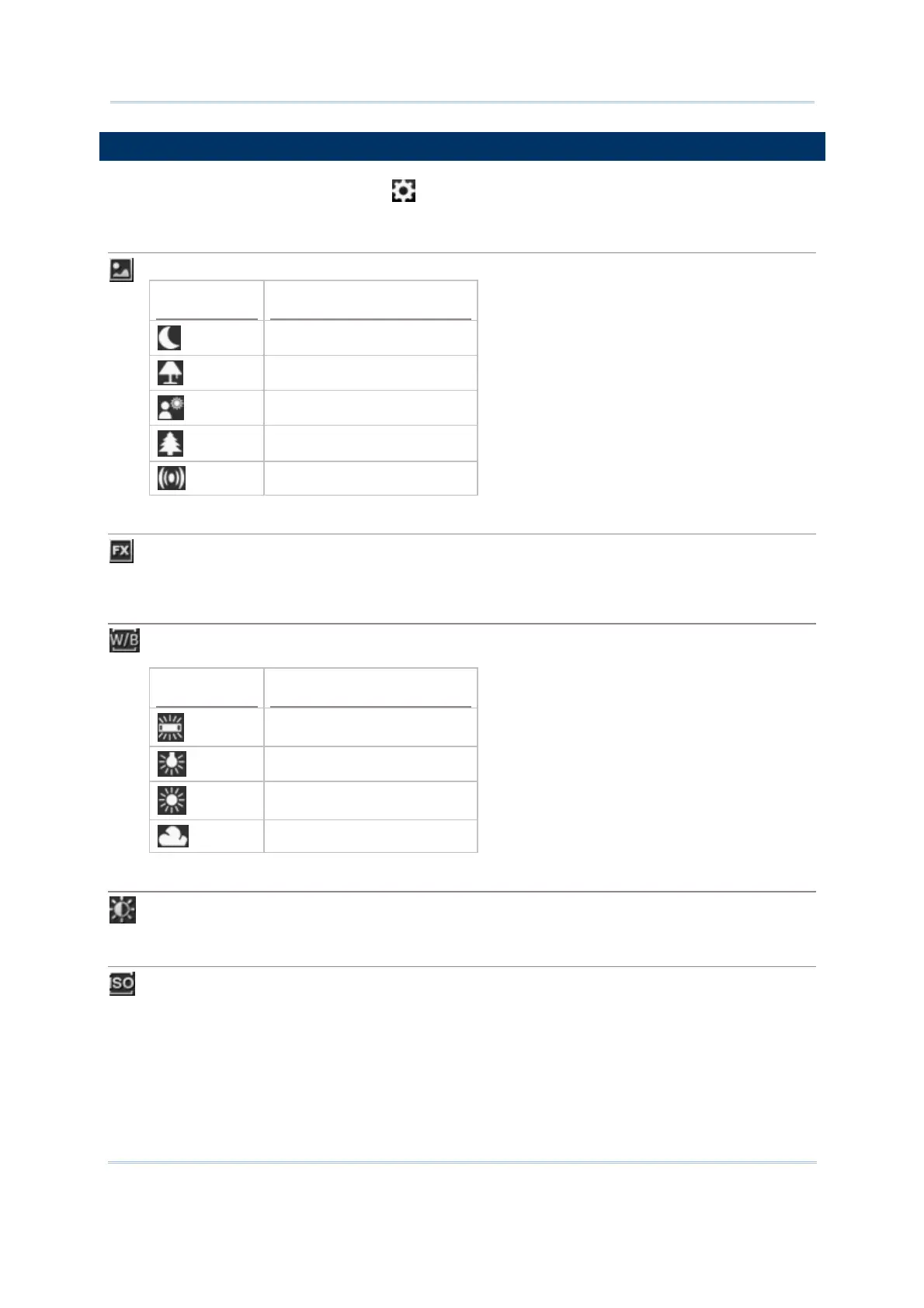
Mode
By default, no special mode is applied.
Icon Description
Night mode
Low light
Backlight
Outdoor
Stabilize
Effect
By default, no special effect is applied.
Monochrome, Negative, and Sepia are supported.
White Balance
By default, the camera is set to adjust automatically. Tap to select a specific scenario for
setting white balance.
Icon Description
Bright light
Indoor light
Sunny light
Cloudy light
Brightness, Contrast, Sharpness
Tap it to adjust brightness, contrast, and sharpness.
ISO Speed
ISO is the level of sensitivity of your camera to available light. You can adjust the ISO speed
by this icon. The larger value you set, the faster the shutter speed. By default, it is set to
adjust automatically.
100, 200, 400, and 800 are supported.



 To Next Page